Catch a hijacked staff account before it wrecks everything
A moderator’s account is stolen and Administrator is given to a role. Here is what Spider does within seconds, and how to set it up.
 Spider team2 min read
The most destructive raids do not come from outside. They often start with a trusted account being stolen: a moderator clicks a fake link, their token is taken, and someone else acts in their place, with their rights.
The scenario
- 9:14 pm: a moderator’s account is stolen.
- 9:15 pm: the intruder gives the Administrator permission to the @Member role, or creates a role with it and assigns it.
- 9:16 pm: anyone can now delete channels, ban the staff or add a malicious bot.
Without protection, you find out the next day. With Sensitive permissions, step 2 triggers an immediate alert.
What Spider does
The alert lands in your staff channel, with the roles you chose to mention. It shows who made the change, what (the added permission, the created role, the affected member or the bot that joined) and offers a suitable button:
- Remove these permissions, when a role was changed or created;
- Remove the role, when a member received a dangerous role;
- Kick the bot, when a bot joined with too many rights;
- This is normal, when the change was intended.
And if nobody answers? With automatic undo, Spider undoes by itself an alert nobody approved after 5, 10, 30 or 60 minutes. That is what saves servers at night.
The right setup
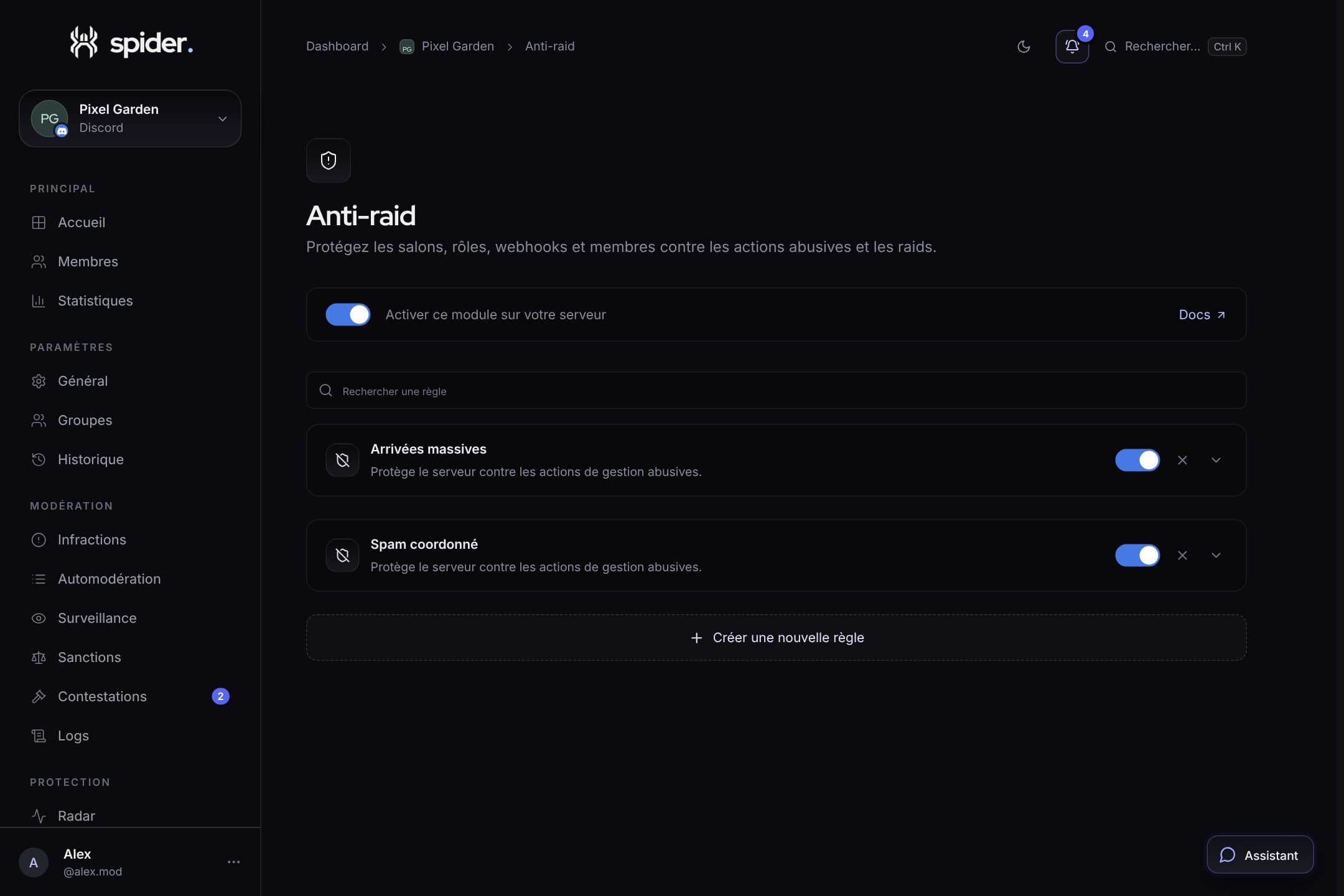
- In Protection › Sensitive permissions, turn on alerts and pick a channel only staff can see.
- Mention your administrators’ role, not the whole staff.
- Keep at least Administrator, Manage server, Manage roles, Manage channels, Manage webhooks and Ban.
- Set automatic undo to 10 minutes: long enough for an admin to approve a real change, short enough to limit damage.
- Leave Added bots on: a malicious bot is the classic next step after a stolen account.
Mistakes to avoid
- Adding the whole staff as trusted members. A stolen trusted account then goes through without an alert. Keep that list to one or two people, or none.
- Placing Spider’s role too low. Spider can only fix roles below its own. Place it above the moderation roles.
- Ignoring “normal” alerts. Clicking “This is normal” leaves a trace: the dashboard’s Latest alerts list shows who approved what.

Try it on your server
Spider is free to add. Set it up in a few minutes from the dashboard.
Keep reading
 SecurityAfter a raid: clean up in two minutesThe end-of-raid report, banning every account in one click and the Emergency tab of /mod: what to do once the wave has passed.SecurityProtecting your server against raidsCaptcha at the door, anti-raid on joins and sensitive actions, Radar to watch: the three layers of solid protection.
 SecurityRadar explained: signals, spikes and logObserved, applied, to review: how to read Radar to know at a glance whether your server is fine.