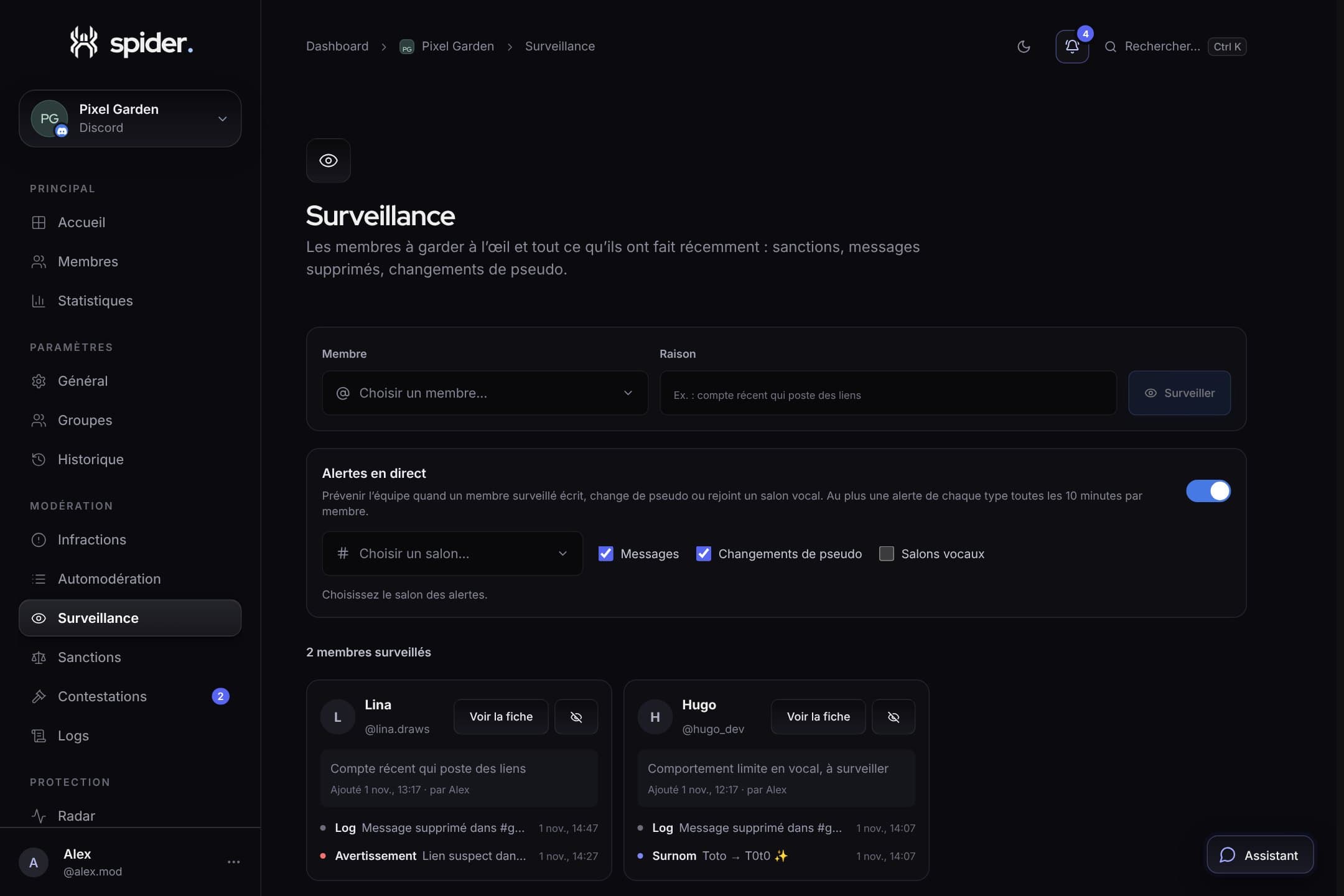
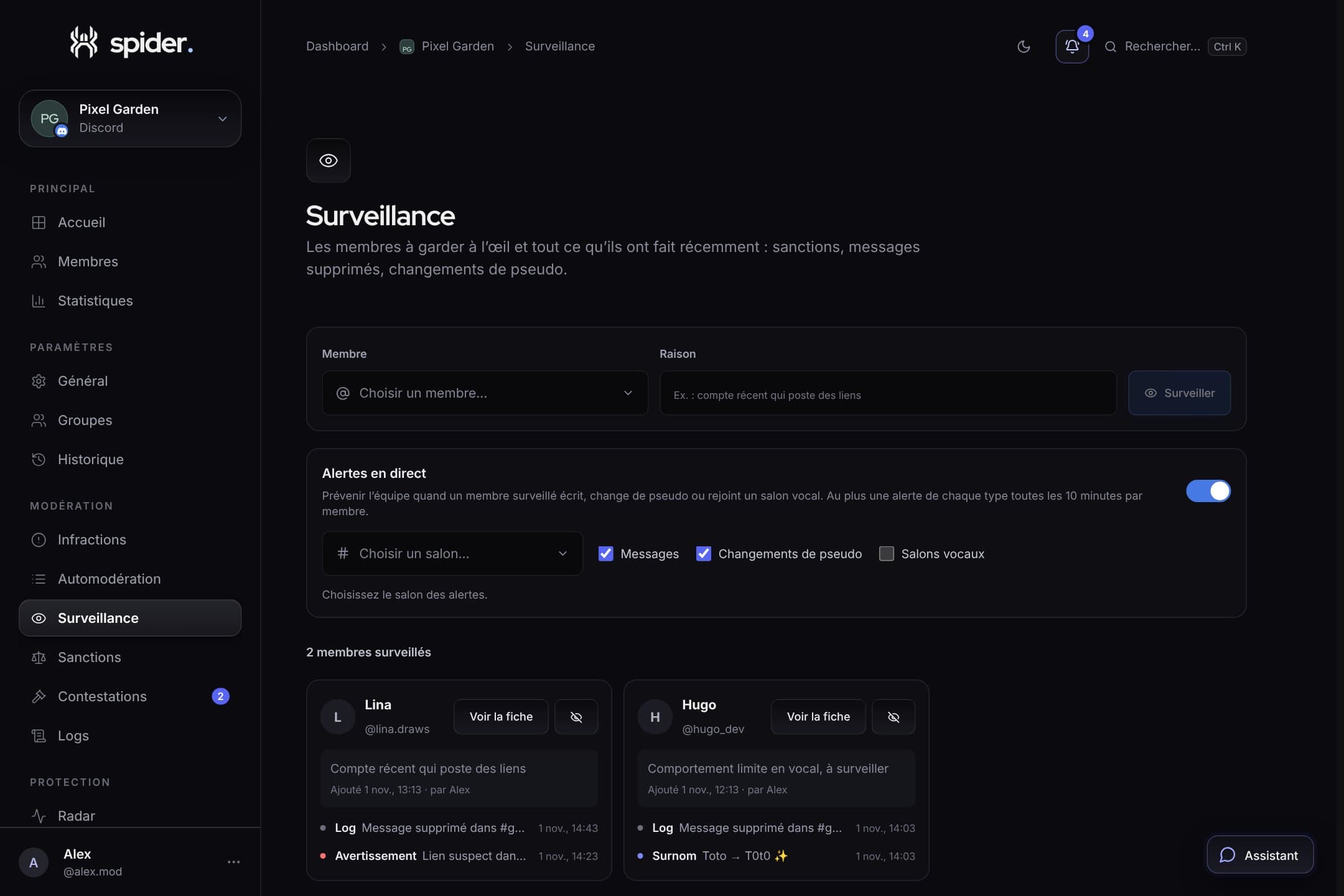
 What’s newWatchlist, night mode, network alerts: Spider keeps watch even while you sleepFour new protections to keep an eye on risky members, tighten the server at night, benefit from other Spider servers’ bans and block dangerous permissions.
The Spider blog
News, practical guides and behind-the-scenes stories to run a calmer, safer Discord community.
RSS feedWhat’s newWatchlist, night mode, network alerts: Spider keeps watch even while you sleepFour new protections to keep an eye on risky members, tighten the server at night, benefit from other Spider servers’ bans and block dangerous permissions.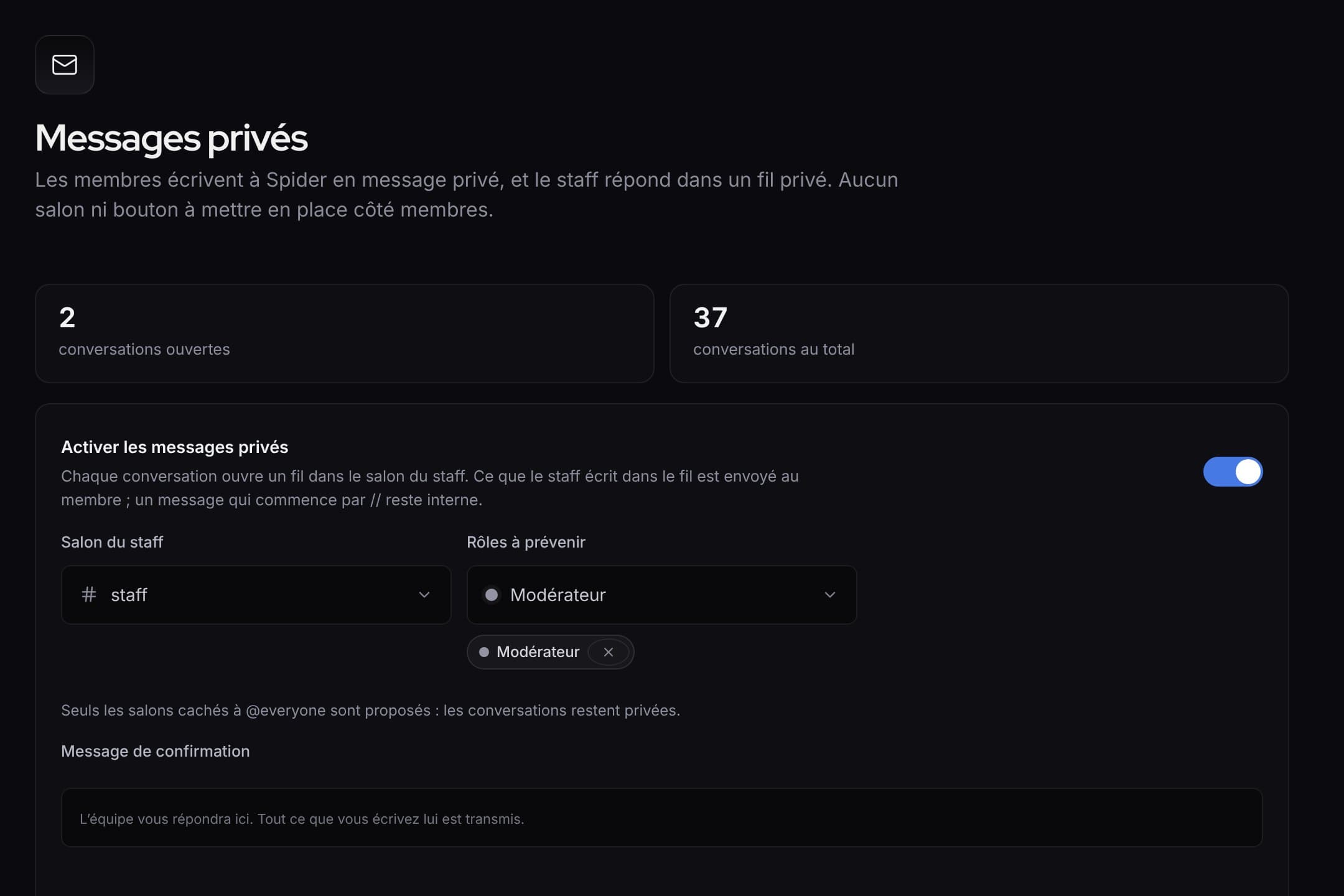 What’s newWhat’s new: faster tools for the staff, and a clearer dashboardQuick replies and blocking in private messages, ready-made alert rules, activity of each rule, a new menu and an always visible save bar.
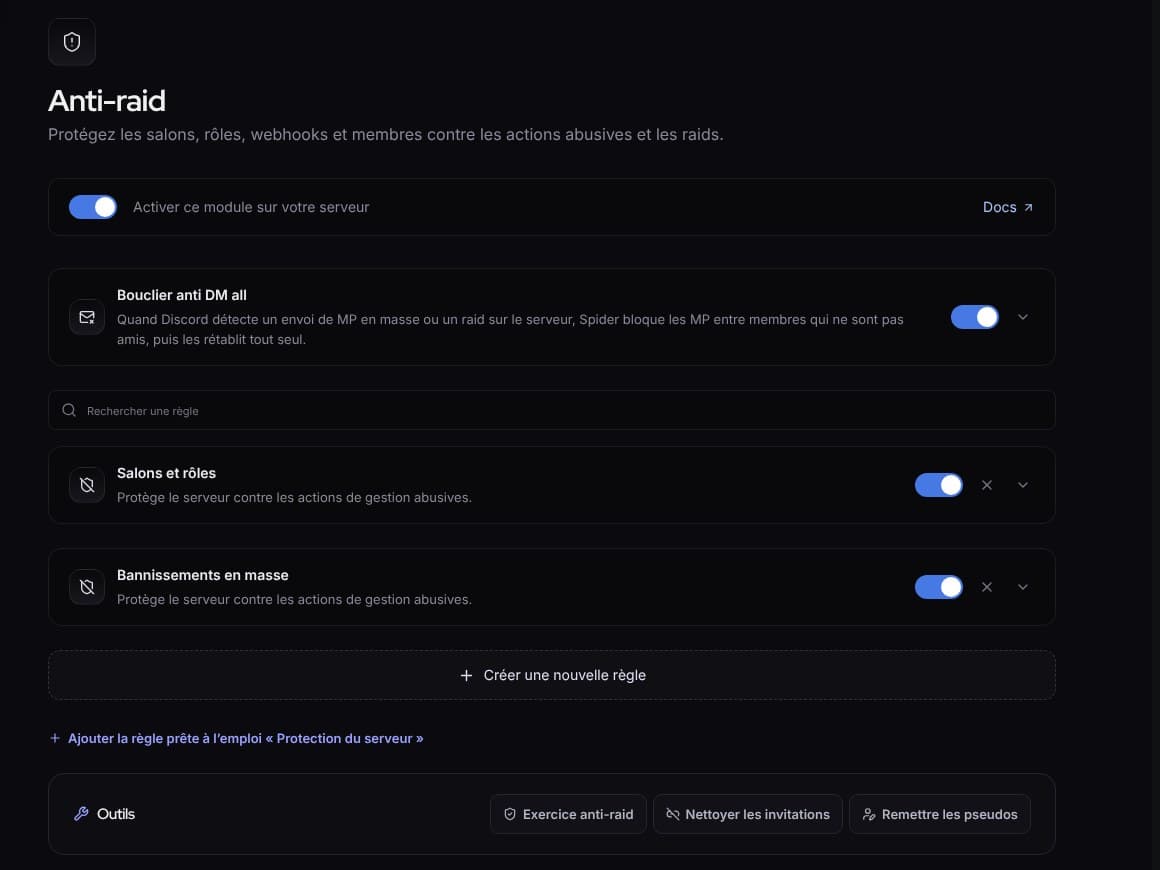 What’s newWhat’s new: fuller protection, and a livelier SpidyDM all shield, “Check link”, hacked accounts, leaked keys, server protection, anti-raid drill, milestone parties and spectator mode.
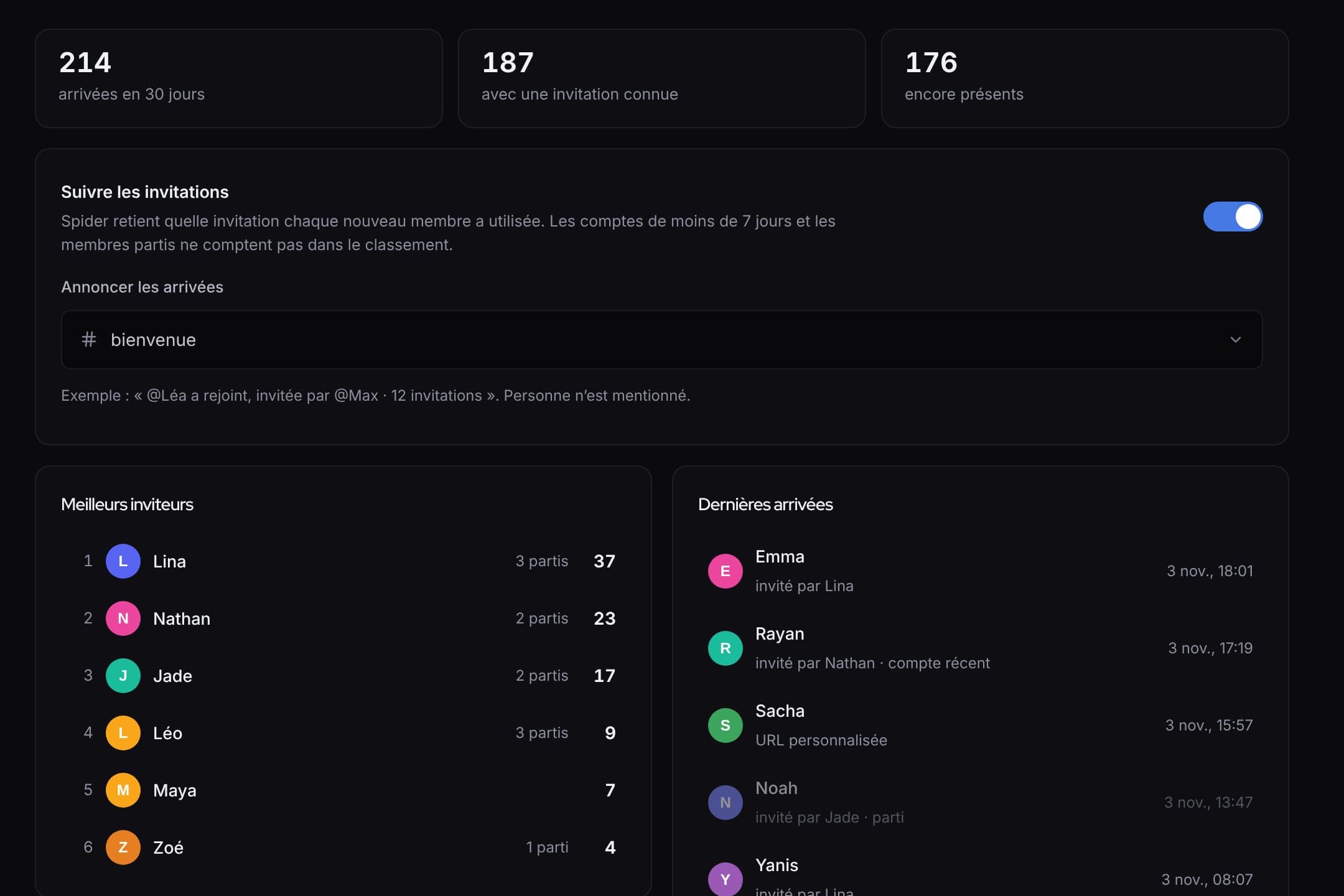 What’s newWhat’s new: invites, automatic answers, counting game and automatic setupWho invited whom and rewards, answers that even read screenshots, a counting game, and a server set up in one click.
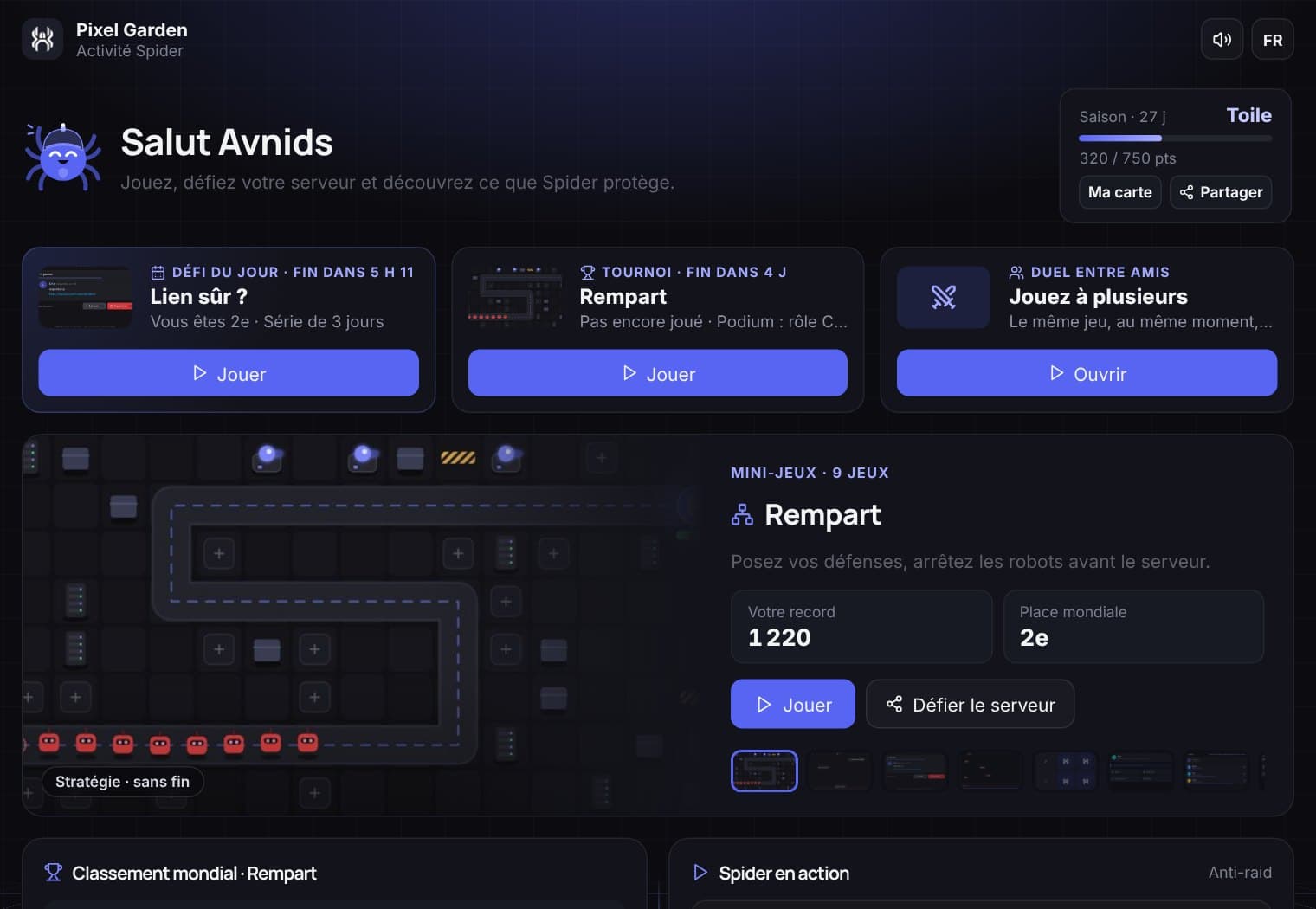 What’s newThe Spider Activity lands in DiscordSecurity mini-games, a world leaderboard, a daily challenge, a weekly tournament and duels with friends. All without leaving Discord.
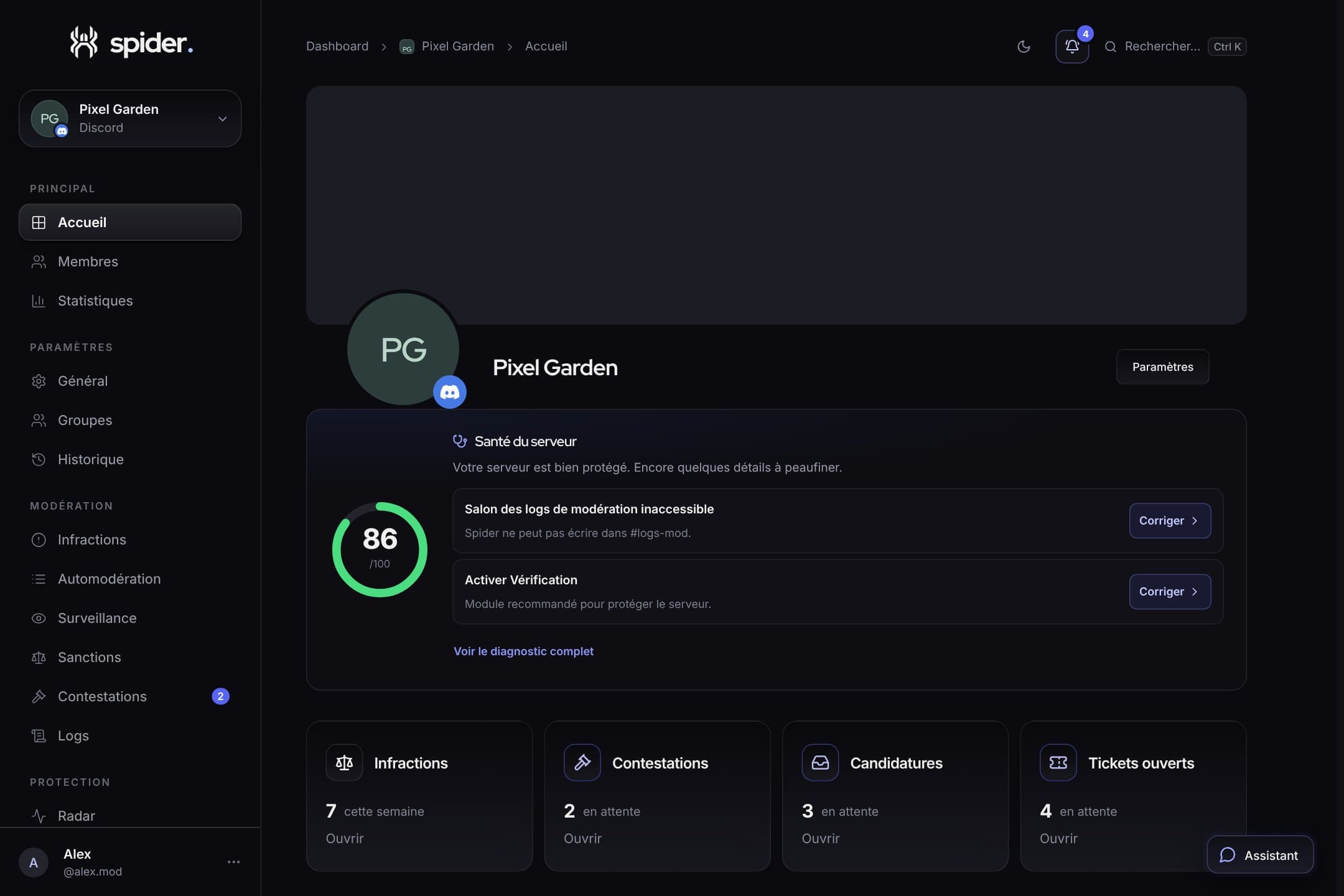 What’s new/mod, /settings, /profile: run Spider straight from DiscordA complete moderation console, every setting in one command, profile and server cards, a settings history with undo and more flexible permissions.
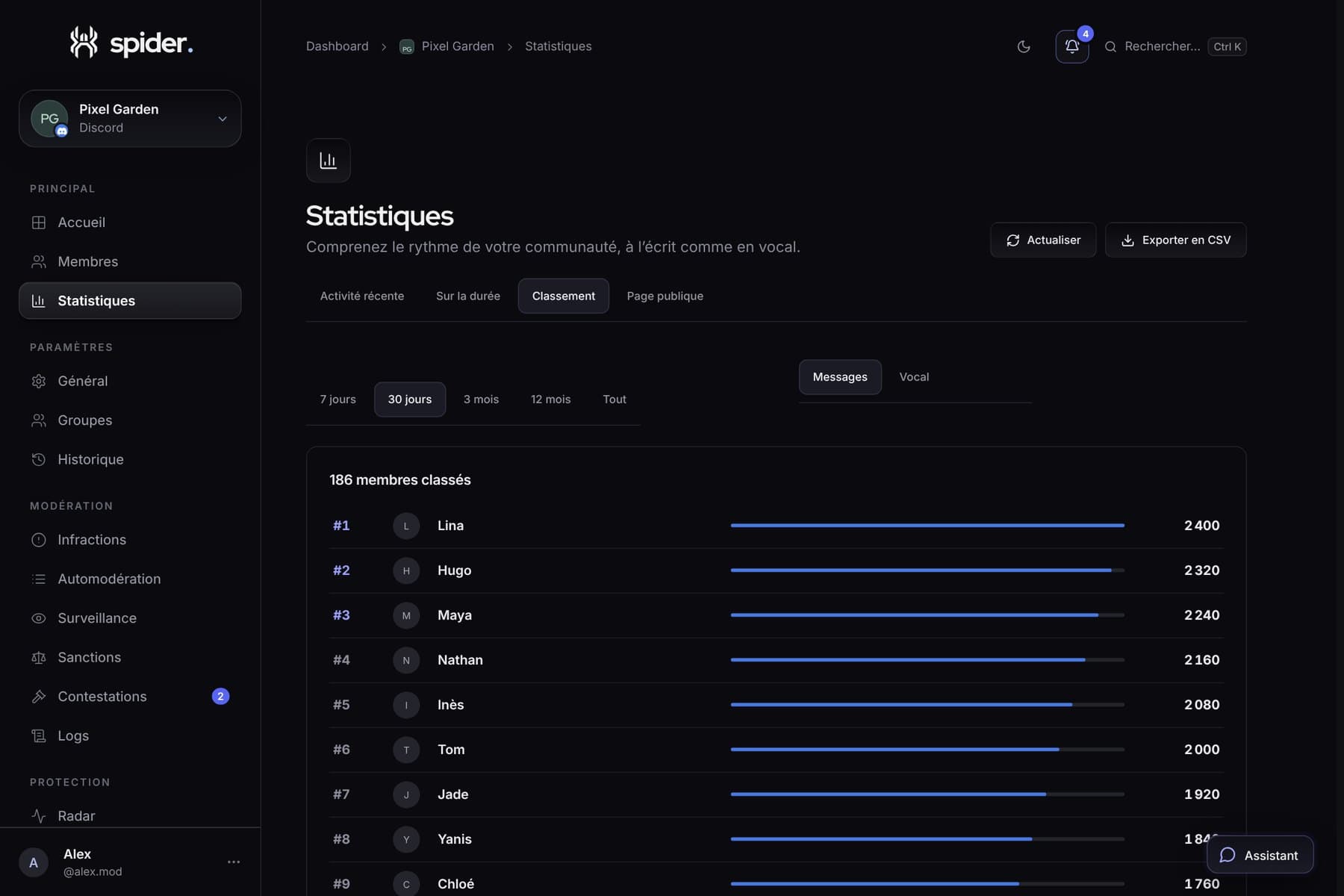 GuidesBringing your server to life with its statisticsWhen to run an event, which channel to close, who to thank: five concrete decisions to make with Spider’s numbers.
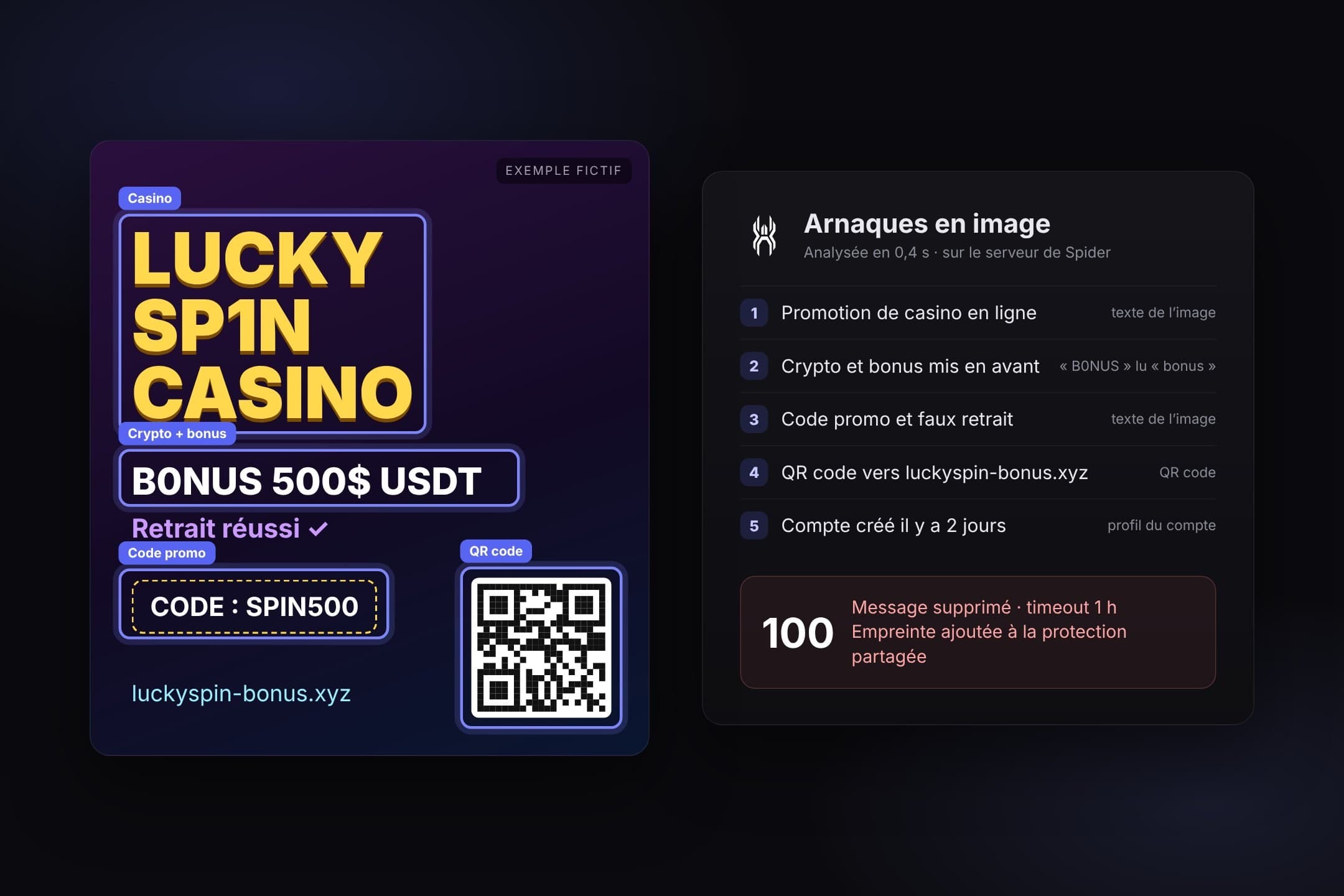 What’s newImage scams: Spider now reads your imagesFake casinos, crypto gifts, fake giveaways: a new auto-moderation rule reads the text in images, GIFs and QR codes, and learns from every scam it blocks.
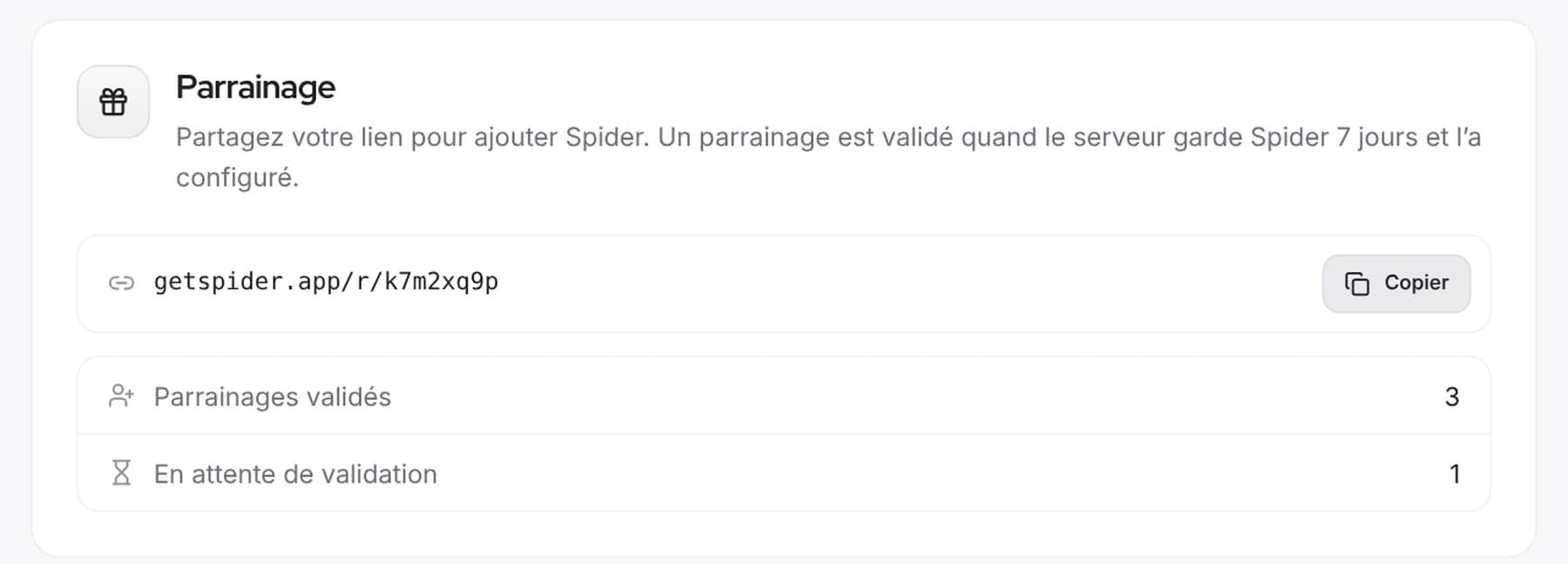 CommunityReferrals and votes: help Spider growA personal link to introduce Spider, top.gg votes announced on our Discord and a Supporter role to thank those who vote.What’s newThe new Spider dashboard is hereA menu organised by theme, a Home page that tells you what to do next, Ctrl+K search and grouped pages: a tour of everything that changed.
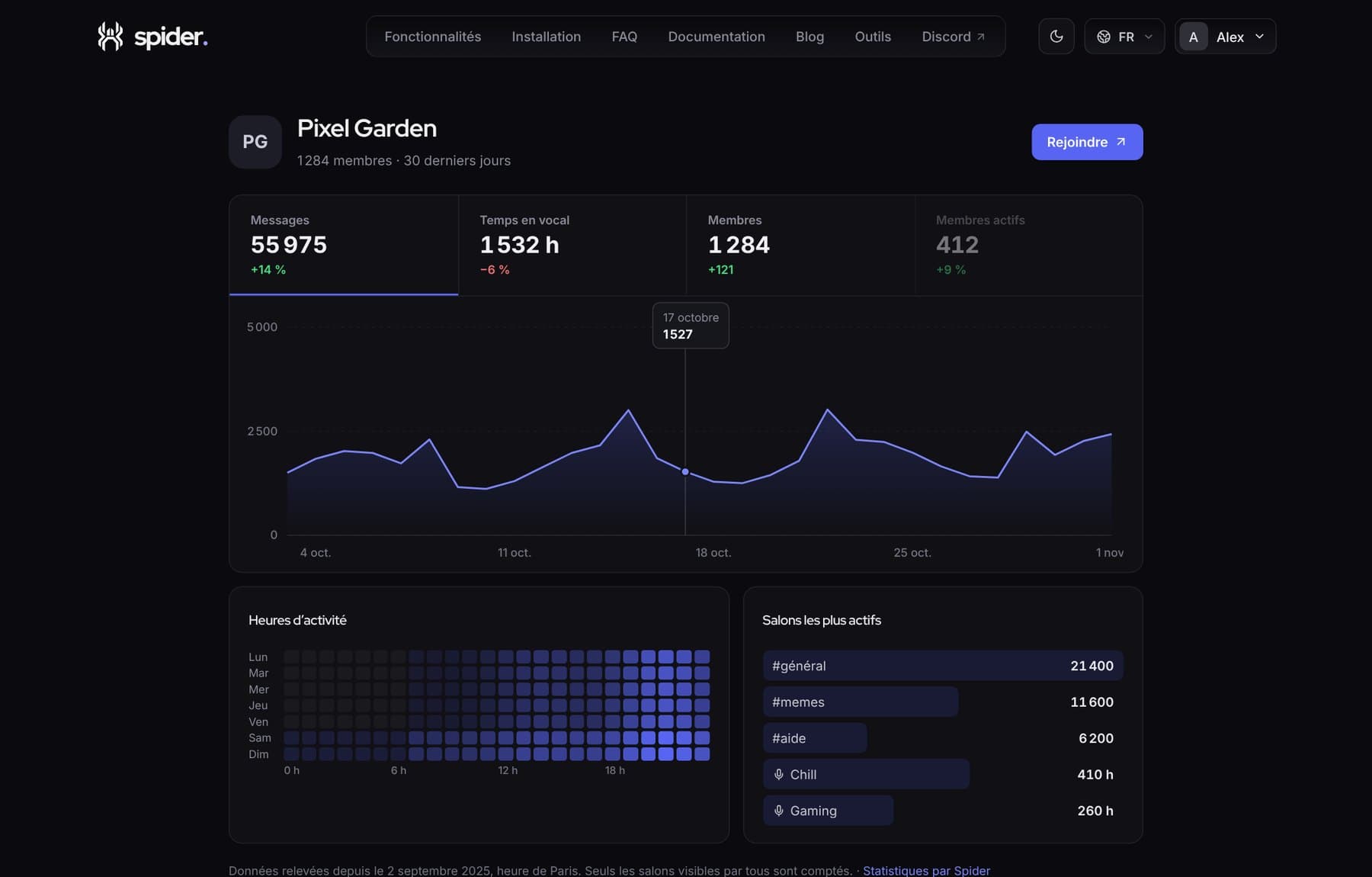 CommunityShow your server is alive with a public pageA getspider.app page with your server’s activity, to share on server lists, social media or your website.
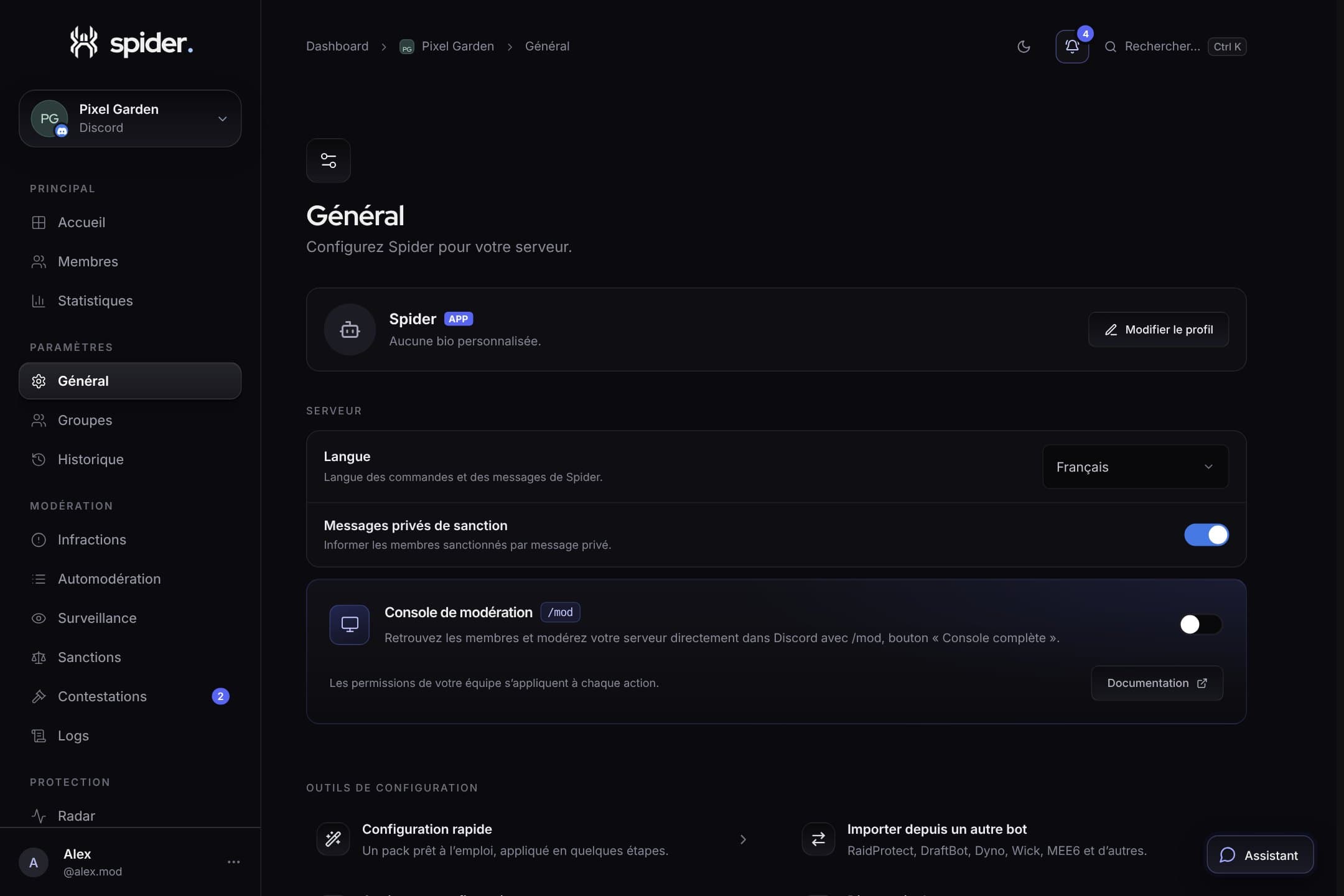 GuidesSet up Spider in 10 minutesThe recommended order to go from a freshly invited bot to a protected, organised server, without missing anything.
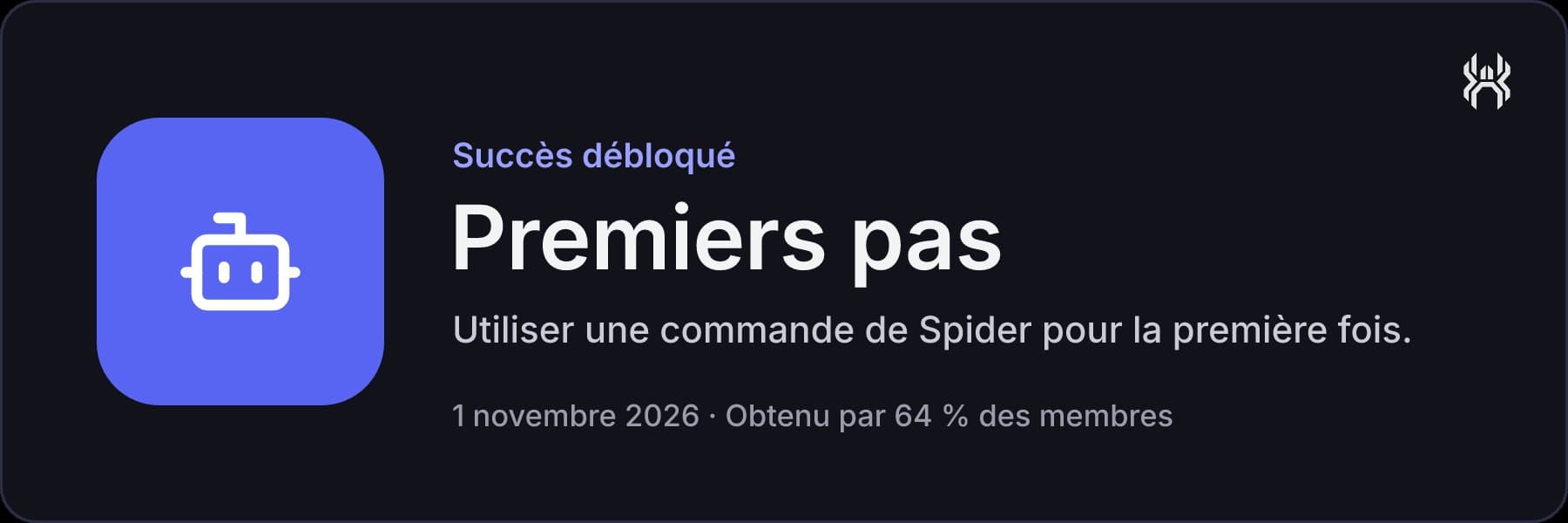 What’s newAchievements and badges: your journey on Spider, now visibleEleven achievements to unlock by using Spider, announced in a discreet private message, and badges on your public profile.
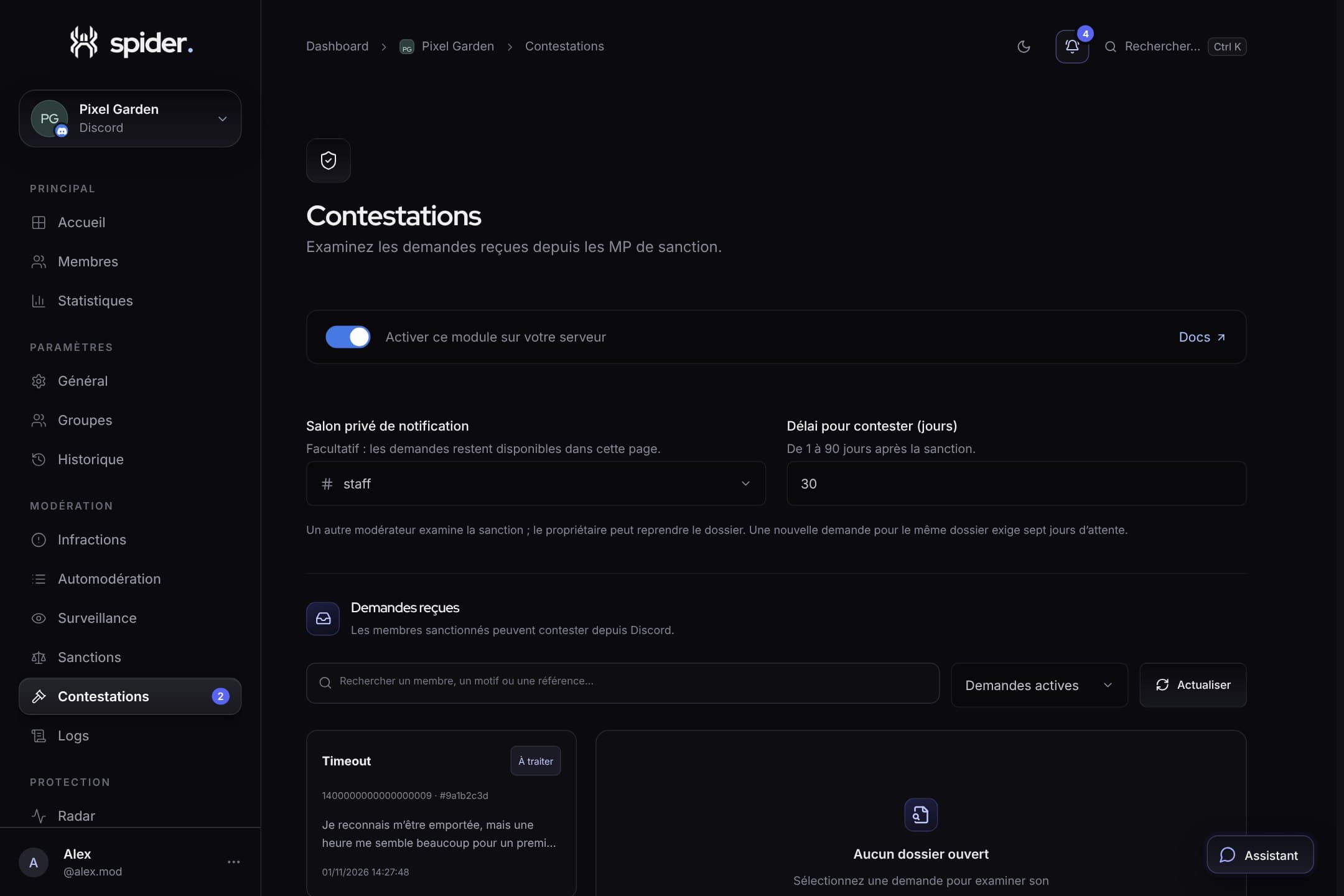 What’s newAppeals: letting members challenge a sanctionA sanctioned member can now appeal from Spider’s direct message. Another moderator reviews the decision, and the answer is sent back to them.
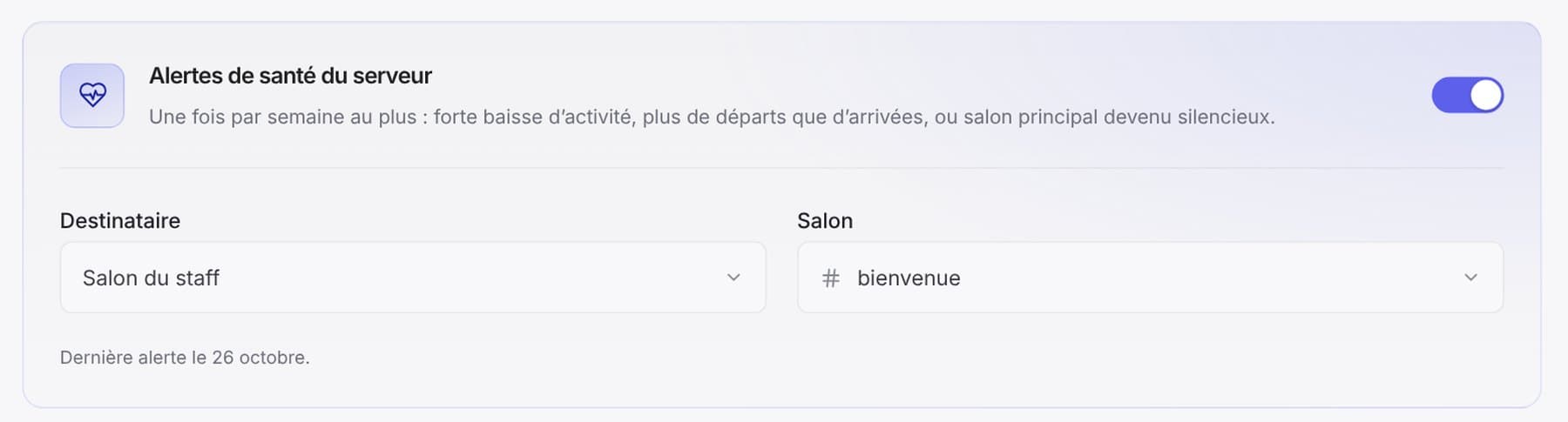 What’s newHealth alerts: Spider tells you when your server is slowing downA drop in activity, more leaves than joins, a main channel gone quiet: one message a week at most, only when it matters.
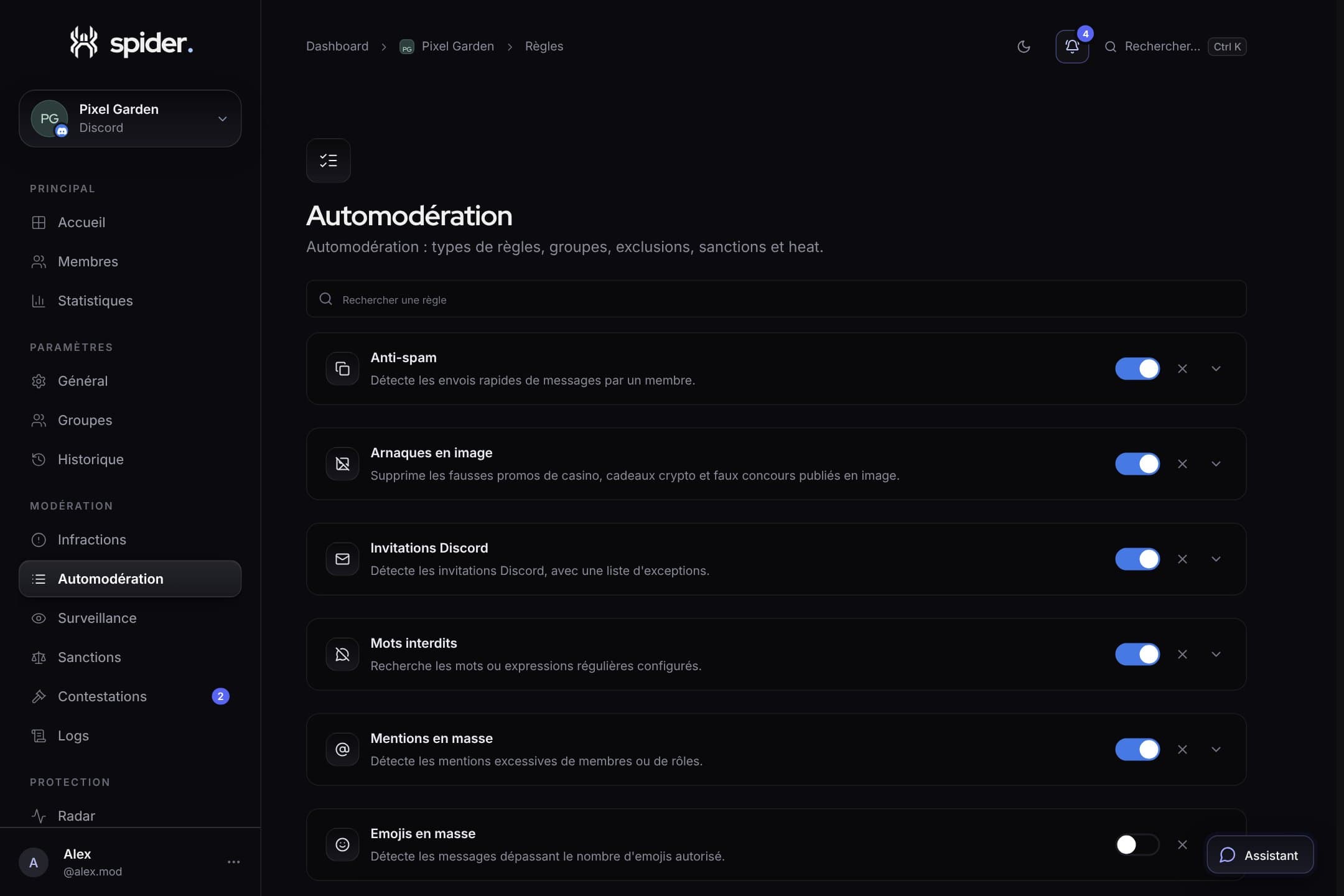 GuidesStrict automoderation without false positivesThresholds, exclusions, heat mode and alerts: the settings that make the difference between a bot that protects and a bot that annoys.
 Behind the scenesWhy we removed pages from the dashboardStarboard, Transparency, Server tools, Reports: we removed entire modules. Here’s why, and what replaces them.
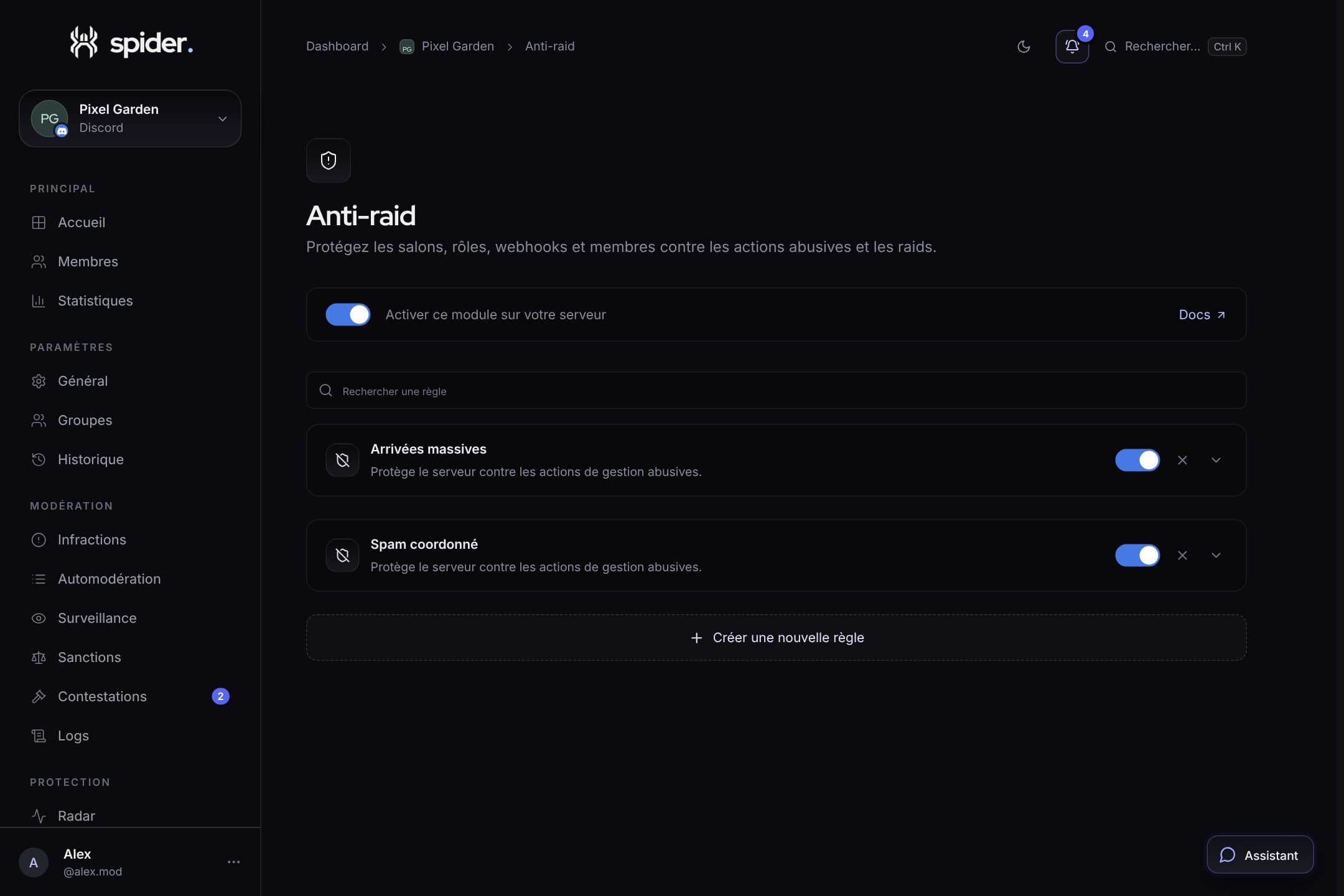 SecurityAfter a raid: clean up in two minutesThe end-of-raid report, banning every account in one click and the Emergency tab of /mod: what to do once the wave has passed.SecurityProtecting your server against raidsCaptcha at the door, anti-raid on joins and sensitive actions, Radar to watch: the three layers of solid protection.
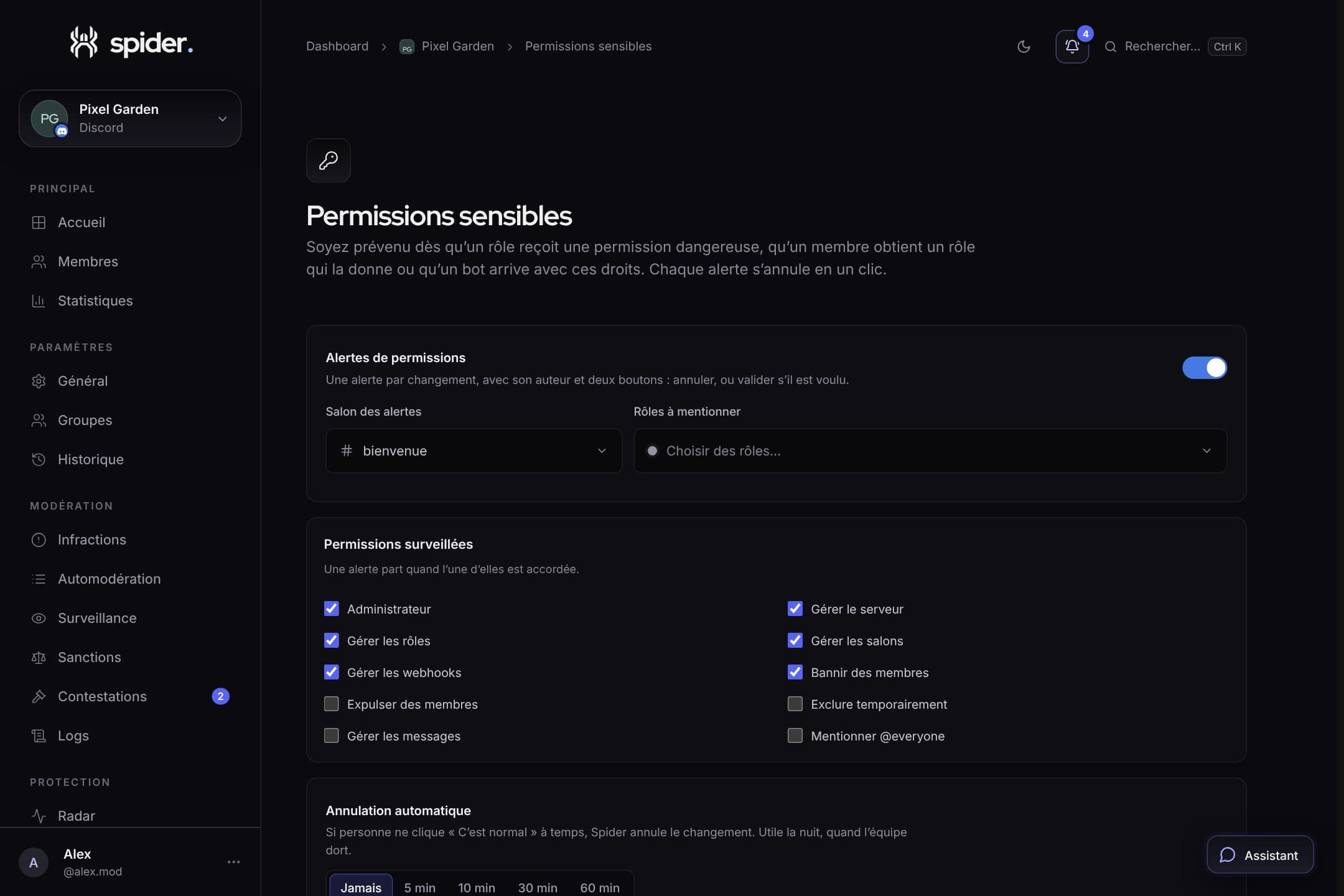 SecurityCatch a hijacked staff account before it wrecks everythingA moderator’s account is stolen and Administrator is given to a role. Here is what Spider does within seconds, and how to set it up.
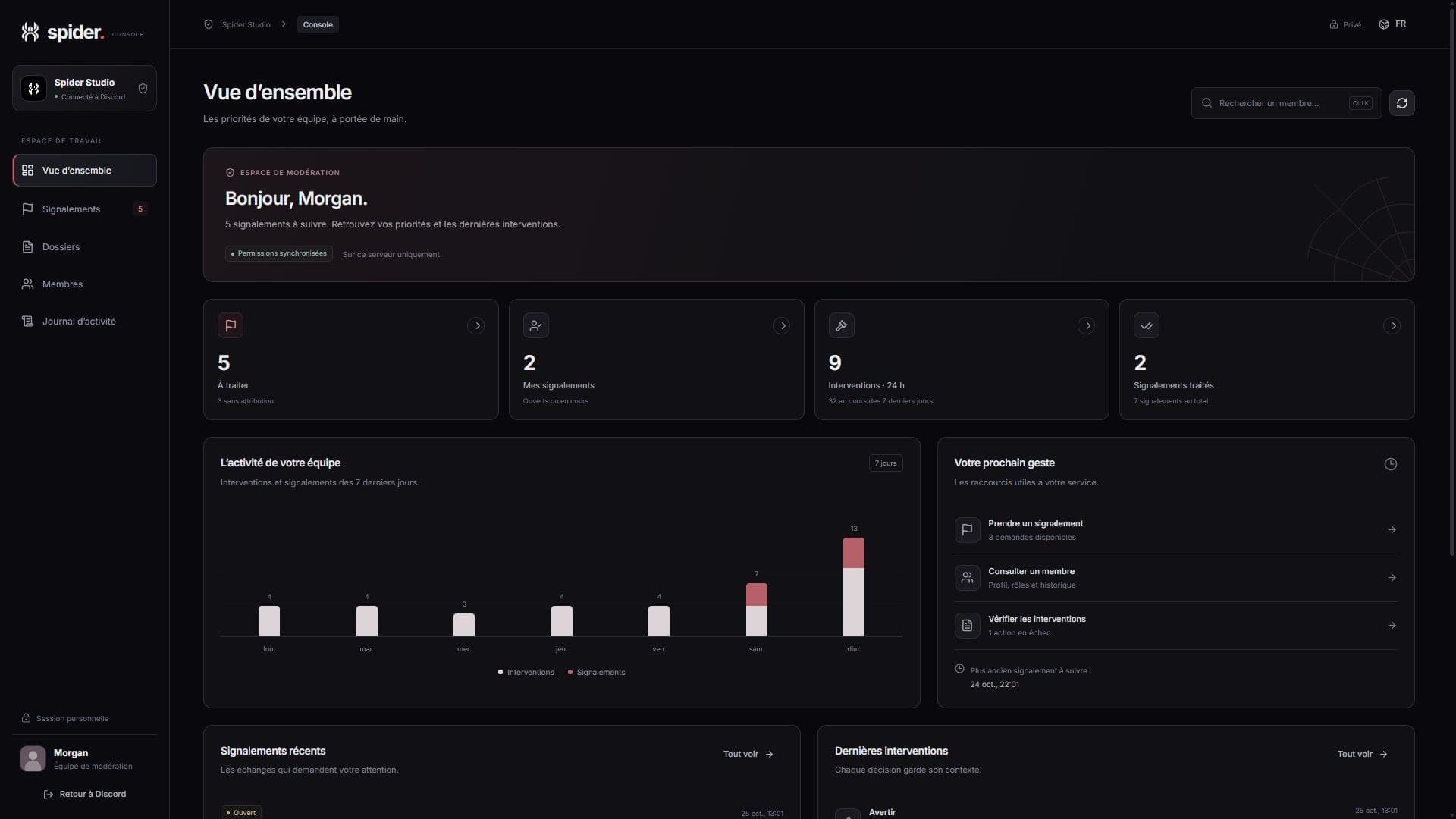 What’s newModerate without leaving Discord with the consoleThe moderation console is a Discord Activity: priorities, member profiles, cases and actions, in a private window next to your channels.
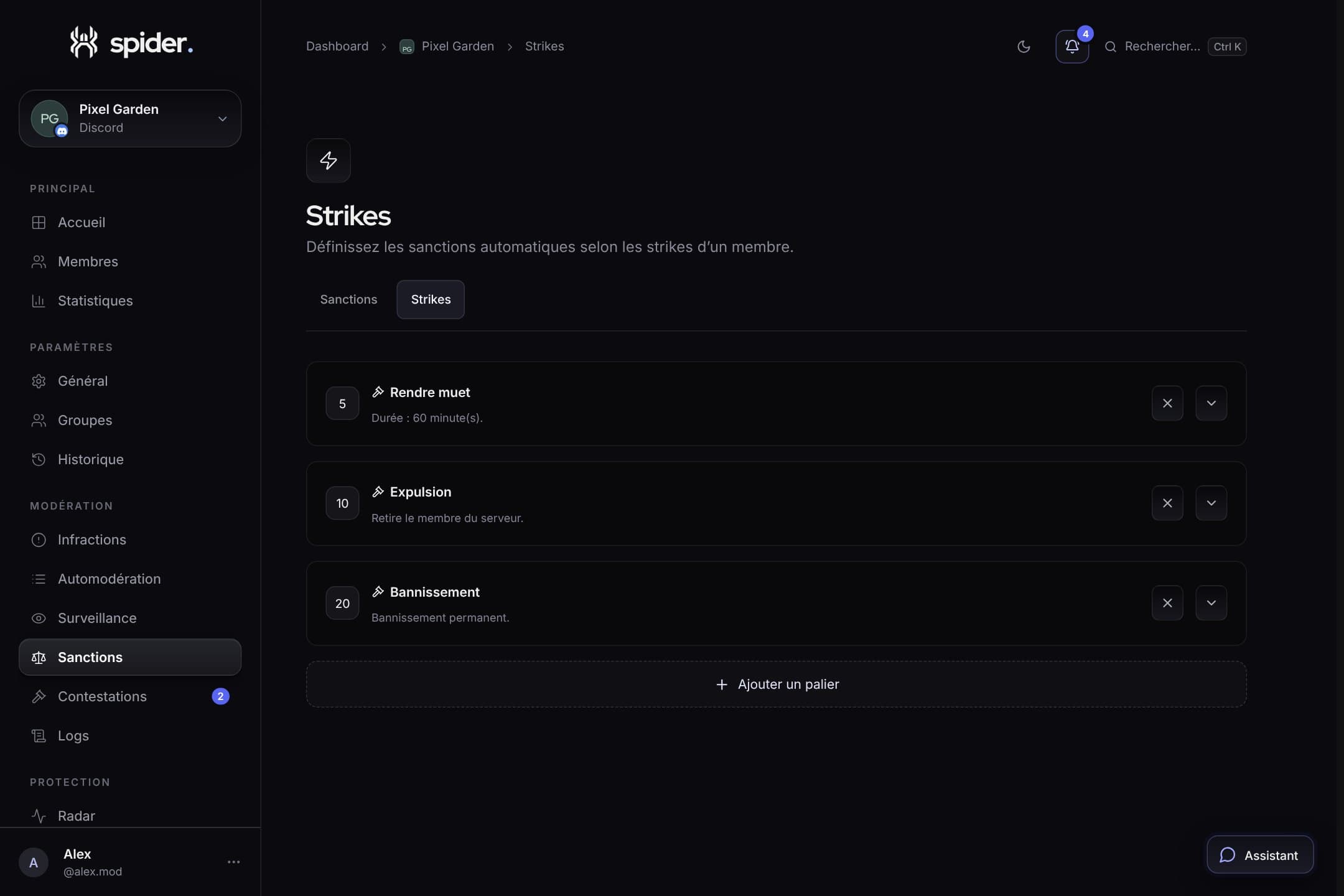 GuidesProgressive sanctions: warnings, tiers and strikesHow to build a clear sanction ladder, applied automatically and identically by your whole team.
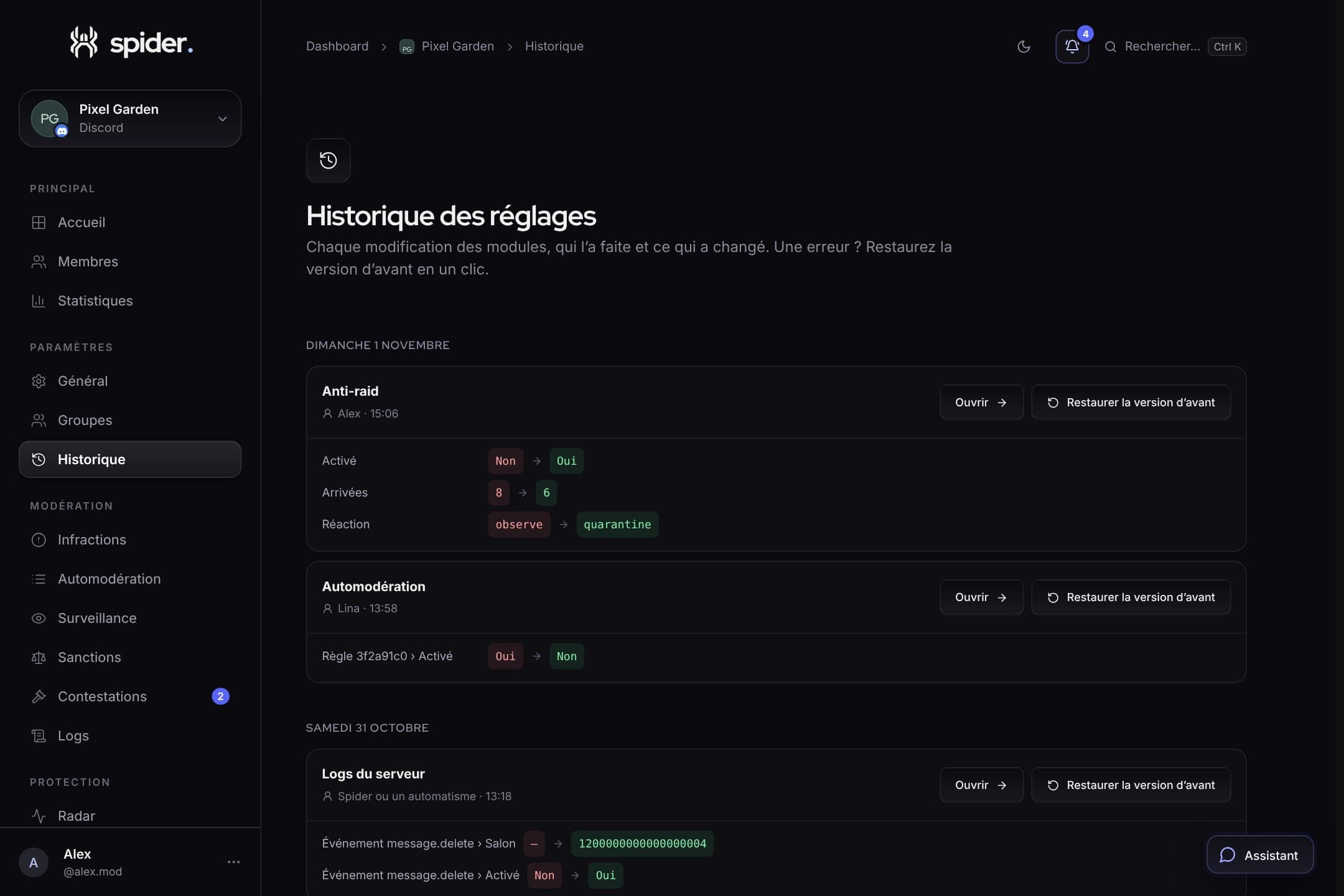 GuidesFind a log, undo a mistake: history to the rescueGrouped logs when things get busy, a history to search any event, and rollback one setting at a time.
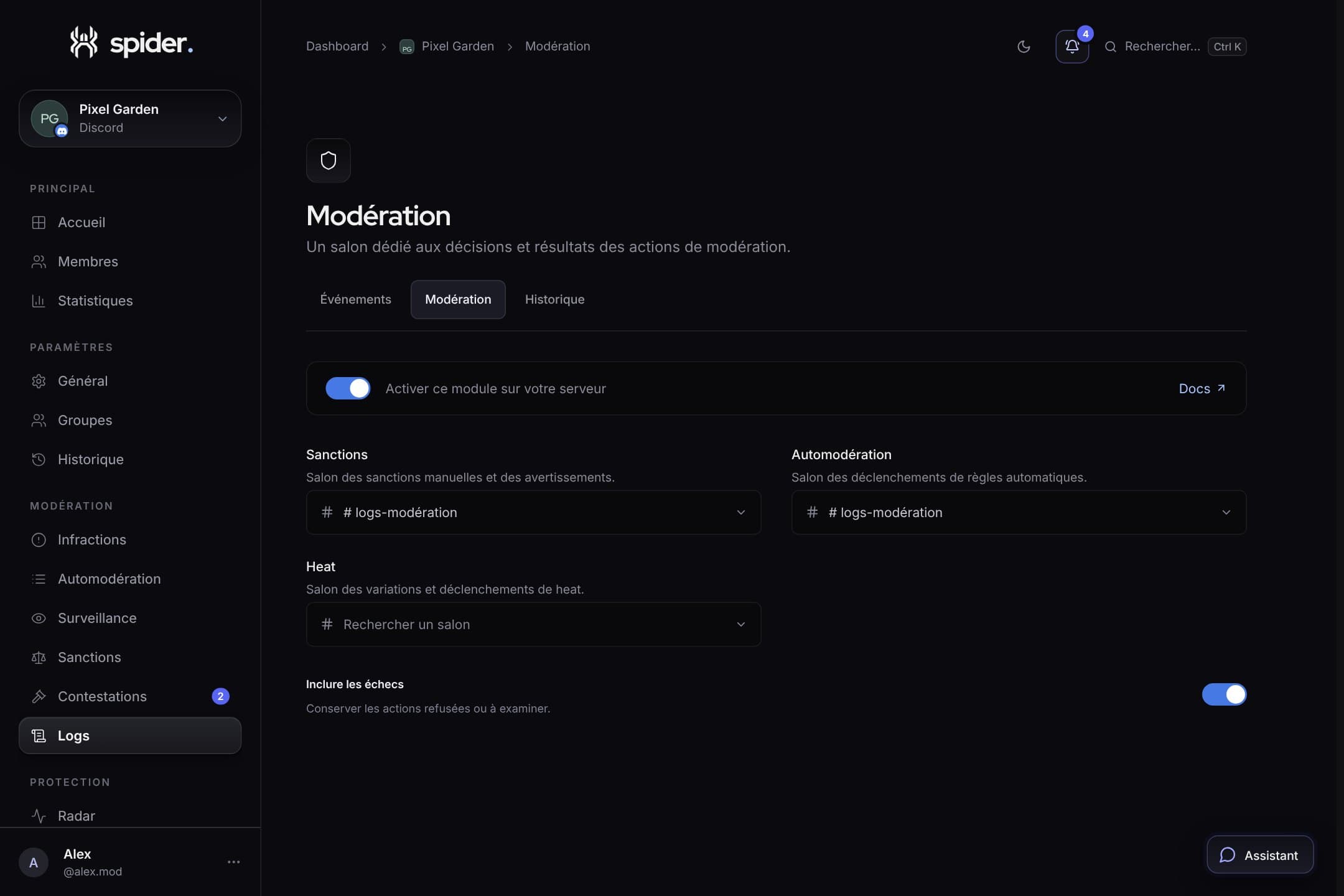 Behind the scenesNo more 100 logs when someone spamsDuring spam, your log channel could receive one message per detection. We reworked how Spider groups and limits its logs.
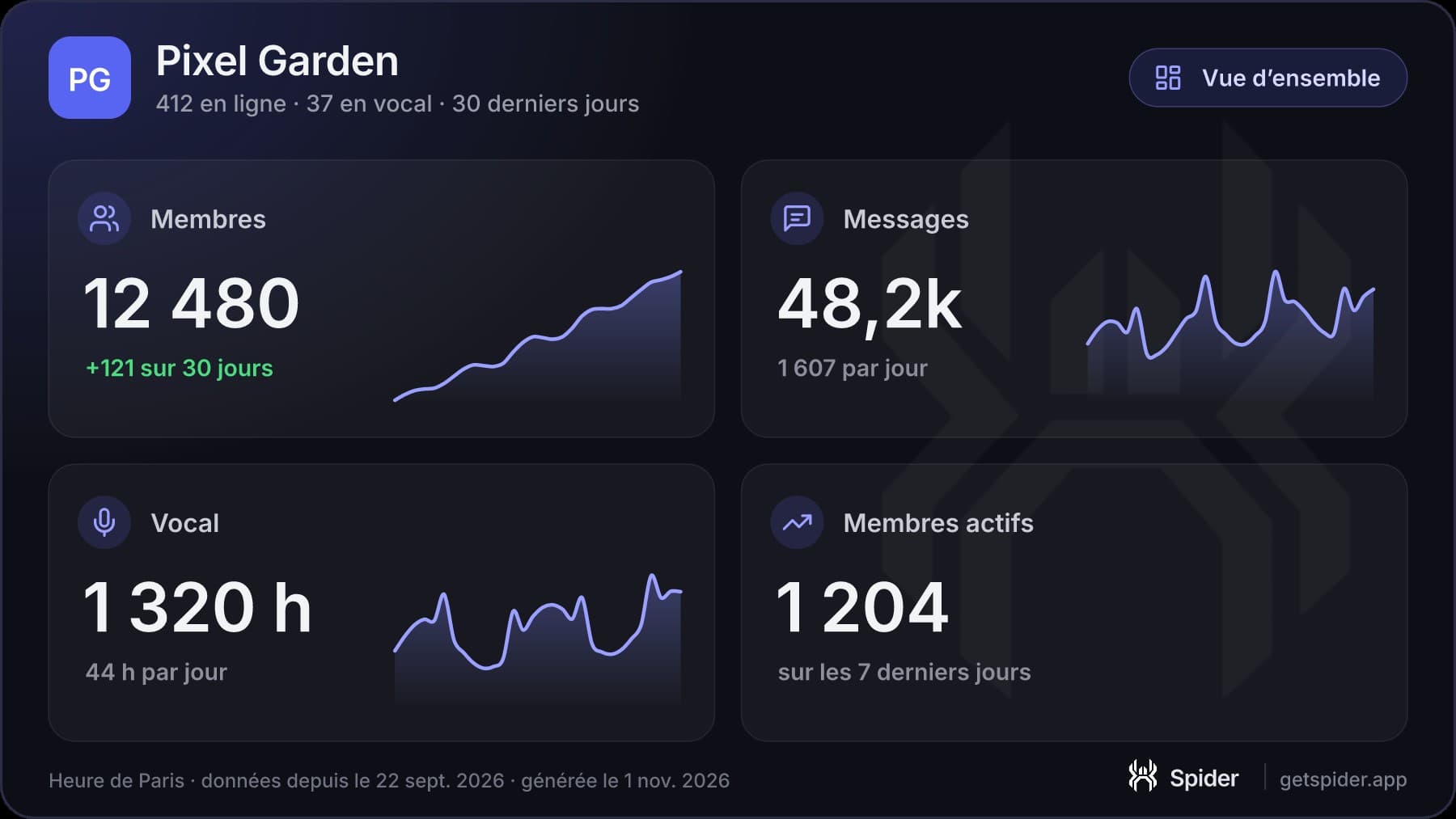 What’s new/stats: your statistics as an image, right in DiscordA readable image of the last 30 days, with buttons to switch between messages, voice, members and your habits.
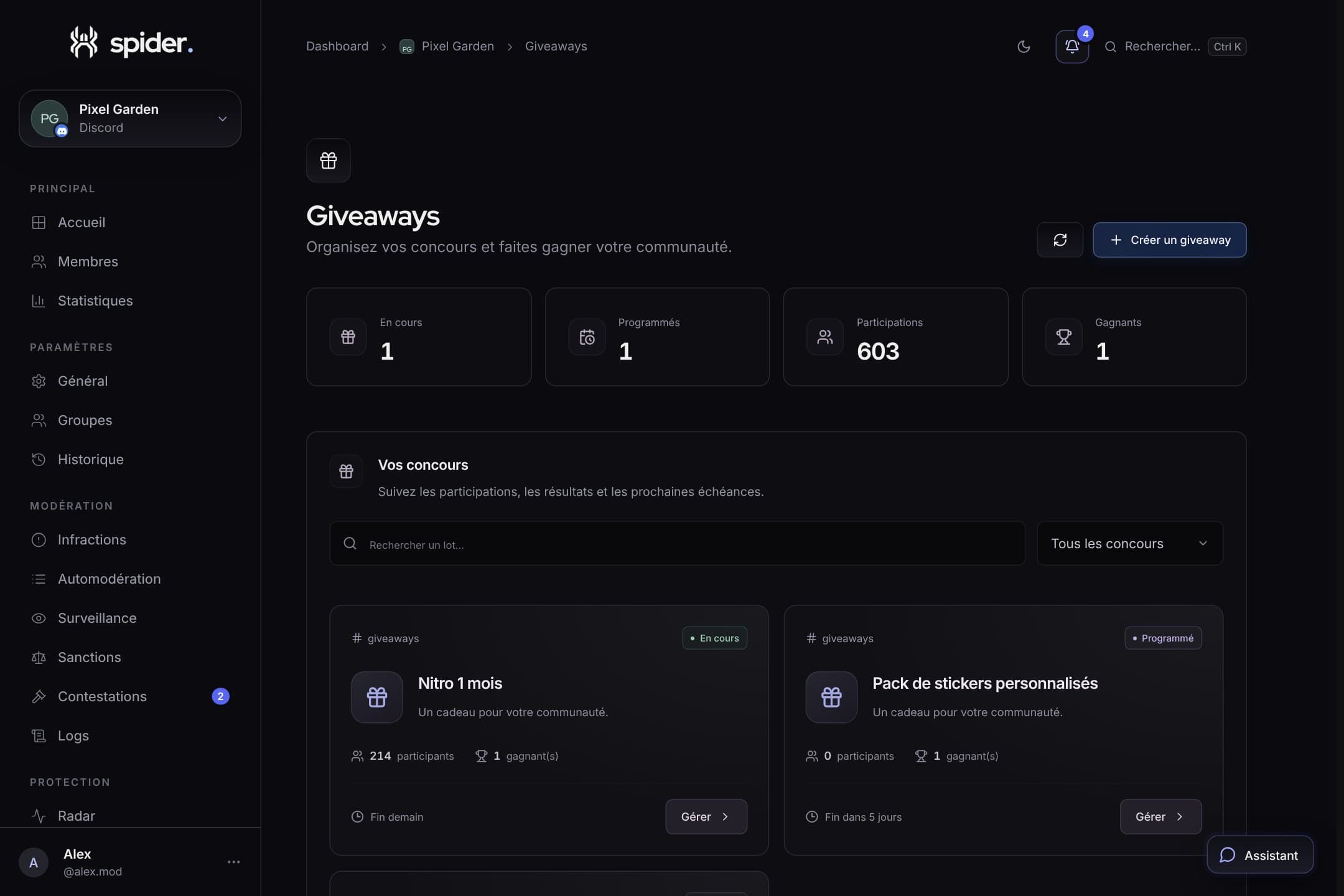 CommunityRunning fair, cheat-free giveawaysEntry conditions, verifiable draw, rerolls and prize claims via ticket: everything for a giveaway nobody disputes.
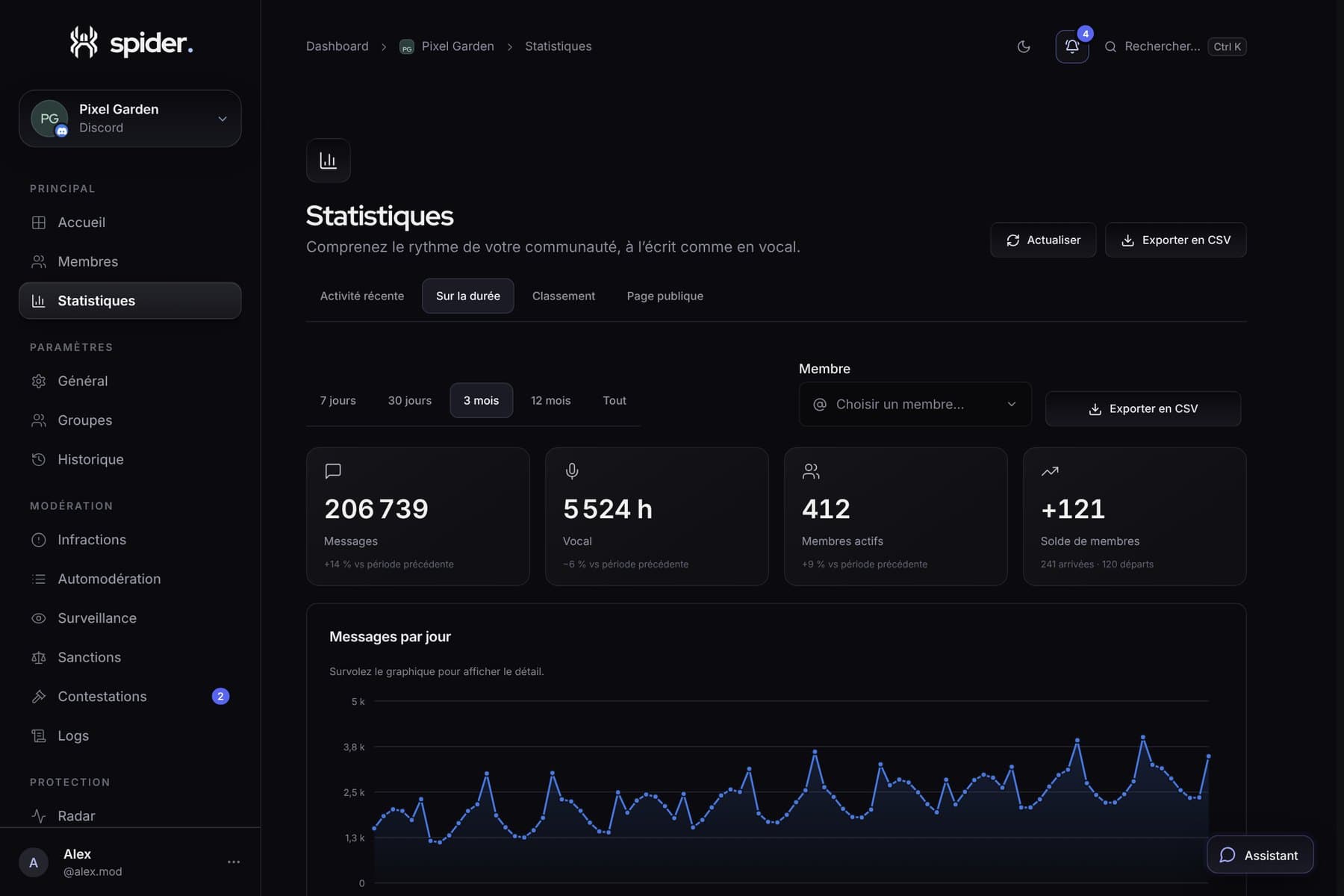 What’s new13 months of statistics, rankings and /topSpider now keeps your server’s activity day by day for 13 months, with a full member ranking and the /top command.
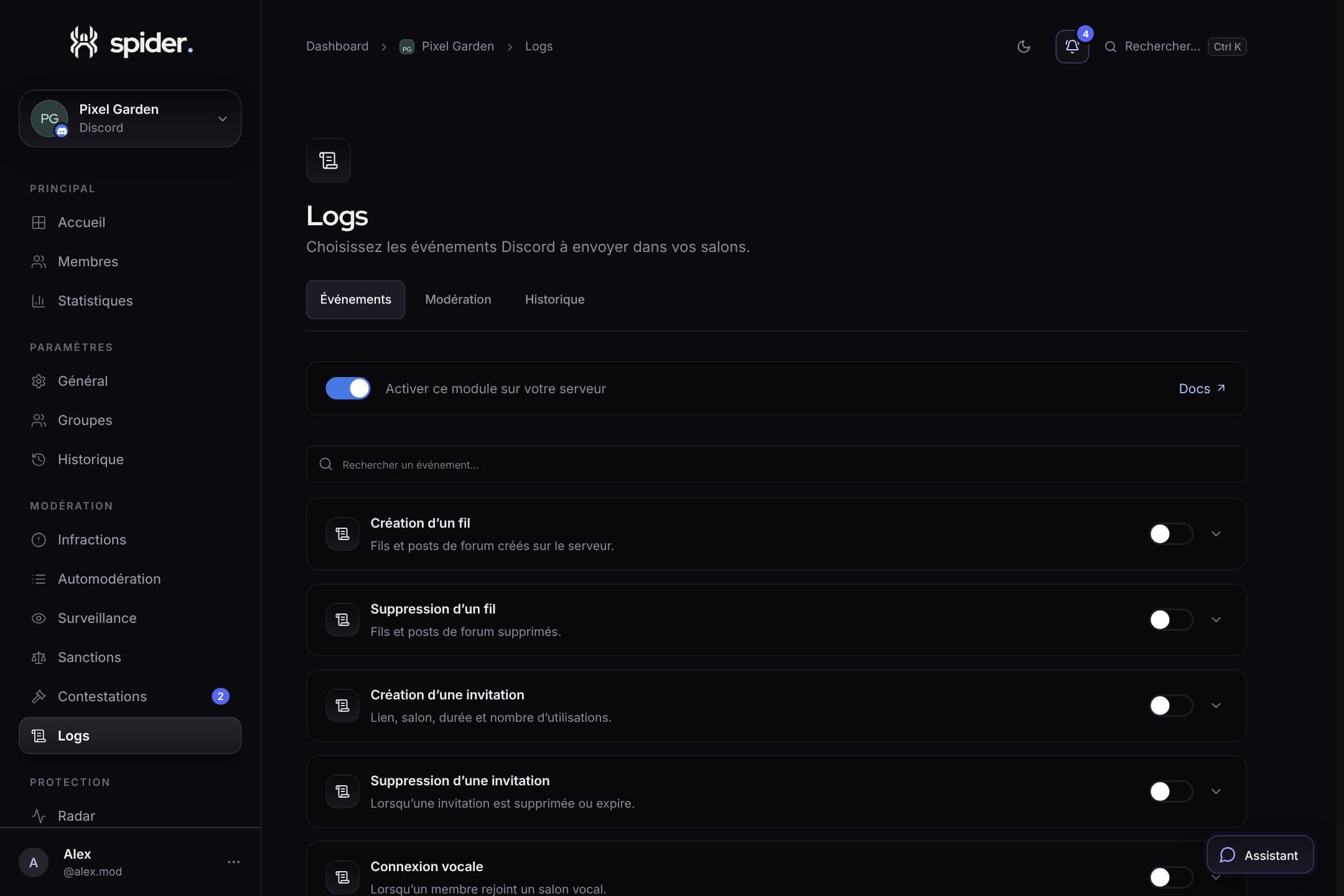 GuidesUseful logs: what to track and where to send itLogging everything means reading nothing. Here’s a simple three-channel setup that works on most servers.
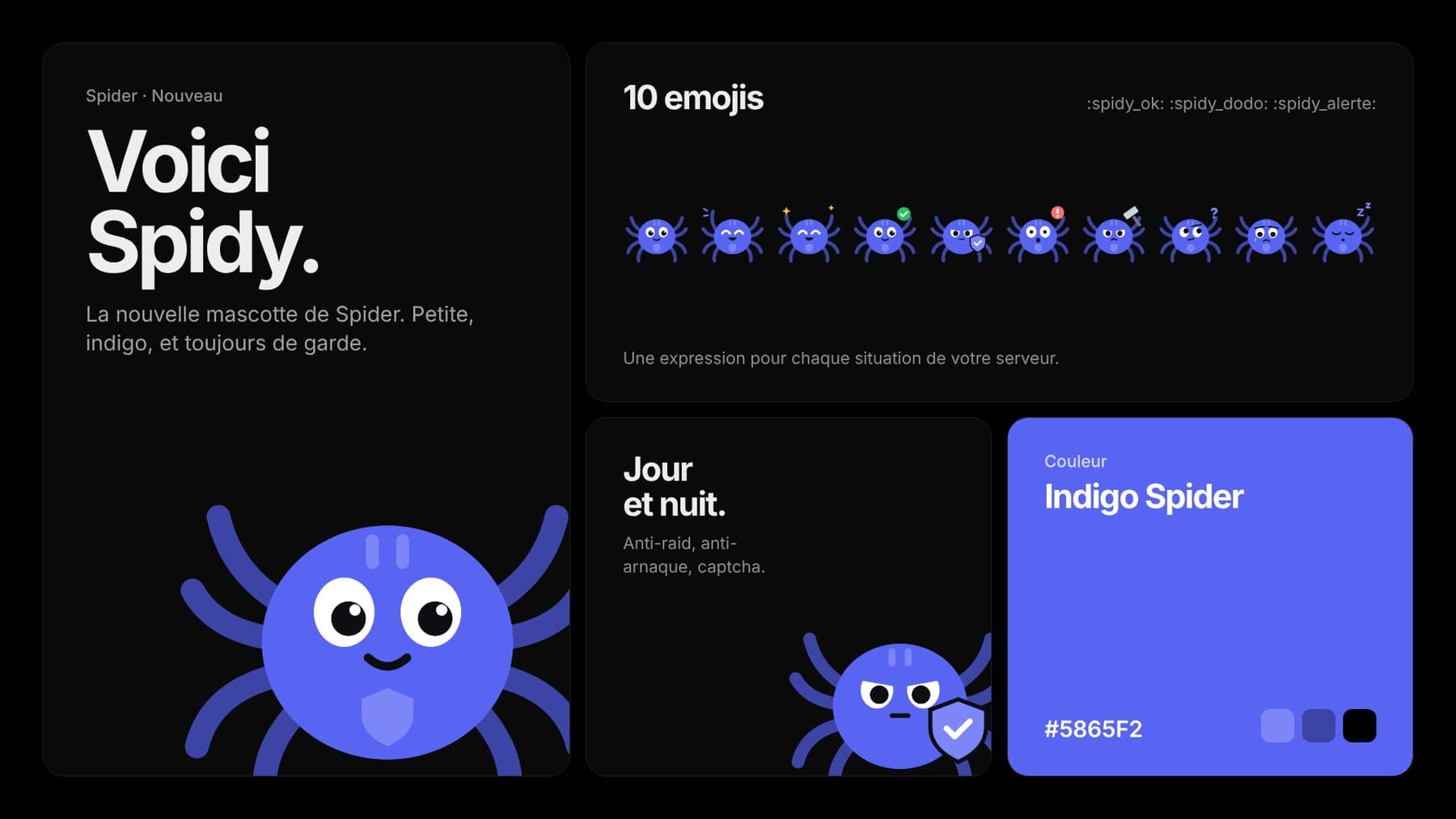 What’s newMeet Spidy, Spider’s mascotA small indigo spider, ten expressions and emojis to download. You will meet him on the site, the dashboard, the Activity and in some bot messages.
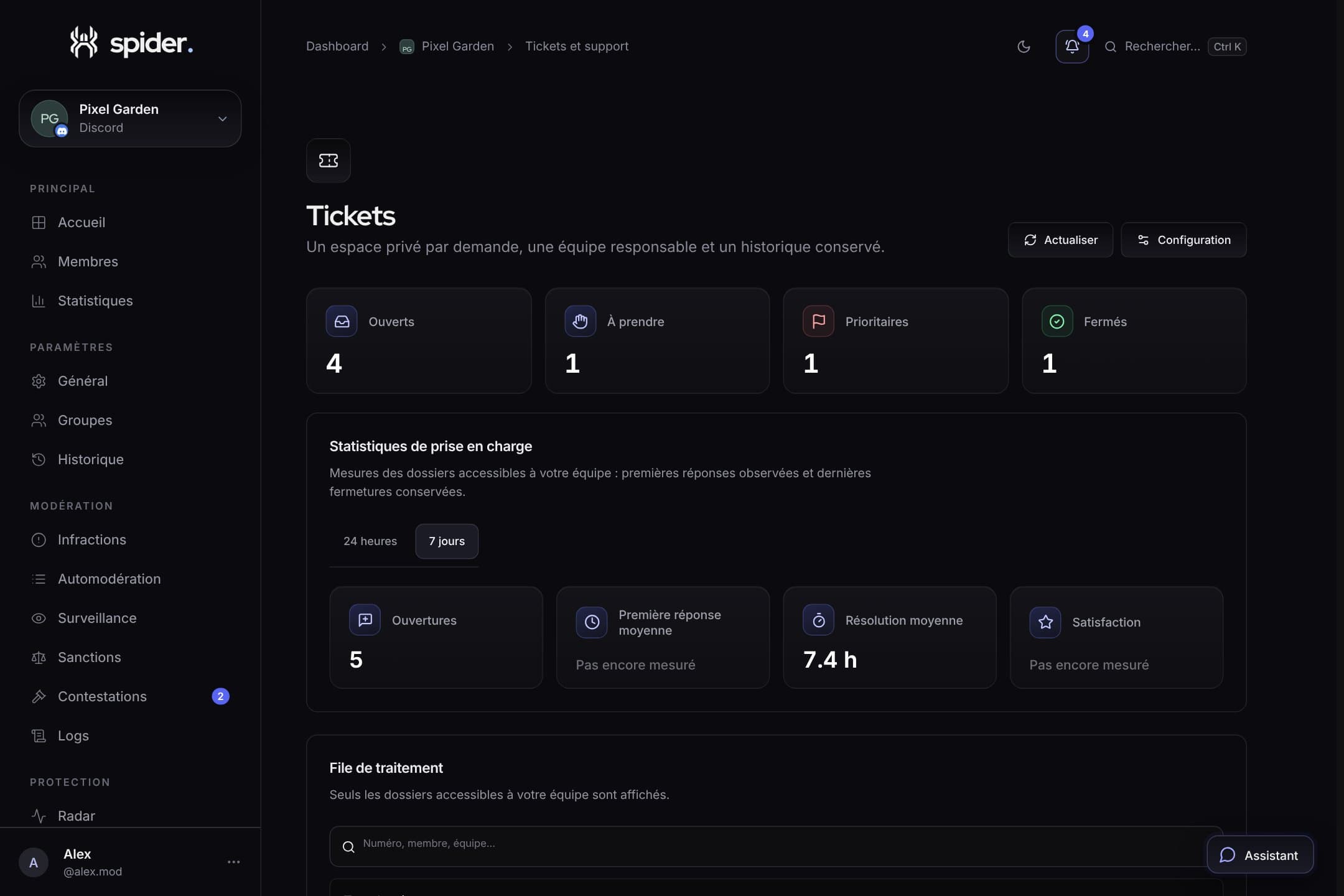 Team and supportTicket support ready in one minuteThe setup wizard, multi-choice panels and the handling queue: everything to answer quickly without forgetting anything.
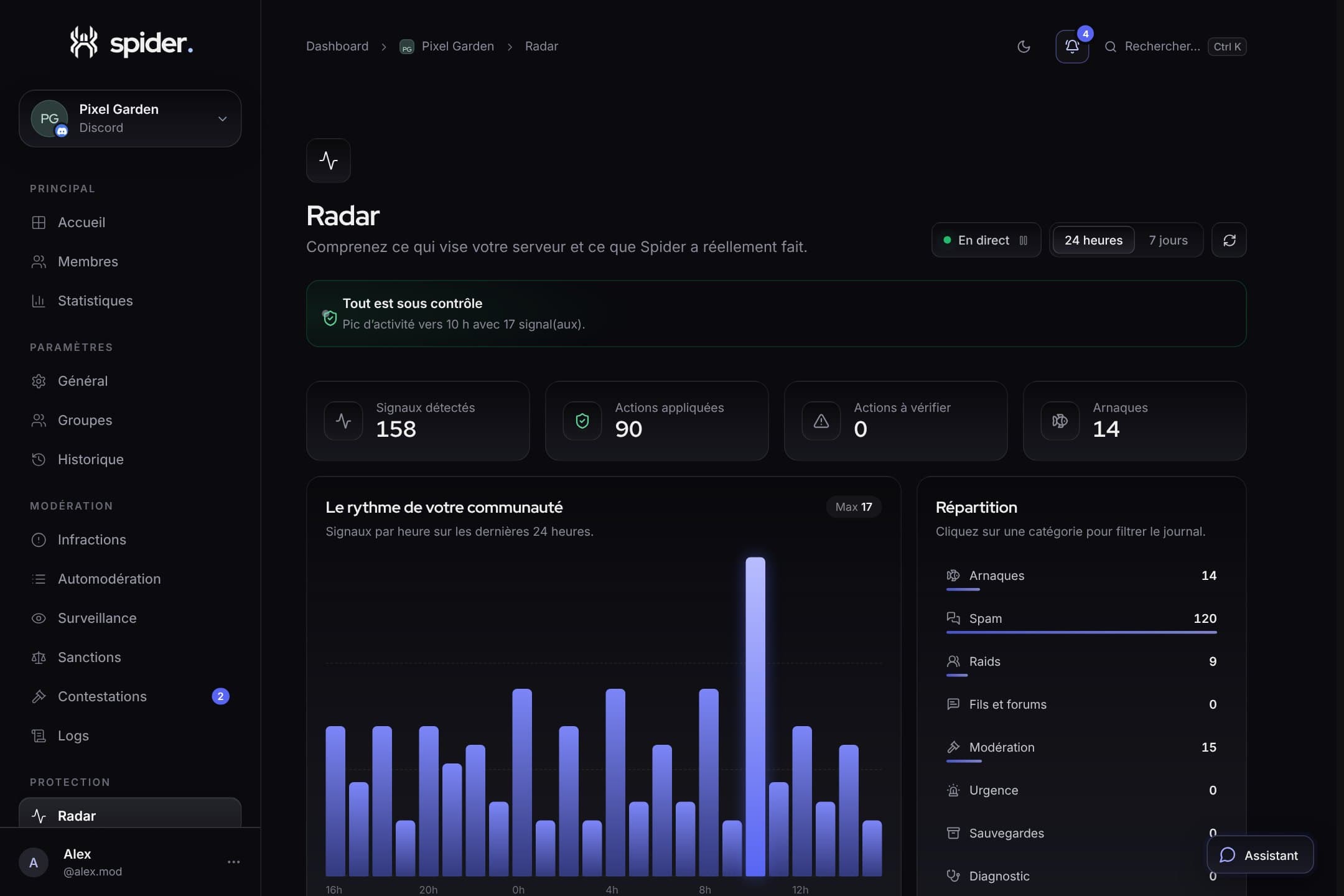 SecurityRadar explained: signals, spikes and logObserved, applied, to review: how to read Radar to know at a glance whether your server is fine.
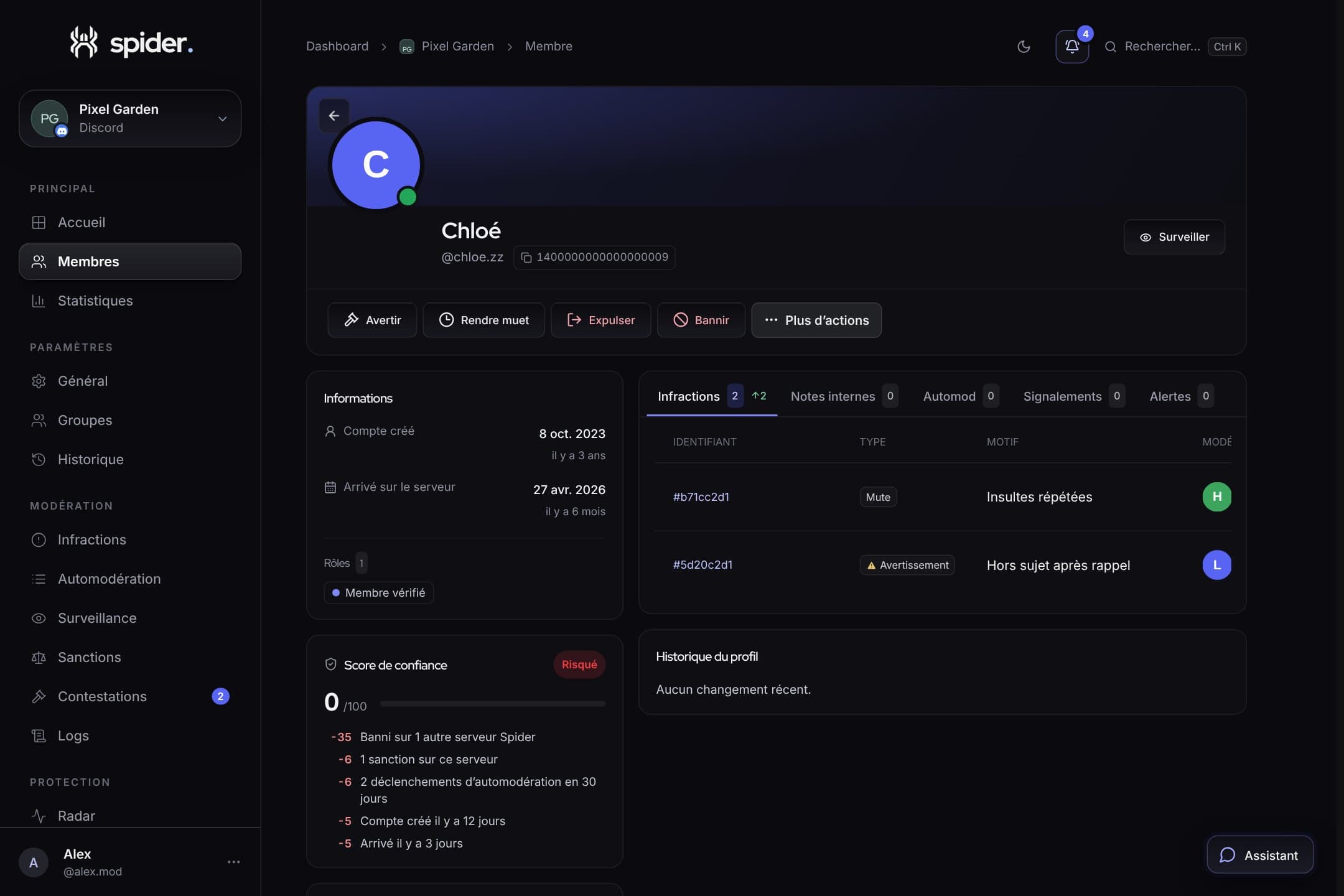 GuidesNew moderator: your first week with SpiderFinding a member, reading their history, choosing the right sanction and leaving a note: the guide to hand to new staff members.
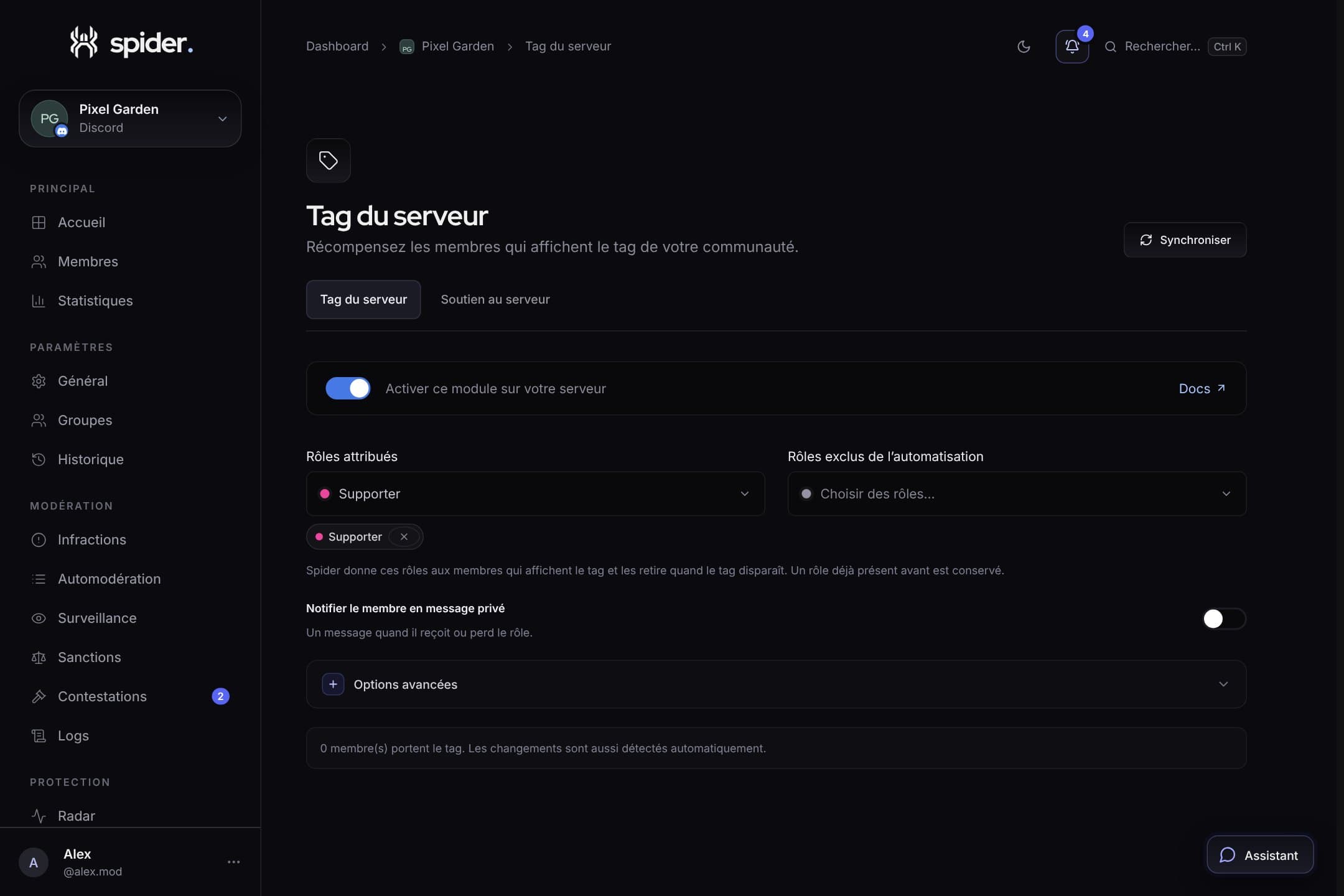 CommunityRewarding members who show off your serverThe server tag and custom status are free advertising. Spider automatically gives a role to members who display them.
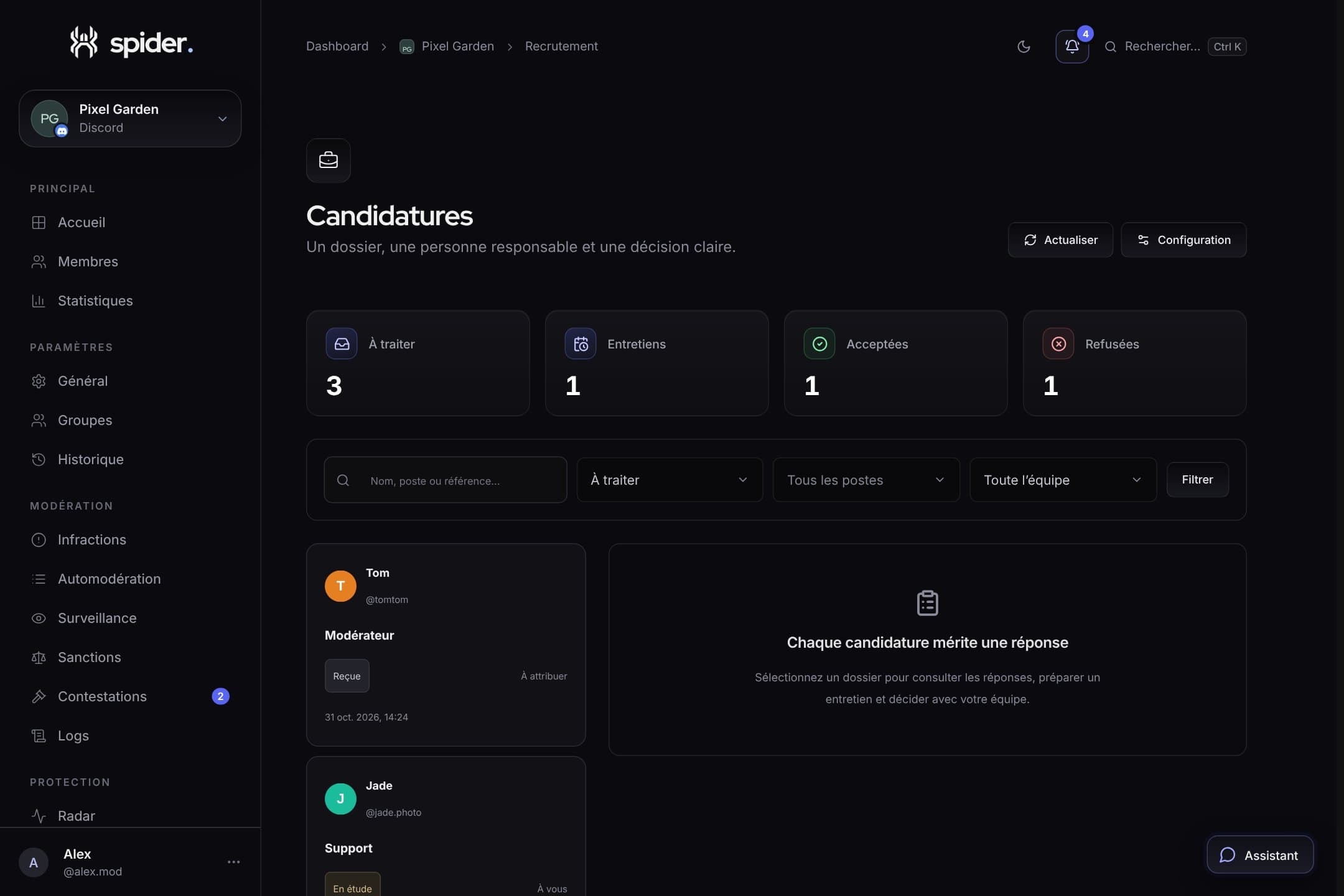 Team and supportRecruit your staff without spreadsheets or external formsReady-made positions, conditional questions, applications in a Discord Activity and team follow-up through to the decision.
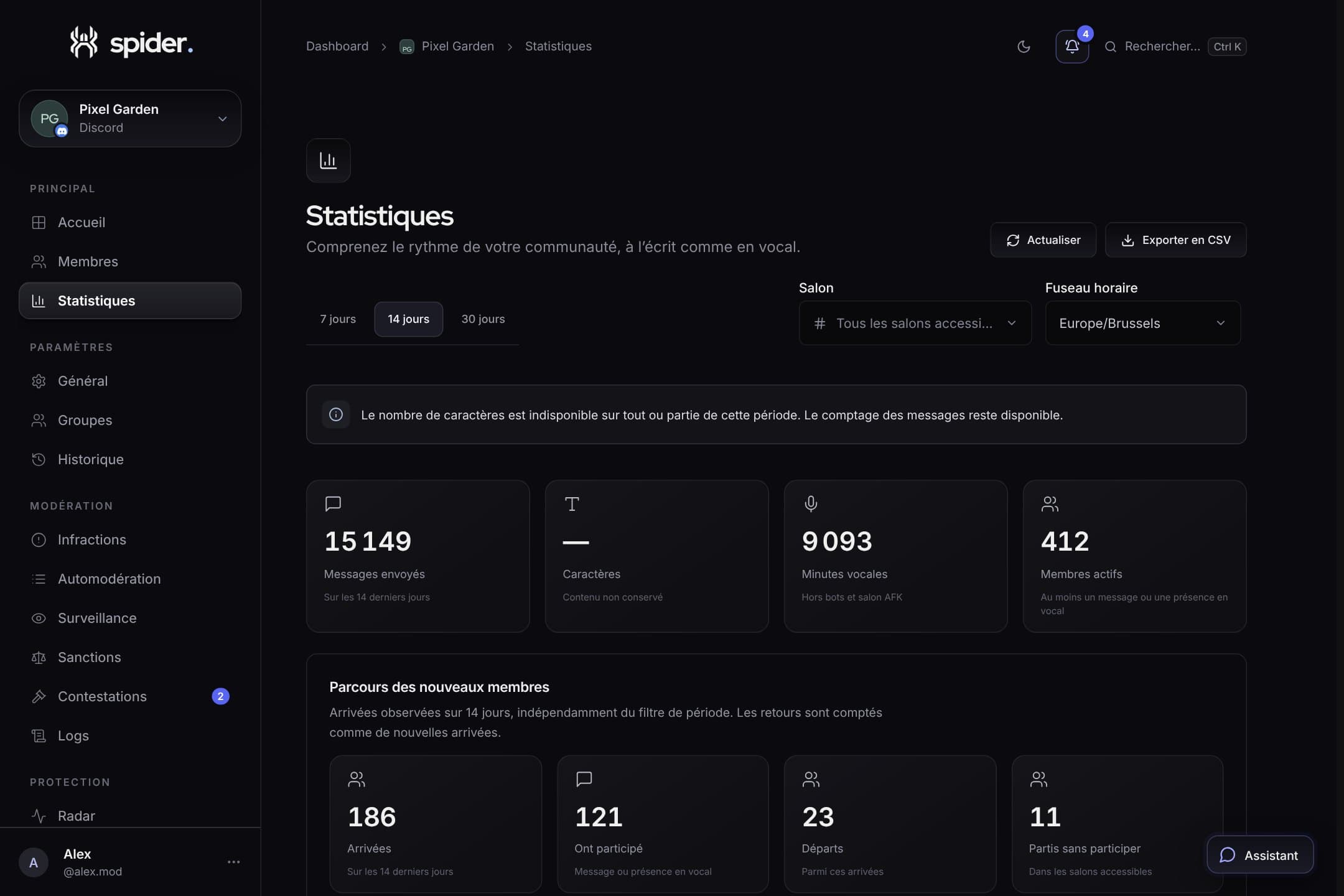 GuidesReading your server statisticsMessages, voice minutes, active members and peak hours: what statistics really say about your community.
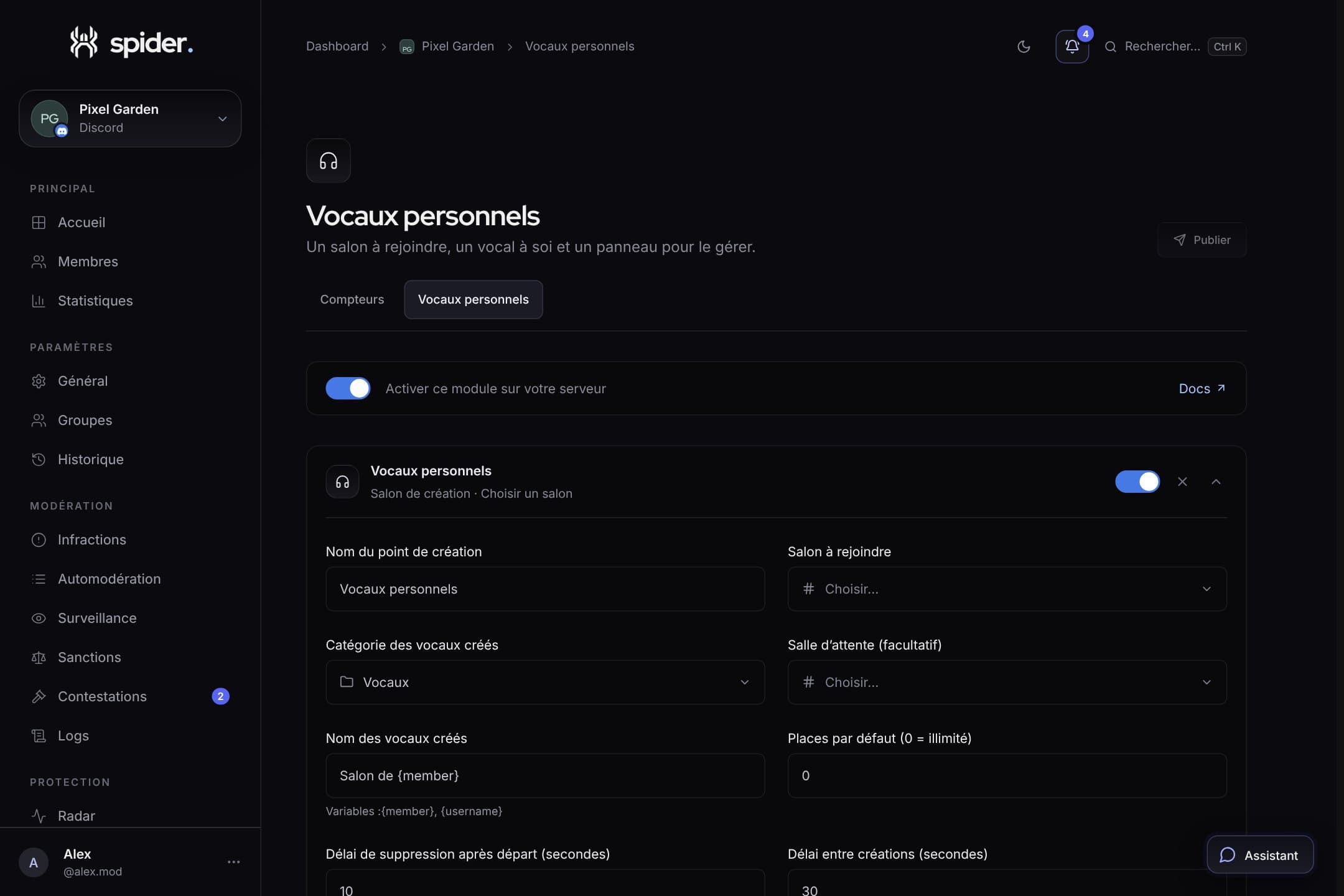 CommunityCounters and personal voice channels: channels that run themselvesShow member count in a channel name and let everyone create their own voice channel, without staff involvement.
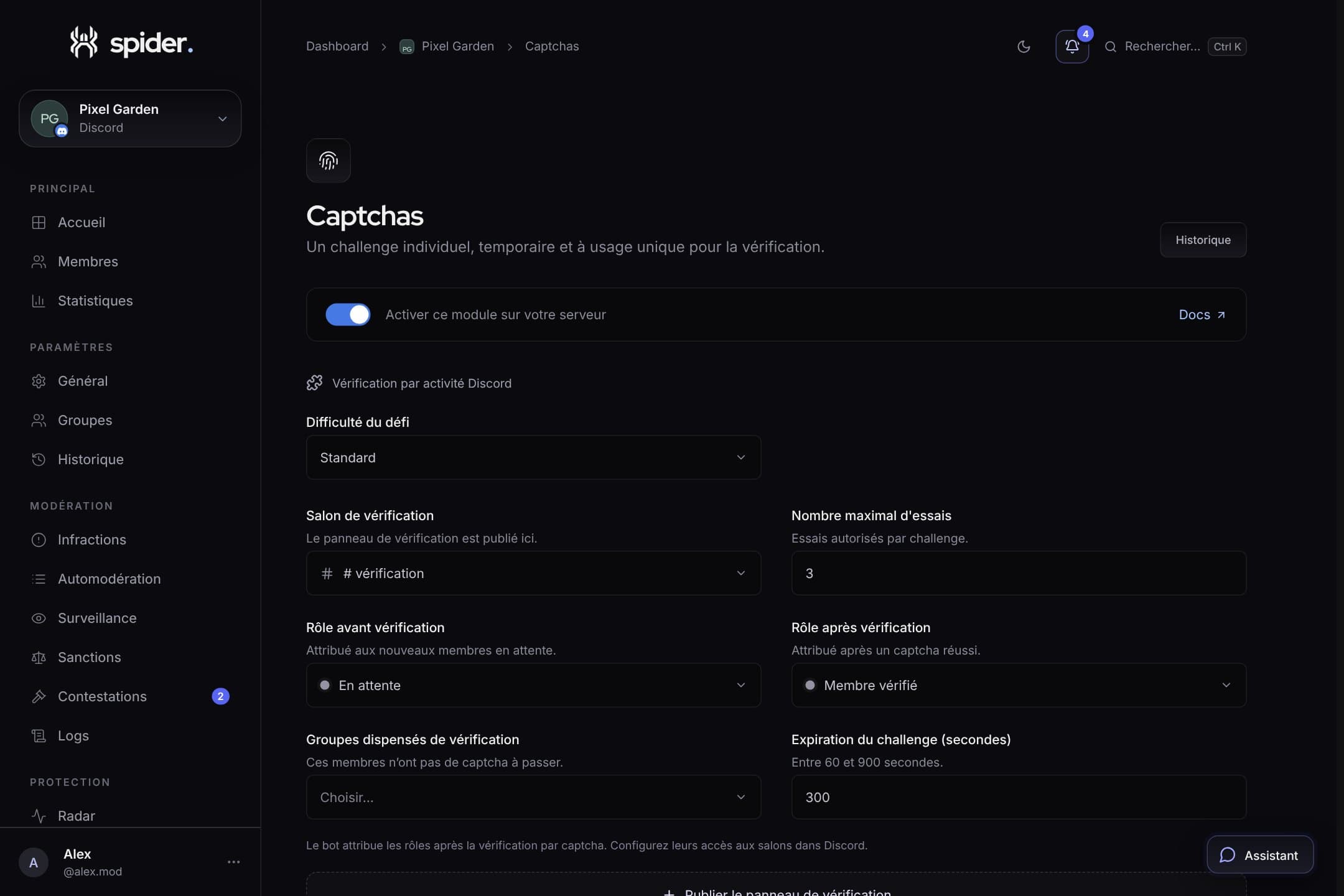 SecurityCaptcha verification that doesn’t block real membersDifficulty, attempts, expiry and channel permissions: tuning the captcha to stop bots without discouraging newcomers.
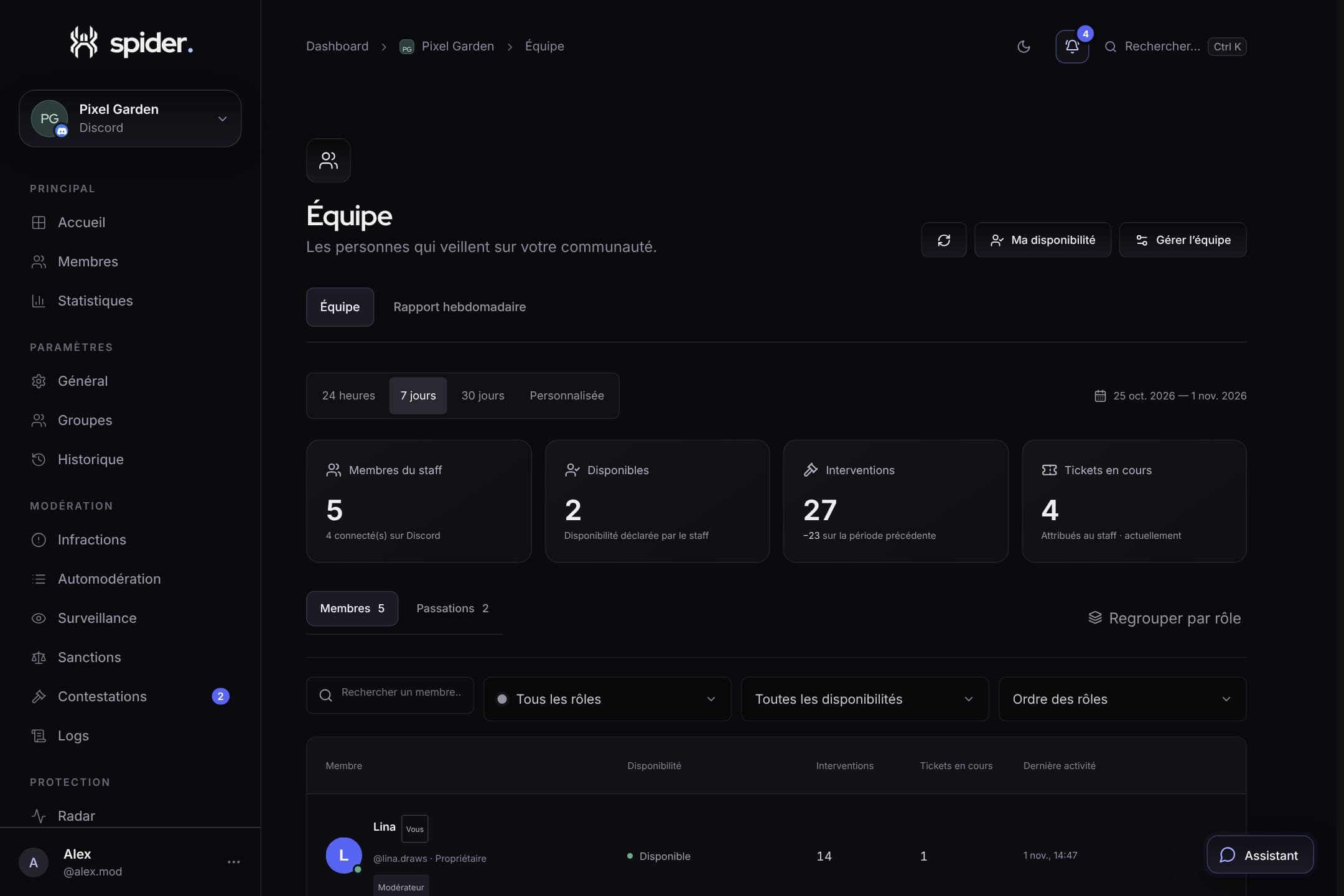 Team and supportFollow your team and get a weekly reportAvailability, handovers, everyone’s activity and an automatic weekly report: the Team page helps share the load, not monitor people.
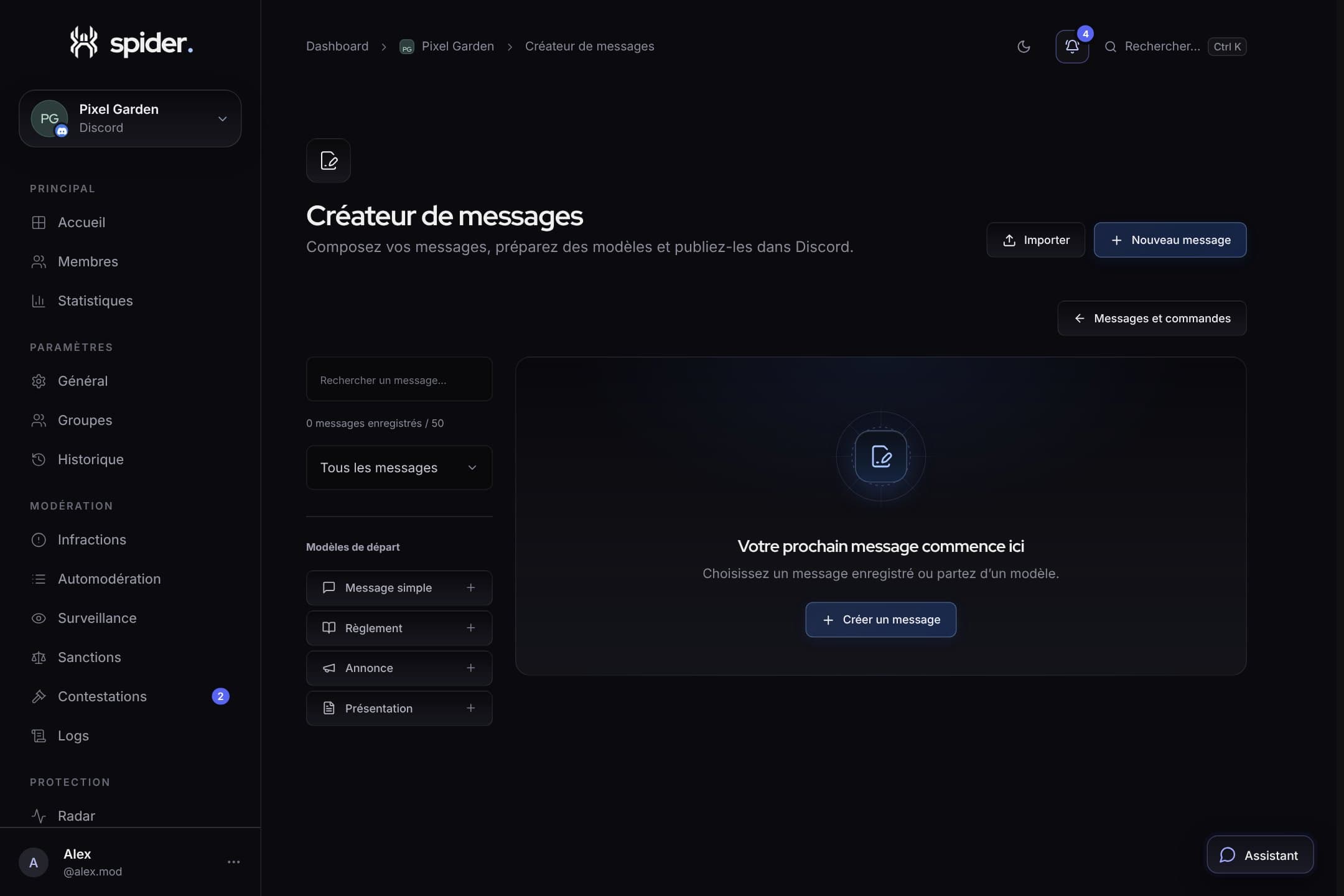 CommunityPolished messages and your own commands, without codeVisual builder, automatic reactions, sticky messages and custom commands: everything the Messages and commands page offers.
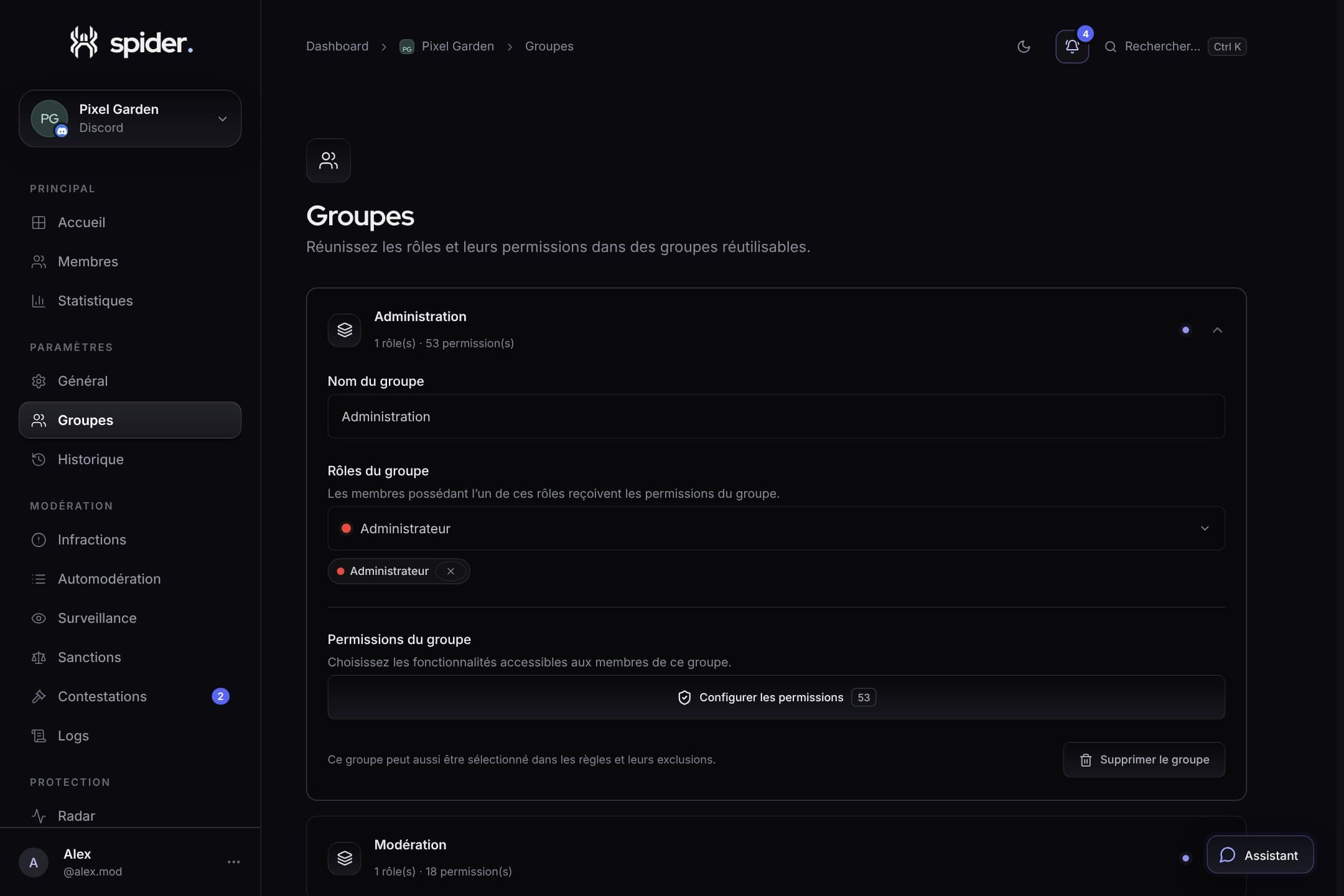 Team and supportGiving everyone the right access with groupsAdministration, Moderation, Support: how to split dashboard permissions so everyone sees what they need, and nothing more.
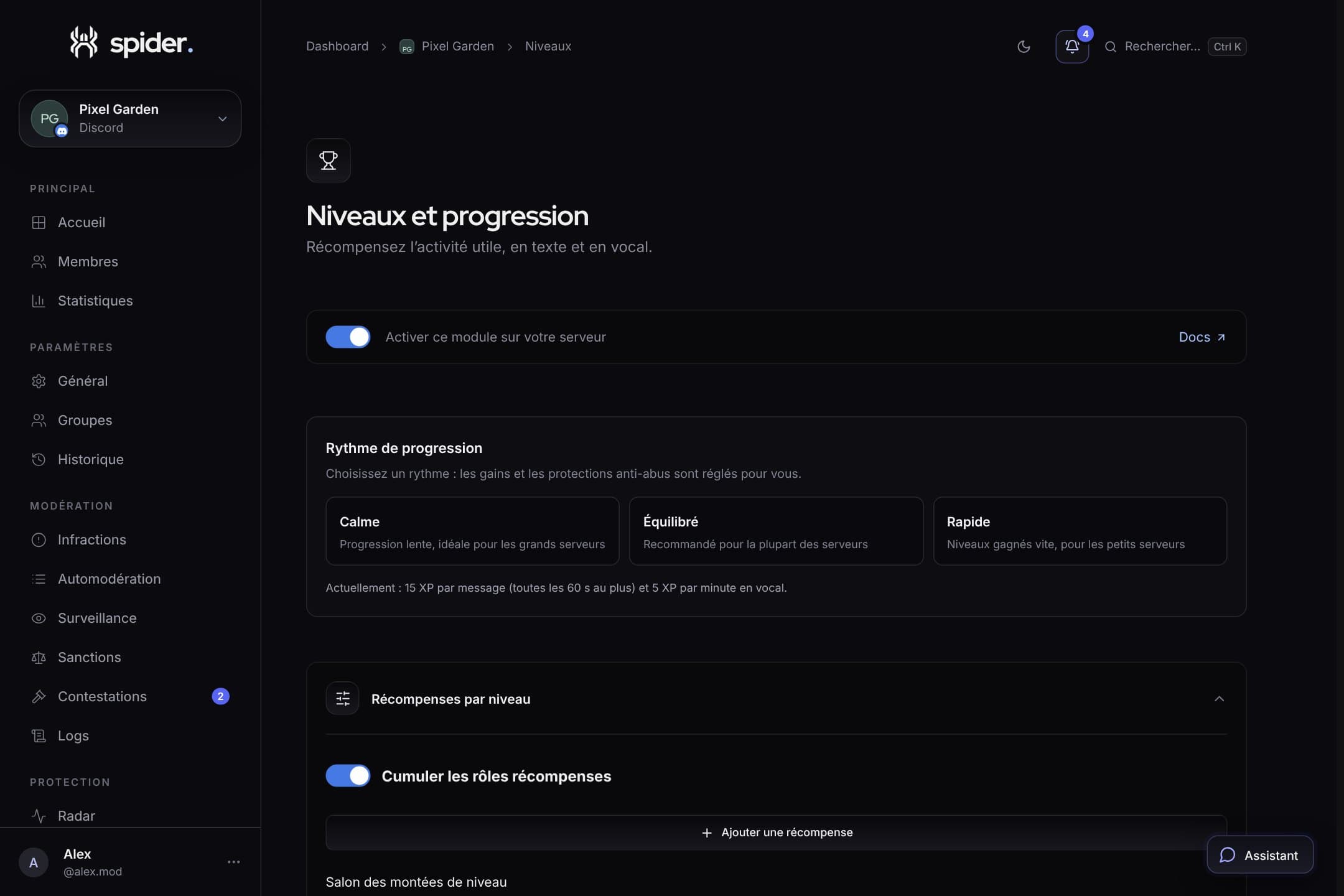 CommunityLevels and rewards: valuing activity without encouraging spamExperience sources, cooldown between gains, excluded channels and reward roles: a level system that rewards participation, not flooding.