Moderate without leaving Discord with the console
The moderation console is a Discord Activity: priorities, member profiles, cases and actions, in a private window next to your channels.
 Spider team2 min read
The dashboard is perfect for configuring, but in the middle of a busy evening on Discord, opening a browser to warn a member breaks the flow. The moderation console brings the essentials of the dashboard into a Discord Activity: open it with /console or from its panel, and it stays next to the conversation.
What you’ll find there
- Overview: priorities, cases to handle and team activity.
- Members: search, profile, history and permitted actions.
- Cases: filters by member, author, type, status and period.
- Log: the events you are allowed to see.
The same checks as everywhere
Opening the console grants no extra rights. Spider permissions, Discord permissions and role hierarchy are checked on every action, exactly as in the dashboard. Before you confirm, the console sums up the target, the options and the reason.
To enable it, open Settings › General and scroll down to the Moderation console section: choose the publishing channel and publish the entry point.
Full guide in the documentationModeration console inside Discord
Try it on your server
Spider is free to add. Set it up in a few minutes from the dashboard.
Keep reading
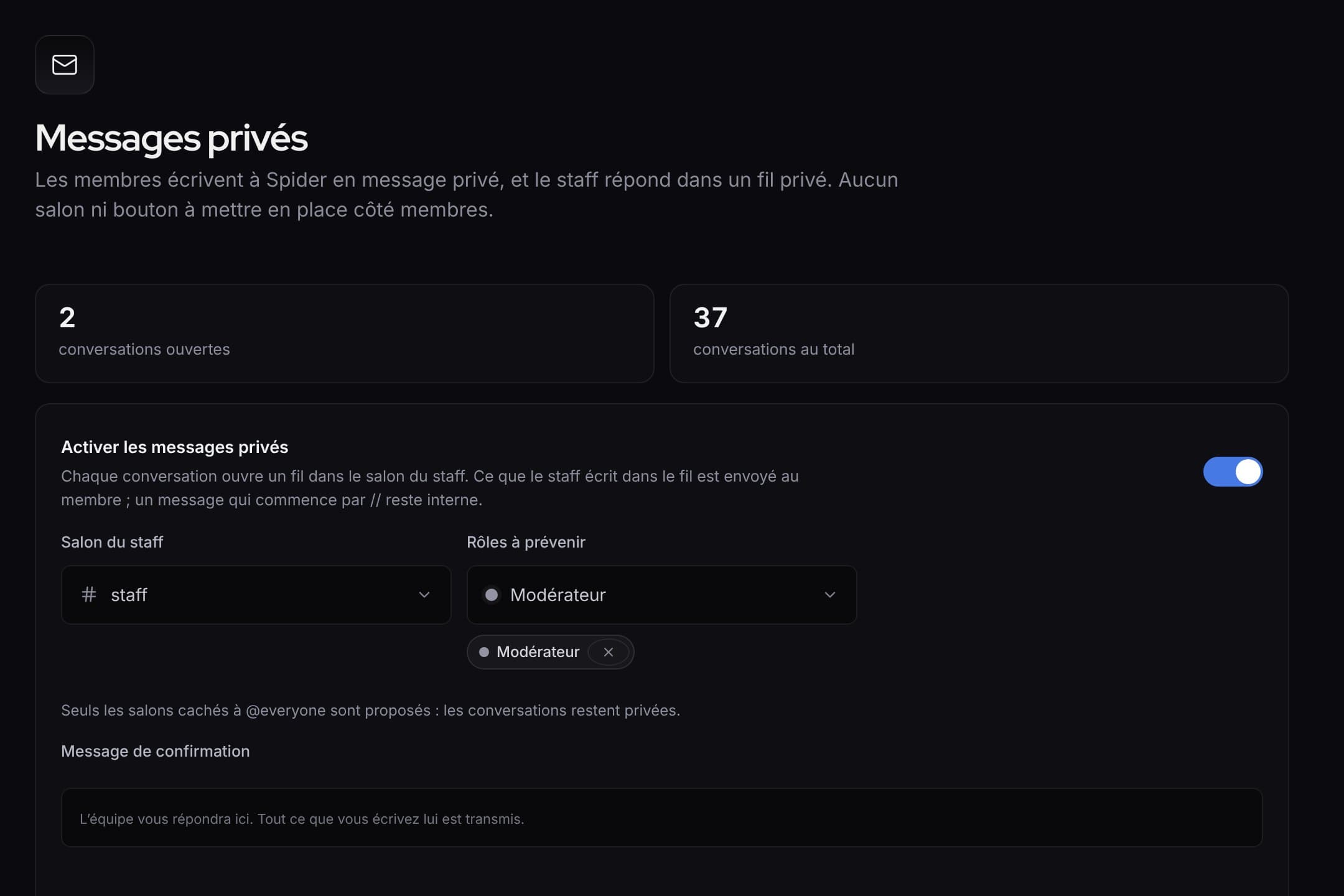 What’s newWhat’s new: faster tools for the staff, and a clearer dashboardQuick replies and blocking in private messages, ready-made alert rules, activity of each rule, a new menu and an always visible save bar.
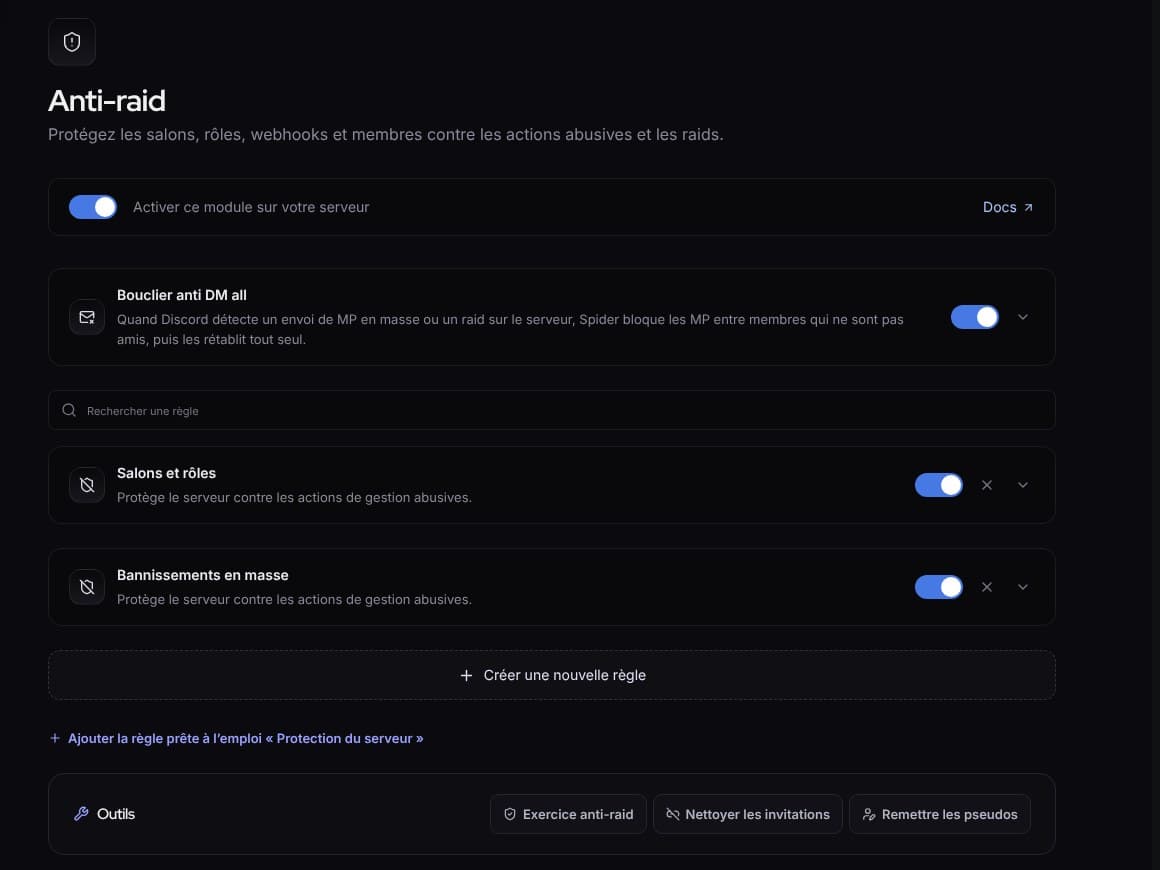 What’s newWhat’s new: fuller protection, and a livelier SpidyDM all shield, “Check link”, hacked accounts, leaked keys, server protection, anti-raid drill, milestone parties and spectator mode.
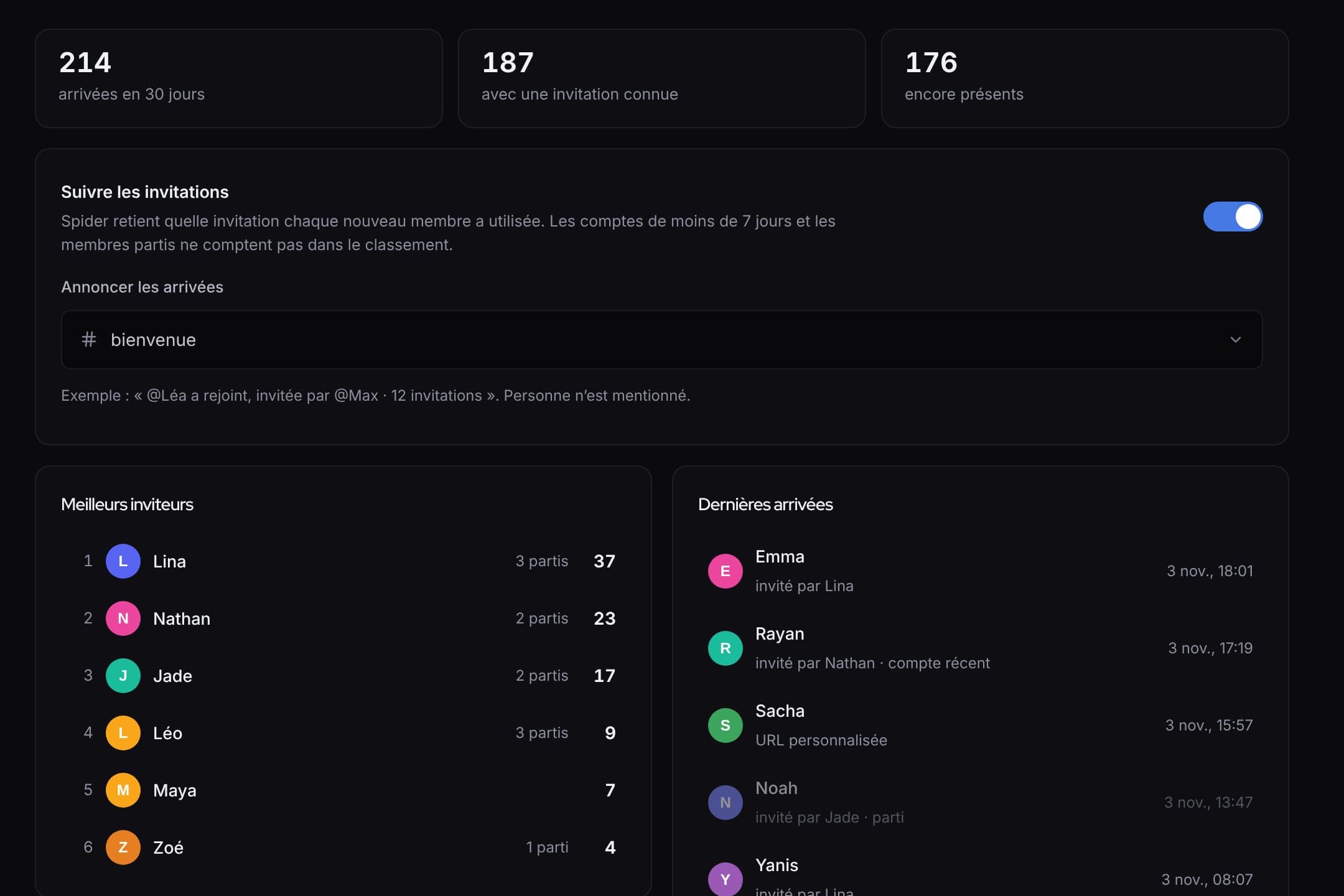 What’s newWhat’s new: invites, automatic answers, counting game and automatic setupWho invited whom and rewards, answers that even read screenshots, a counting game, and a server set up in one click.