Strict automoderation without false positives
Thresholds, exclusions, heat mode and alerts: the settings that make the difference between a bot that protects and a bot that annoys.
 Spider team2 min read
Automoderation that is too soft lets spam through; too harsh, it times out a member sharing three links in a row to help someone. Good news: with a few settings, you get both, strict with spammers and tolerant with humans.
Start with realistic thresholds
For “Message burst”, 6 messages in 10 seconds is a good start: an enthusiastic member almost never reaches it, a spam bot gets there in one second. Raise the threshold in fast-chat channels rather than lowering it everywhere.
Exclusions, your best tool
Every rule has its Groups (who is affected) and Exclusions (ignored roles and channels). Exclude staff, bot channels, and link-sharing channels if you have them. An invite rule can allow invites from partner servers.
Heat mode: sanction repetition
Under “More options”, heat mode accumulates points on each detection instead of sanctioning right away. Example: 5 points per detection, threshold at 15, 30-second decay. Someone typing fast once isn’t sanctioned; someone who keeps going reaches the threshold.
Alert instead of punish
Some words need human judgement: “threat”, “harassment”, the name of a frequently targeted member. For those, use the Alerts tab: Spider notifies staff in a channel, without sanctioning. Keep lists short and a delay of at least one minute between alerts.
Golden rule: automate whatever deserves the same answer every time (ads, spam). Alert for everything that depends on context.Full guide in the documentationConfigure automoderation

Try it on your server
Spider is free to add. Set it up in a few minutes from the dashboard.
Keep reading
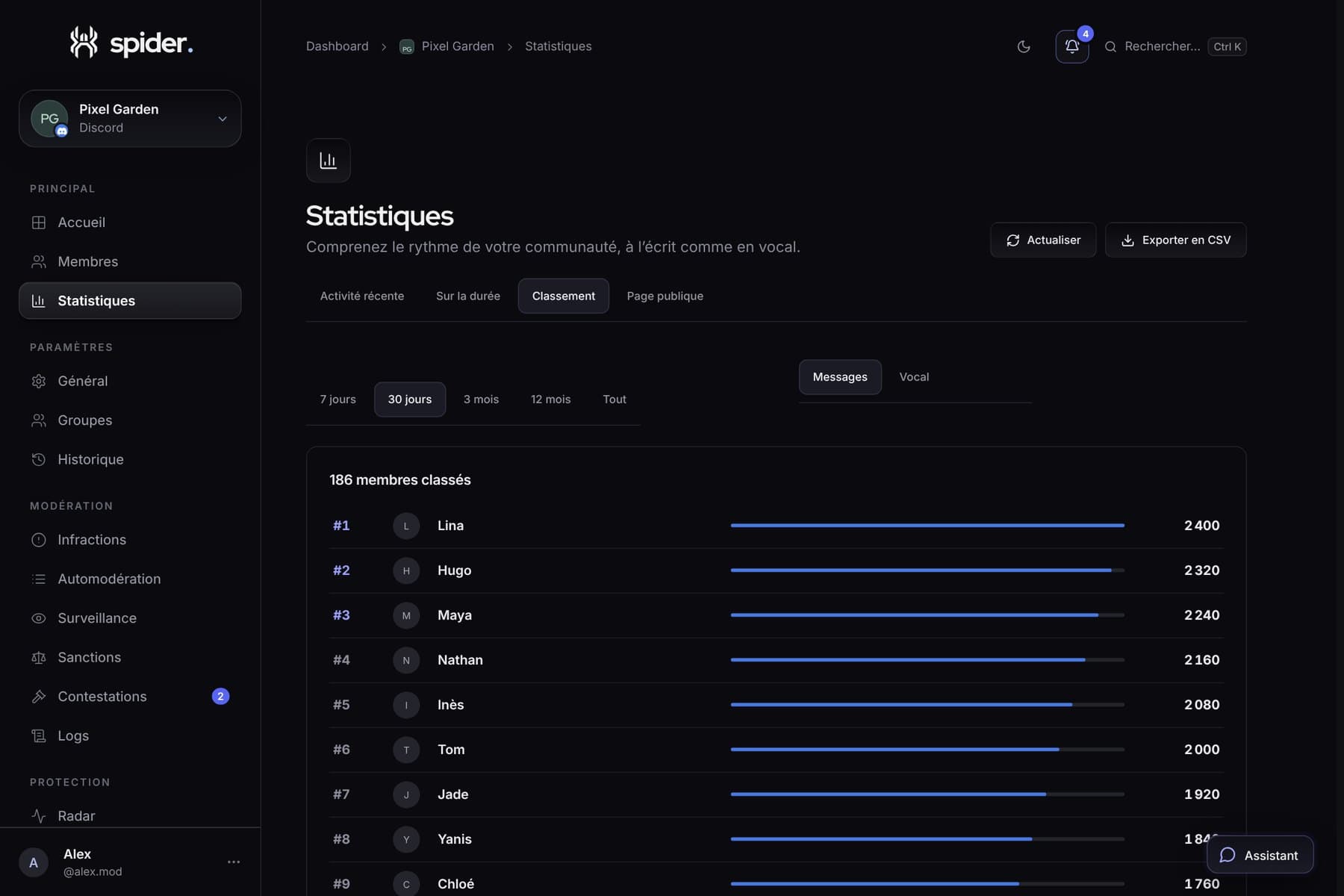 GuidesBringing your server to life with its statisticsWhen to run an event, which channel to close, who to thank: five concrete decisions to make with Spider’s numbers.
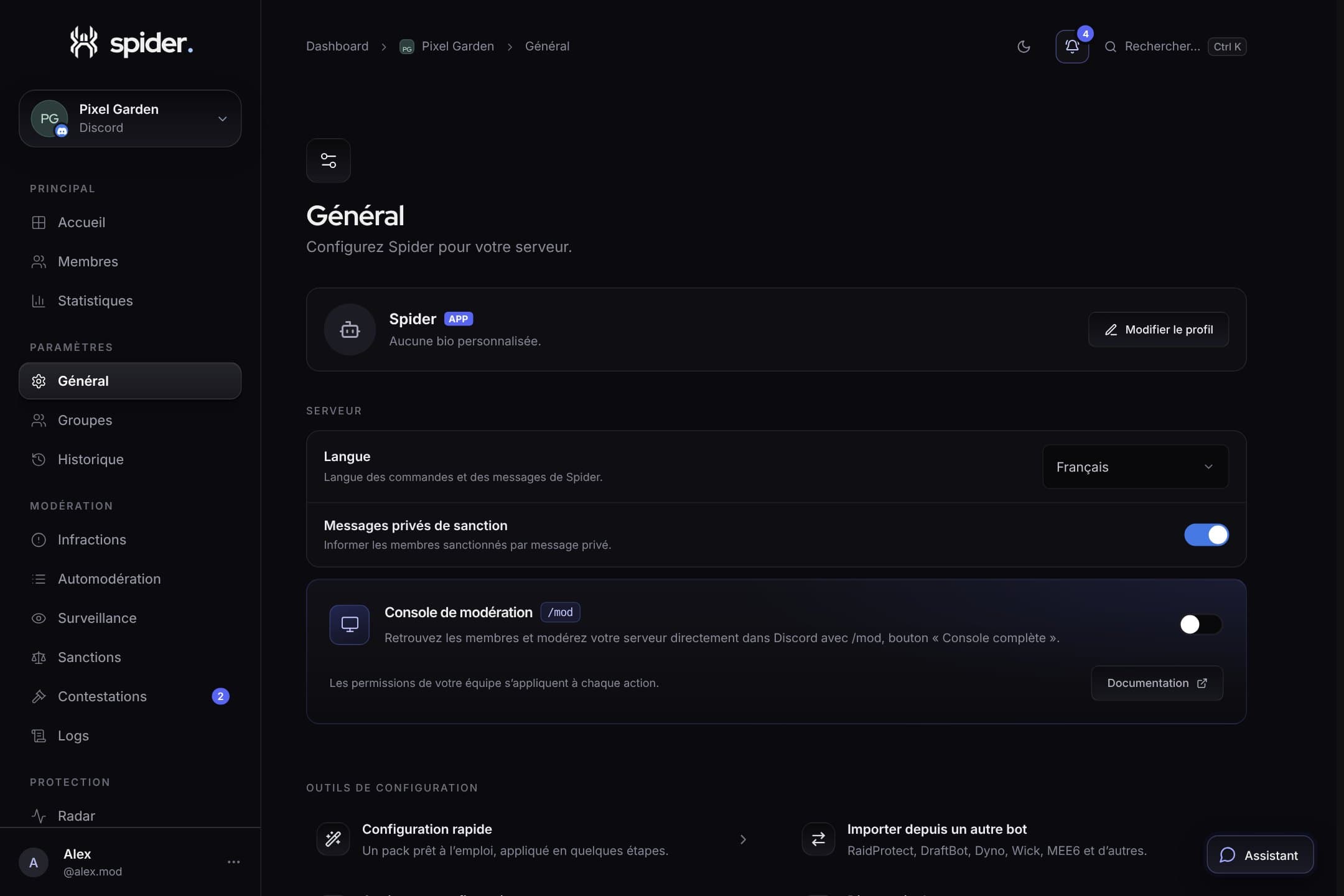 GuidesSet up Spider in 10 minutesThe recommended order to go from a freshly invited bot to a protected, organised server, without missing anything.
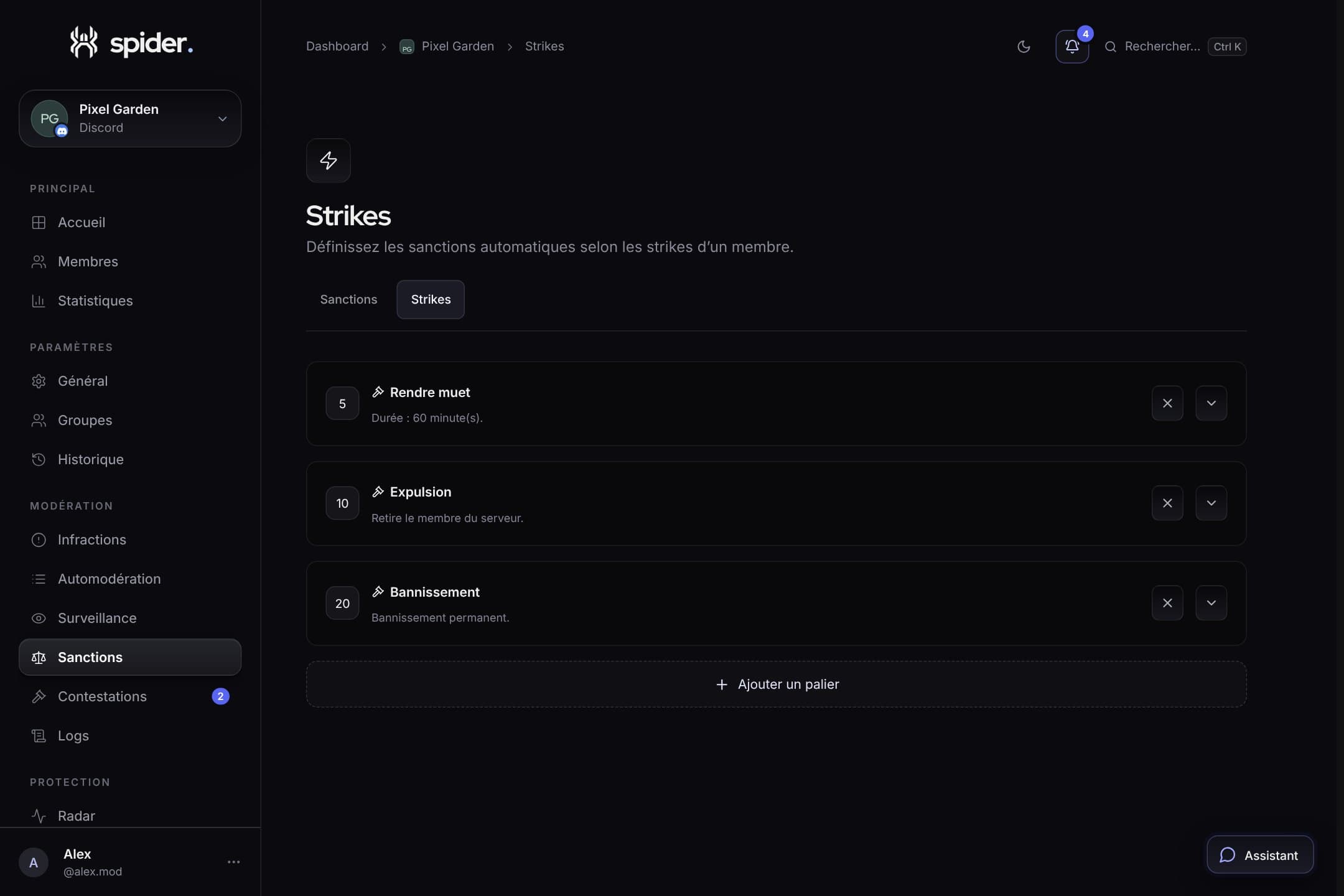 GuidesProgressive sanctions: warnings, tiers and strikesHow to build a clear sanction ladder, applied automatically and identically by your whole team.