Bringing your server to life with its statistics
When to run an event, which channel to close, who to thank: five concrete decisions to make with Spider’s numbers.
 Spider team2 min read
Charts look nice. But a statistic is only worth something if it makes you change something. Here are five simple uses, to do once a month.
1. Pick the time of your events
Open /stats then the Activity view: the grid shows when your server is really alive. Schedule announcements, giveaways and voice nights just before the peak, not during quiet hours.
2. Clean up your channels
In Over time, over 3 months, look at the channel list. A channel that gets almost nothing spreads conversations thin: merge it into a close one or archive it.
3. Thank the members who keep the server alive
The Ranking highlights your regulars. A thank-you message, a role or a place in your team: they are often your future moderators.
4. Understand departures
If departures go up, compare with what changed that day: a new rule, an event, a wave of ads. Spider shows the change against the previous period to spot those moments.
5. Measure the effect of a change
New channel, new verification, a weekly event? Note the date, then compare the 30 days before and after. In a few clicks, you know whether it worked.
Full guide in the documentationMessage and voice statistics
Try it on your server
Spider is free to add. Set it up in a few minutes from the dashboard.
Keep reading
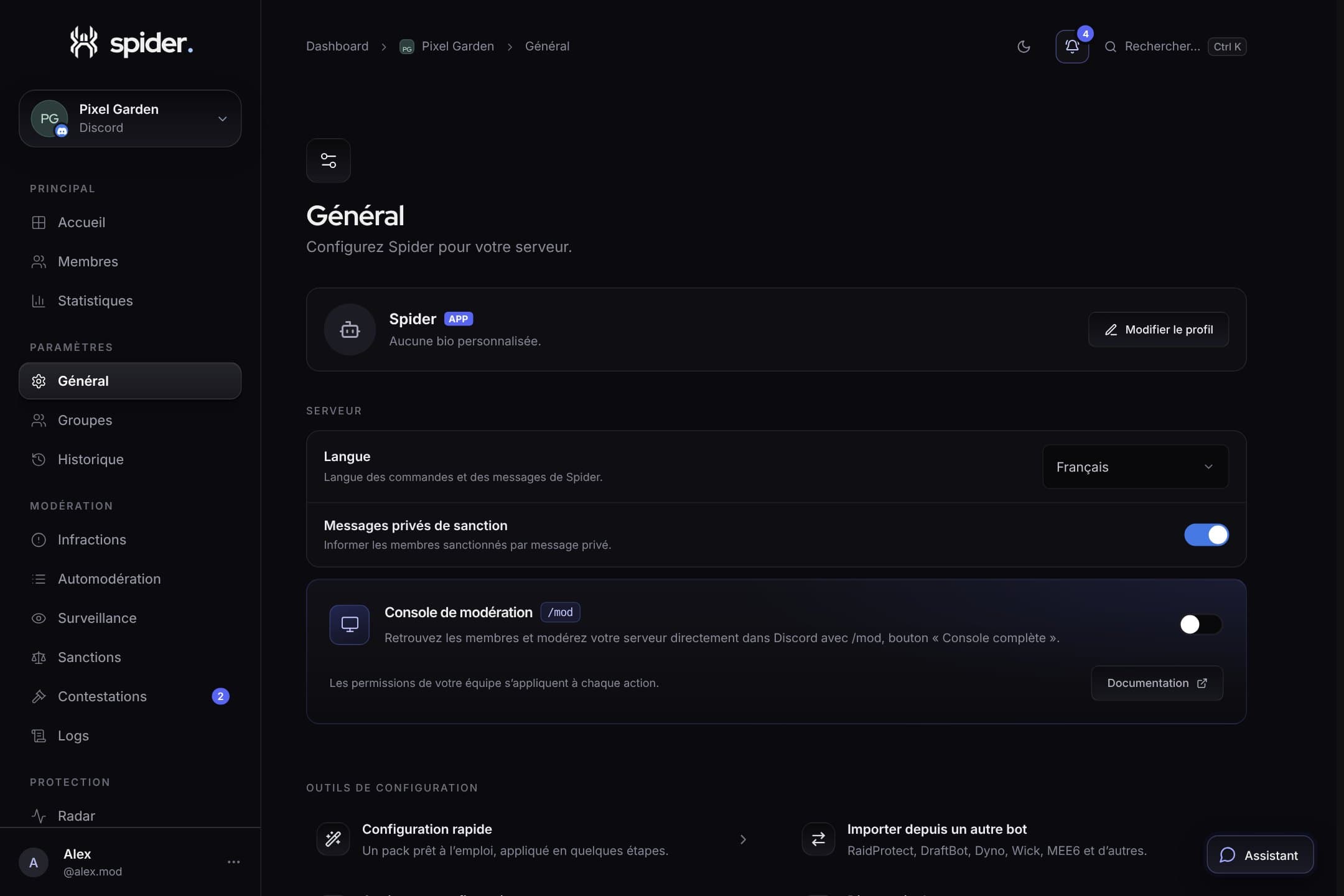 GuidesSet up Spider in 10 minutesThe recommended order to go from a freshly invited bot to a protected, organised server, without missing anything.
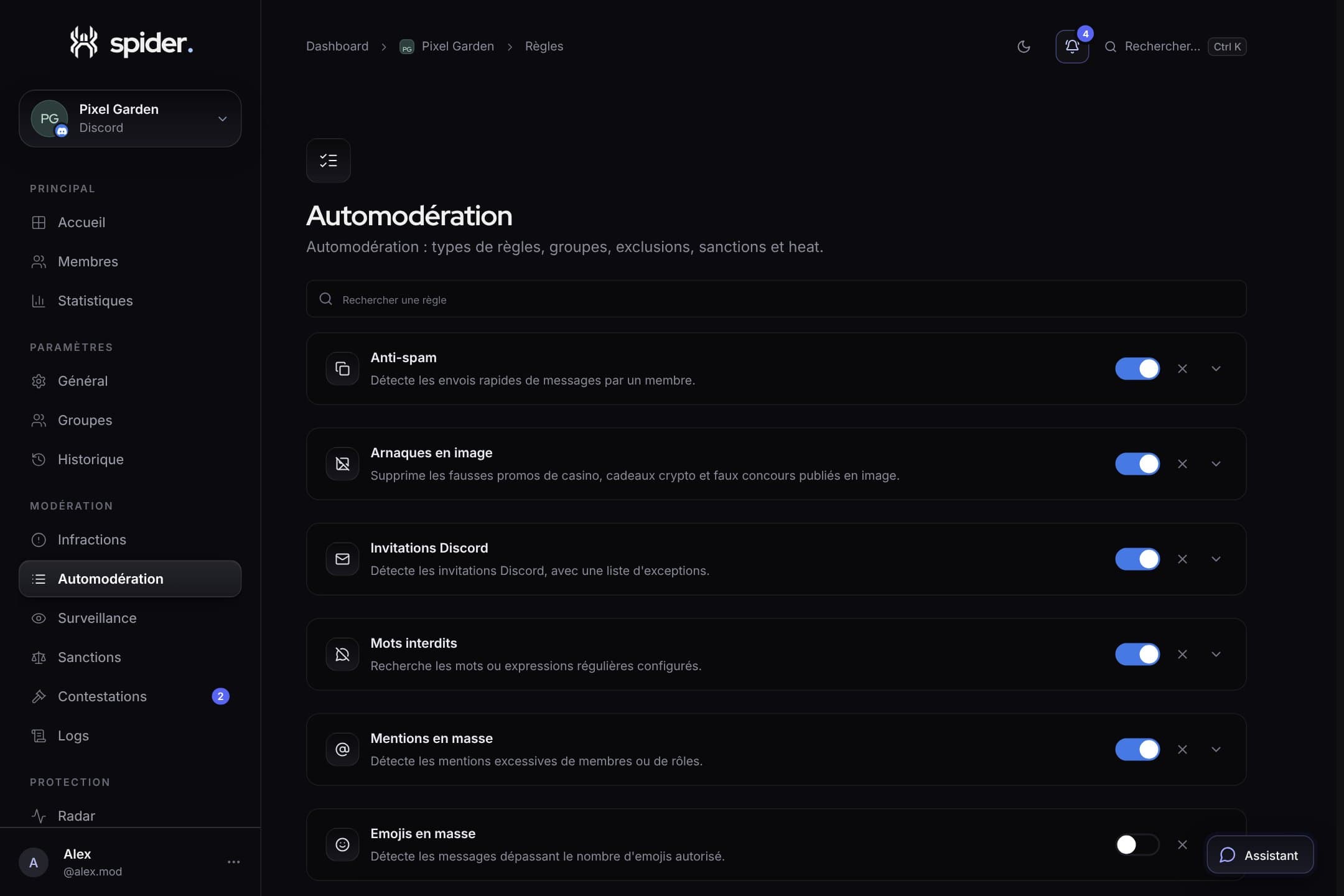 GuidesStrict automoderation without false positivesThresholds, exclusions, heat mode and alerts: the settings that make the difference between a bot that protects and a bot that annoys.
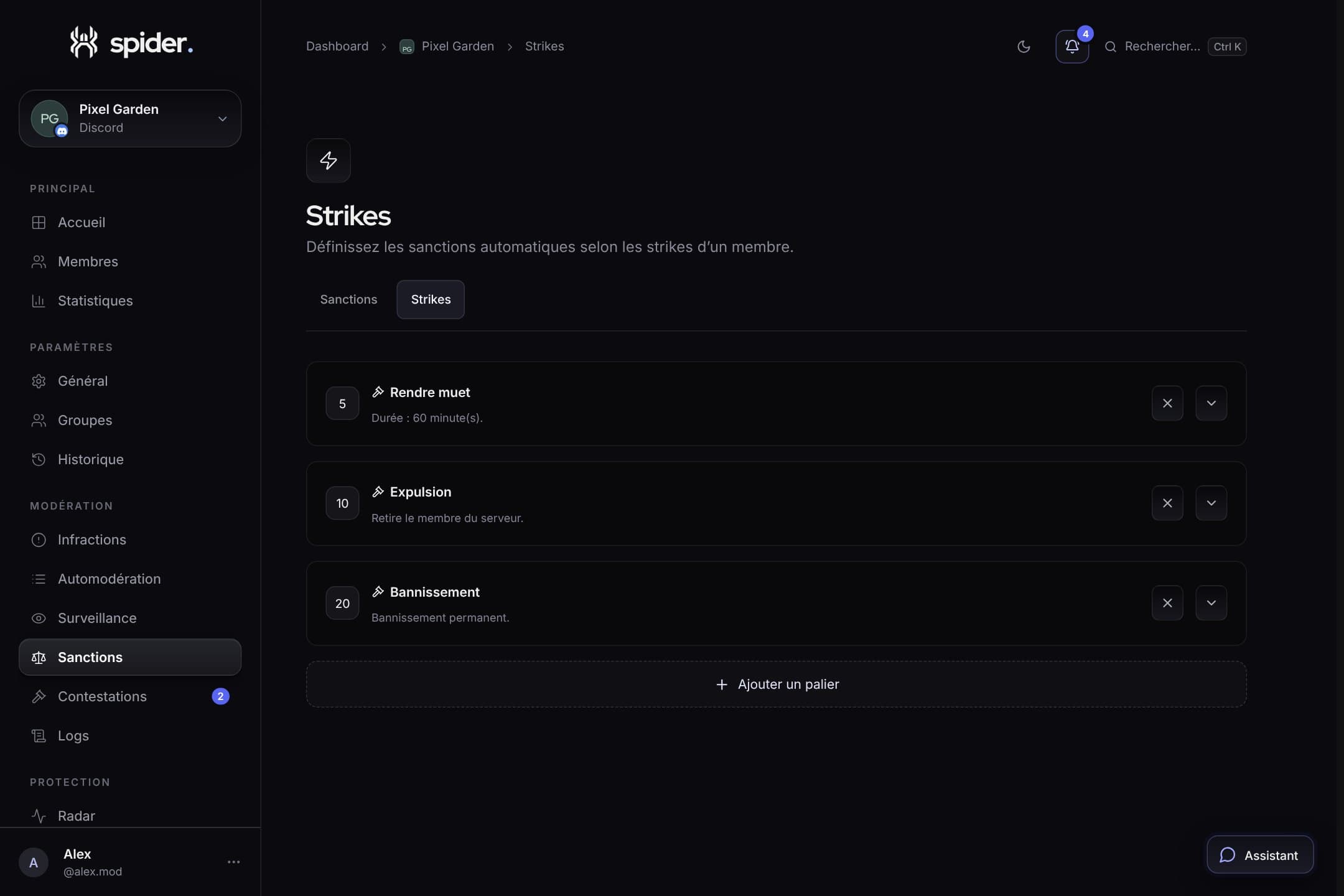 GuidesProgressive sanctions: warnings, tiers and strikesHow to build a clear sanction ladder, applied automatically and identically by your whole team.