Polished messages and your own commands, without code
Visual builder, automatic reactions, sticky messages and custom commands: everything the Messages and commands page offers.
 Spider team2 min read
Rules, announcements, server introduction, answers to common questions: a big part of server life goes through well-presented messages. The Messages and commands page brings together four tools for this.
The message builder
Click “+ New message” and start from a template (Simple message, Rules, Announcement, Introduction). Add embeds with titles, colours, images and fields, or switch to Components V2 for block layouts. The preview shows exactly what your members will see.
Automatic reactions
Spider adds the chosen emojis to every new message in a channel: 👍 / 👎 in a suggestions channel, ❤️ in a creations channel.
Sticky messages
An instruction that always stays at the bottom of the channel: Spider removes the old copy and reposts after the conversation. Tune the message count and delay so it doesn’t repost every second in a busy channel.
Custom commands
Create your own slash commands, /rules or /event for example, with parameters (text, member, role, channel, number…), a visual reply and access conditions. Insert {argument:nom} to reuse a parameter in the reply.

Try it on your server
Spider is free to add. Set it up in a few minutes from the dashboard.
Keep reading
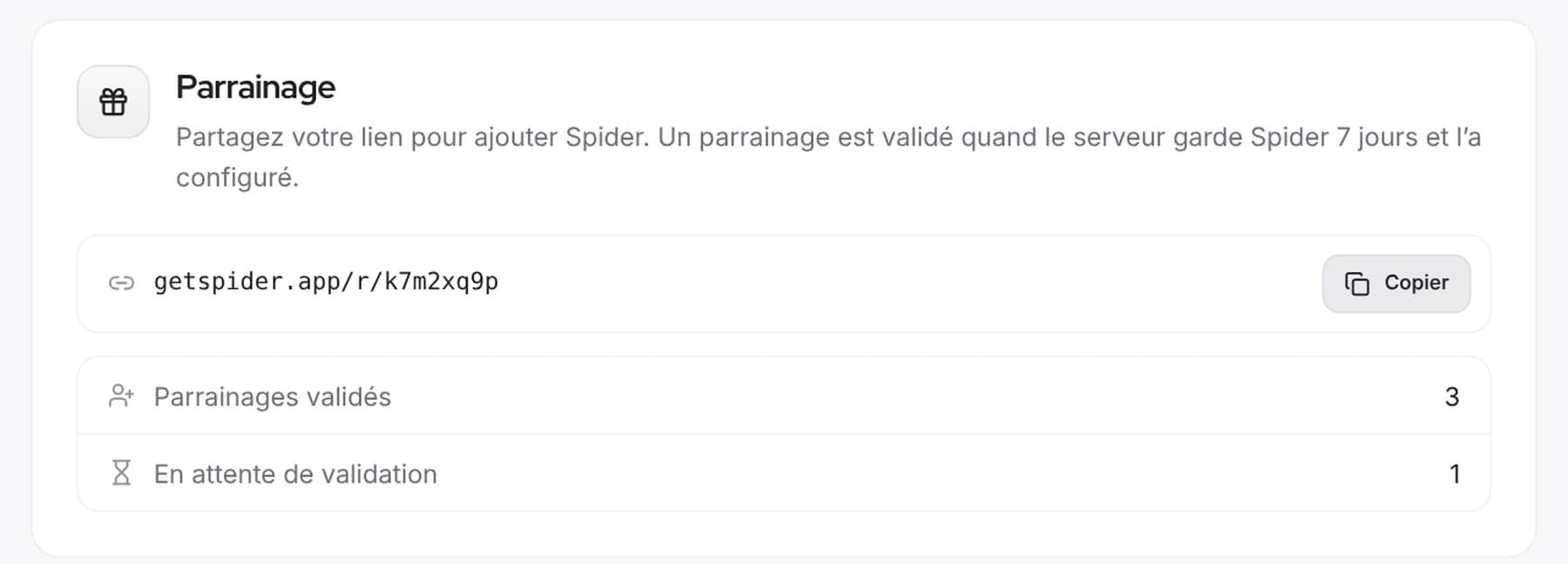 CommunityReferrals and votes: help Spider growA personal link to introduce Spider, top.gg votes announced on our Discord and a Supporter role to thank those who vote.
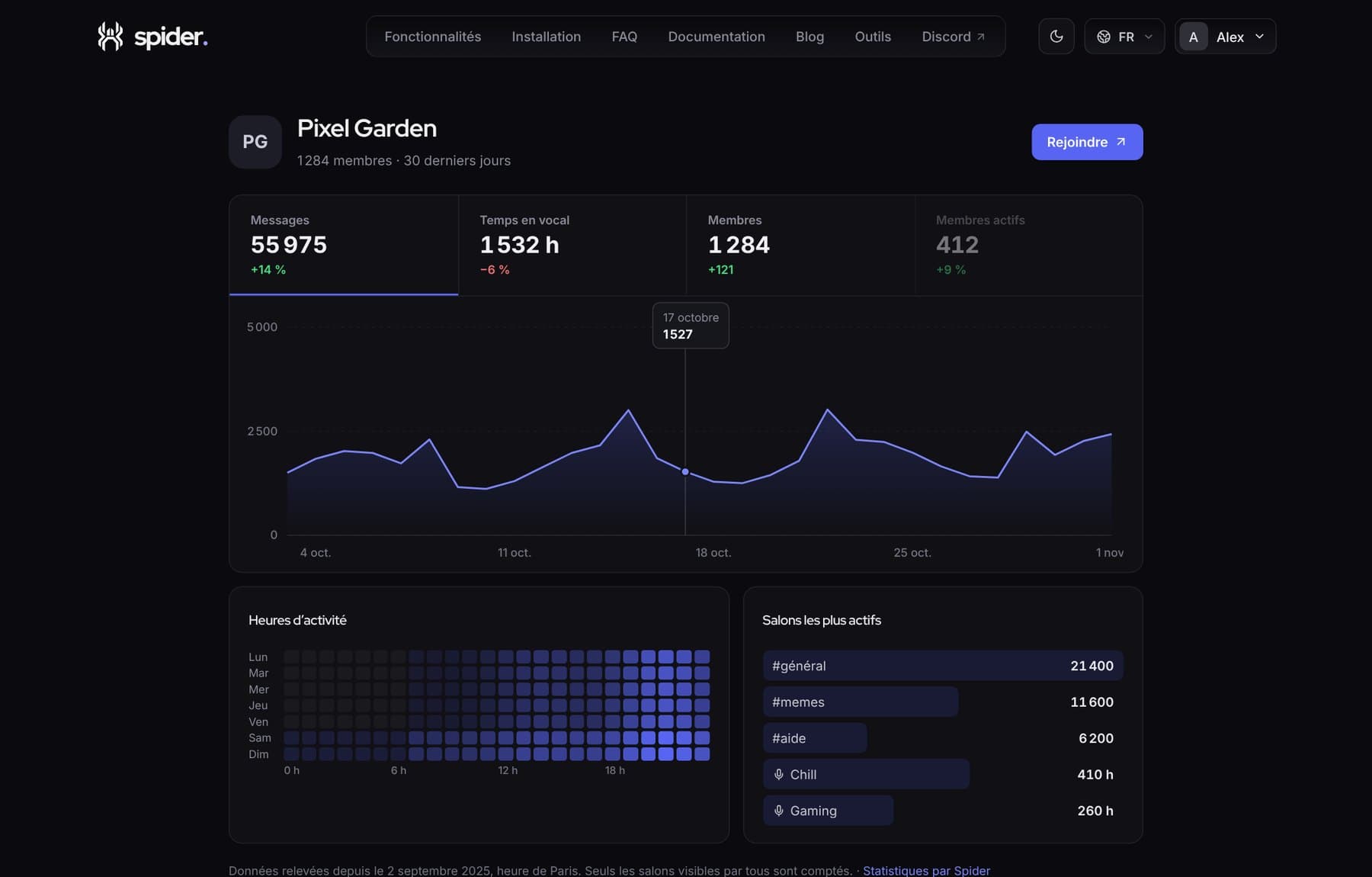 CommunityShow your server is alive with a public pageA getspider.app page with your server’s activity, to share on server lists, social media or your website.
 CommunityRunning fair, cheat-free giveawaysEntry conditions, verifiable draw, rerolls and prize claims via ticket: everything for a giveaway nobody disputes.