The new Spider dashboard is here
A menu organised by theme, a Home page that tells you what to do next, Ctrl+K search and grouped pages: a tour of everything that changed.
 Spider team2 min read
Since Spider launched, the dashboard has grown a lot: every new module added a menu entry, and finding the right setting became hard. We rebuilt it around one simple idea: you should see at a glance what needs your attention, and find any setting in seconds.
A Home page that guides you
The server Home now shows three useful blocks. What’s left to set up lists the essential modules still disabled (automoderation, moderation logs, sanctions, verification, anti-raid) with a Configure button, then disappears once everything is ready. To handle counts pending appeals, applications and tickets. Latest infractions shows your team’s recent decisions.
A menu organised by theme
The left menu is now split into six collapsible categories: Main, Settings, Moderation, Protection, Community, and Support and team. Spider remembers which categories you open or close, and the one for the current page always stays visible.
- Fewer entries: related pages are grouped into tabs. Automoderation brings together Rules, Alerts and Nicknames; Sanctions brings together tiers and Strikes; Logs brings together Events and Moderation.
- Badges: an indigo counter appears next to Appeals, Applications and Tickets when something is waiting for an answer.
- Simple mode: a button at the bottom of the menu hides modules you are not using yet.
Find everything with Ctrl+K
Press Ctrl+K (Cmd+K on Mac) from any page: search suggests matching pages, settings and members. It is also the fastest way to reach pages that are not in the menu, such as Levels or Interactive onboarding.
Calmer pages
Rarely used options are tucked behind “More options”, headings are more compact and a small “?” next to the title explains the page in one sentence. The result: less scrolling, with the important settings kept at the top.
Full guide in the documentationFind your way in the dashboard
Try it on your server
Spider is free to add. Set it up in a few minutes from the dashboard.
Keep reading
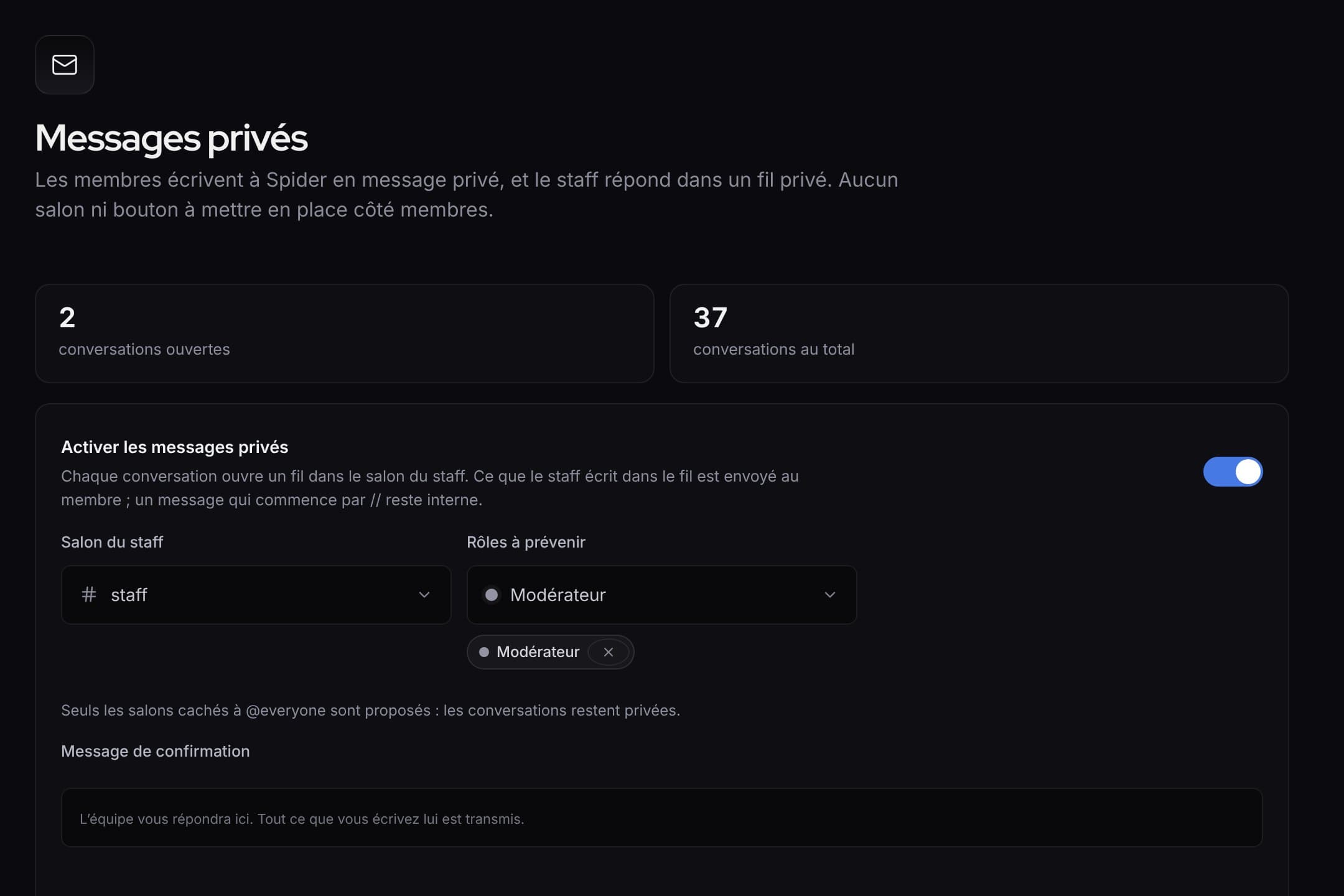 What’s newWhat’s new: faster tools for the staff, and a clearer dashboardQuick replies and blocking in private messages, ready-made alert rules, activity of each rule, a new menu and an always visible save bar.
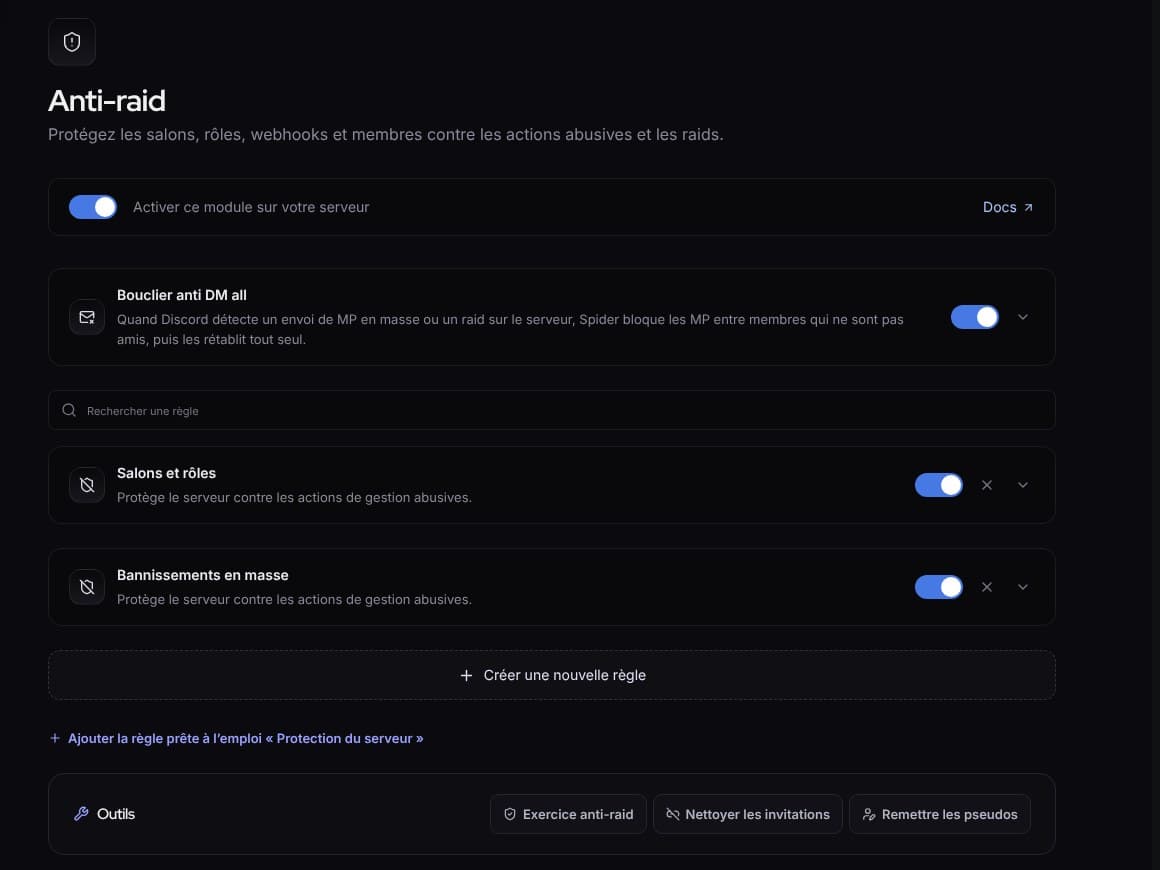 What’s newWhat’s new: fuller protection, and a livelier SpidyDM all shield, “Check link”, hacked accounts, leaked keys, server protection, anti-raid drill, milestone parties and spectator mode.
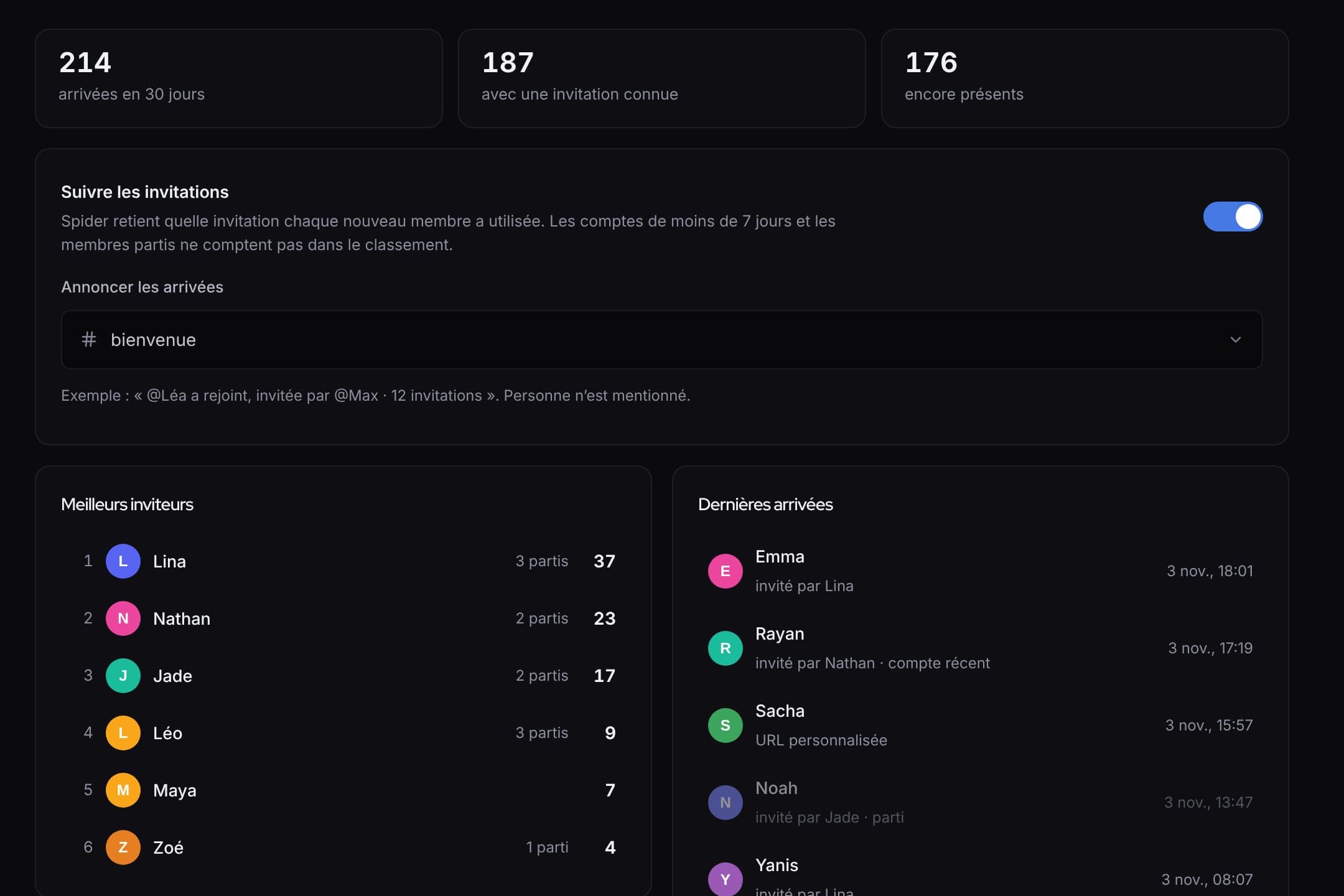 What’s newWhat’s new: invites, automatic answers, counting game and automatic setupWho invited whom and rewards, answers that even read screenshots, a counting game, and a server set up in one click.