Rewarding members who show off your server
The server tag and custom status are free advertising. Spider automatically gives a role to members who display them.
 Spider team2 min read
When a member displays your server tag next to their name or an invite in their status, they promote your community everywhere they go. The Tag and support page lets you thank them automatically.
The server tag
Enable the module, choose the role to give (for example “Supporter”), then run the sync to handle members already wearing the tag. Only your server’s tag counts. When the member removes it, Spider only removes the roles it gave itself.
Support through status
In the Server support tab, create a rule with up to 20 texts to look for in the custom status (for example “discord.gg/yourserver”). Choose the match type (Contains, Word or Exact) and a removal delay so the role isn’t removed at the slightest change.
A small coloured role and a dedicated channel are often enough: members love being recognised.Full guide in the documentationReward the server tag

Try it on your server
Spider is free to add. Set it up in a few minutes from the dashboard.
Keep reading
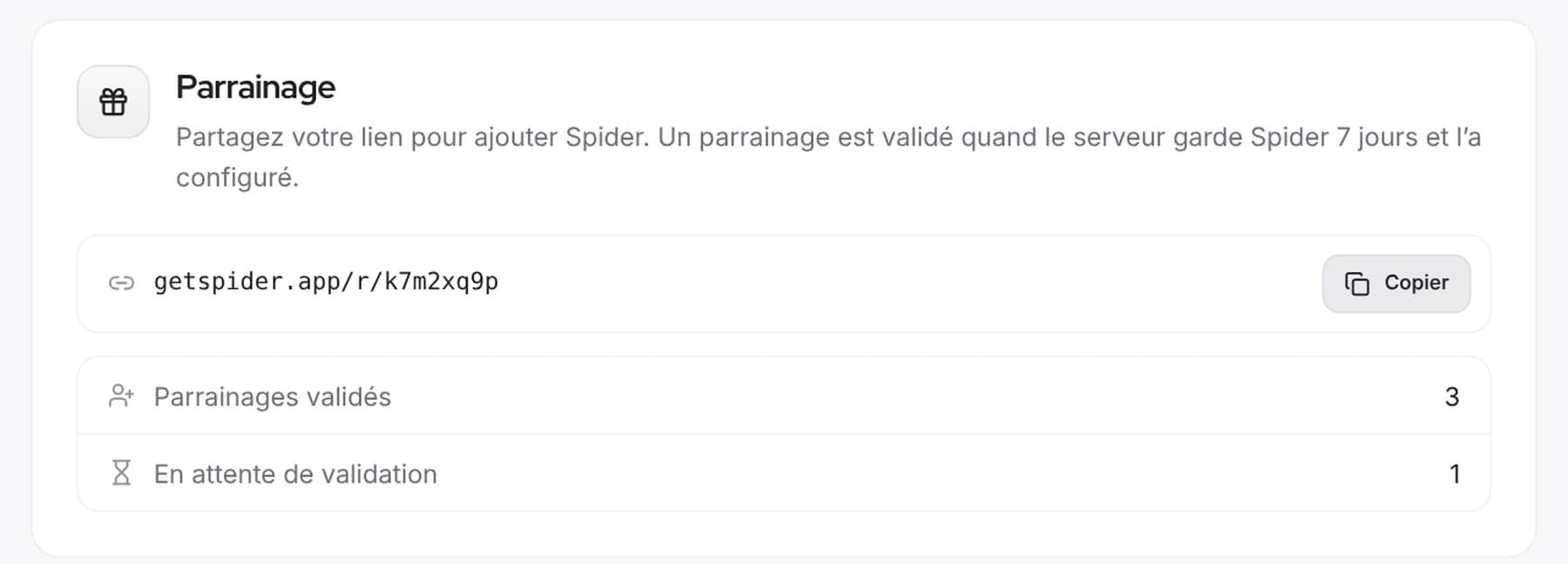 CommunityReferrals and votes: help Spider growA personal link to introduce Spider, top.gg votes announced on our Discord and a Supporter role to thank those who vote.
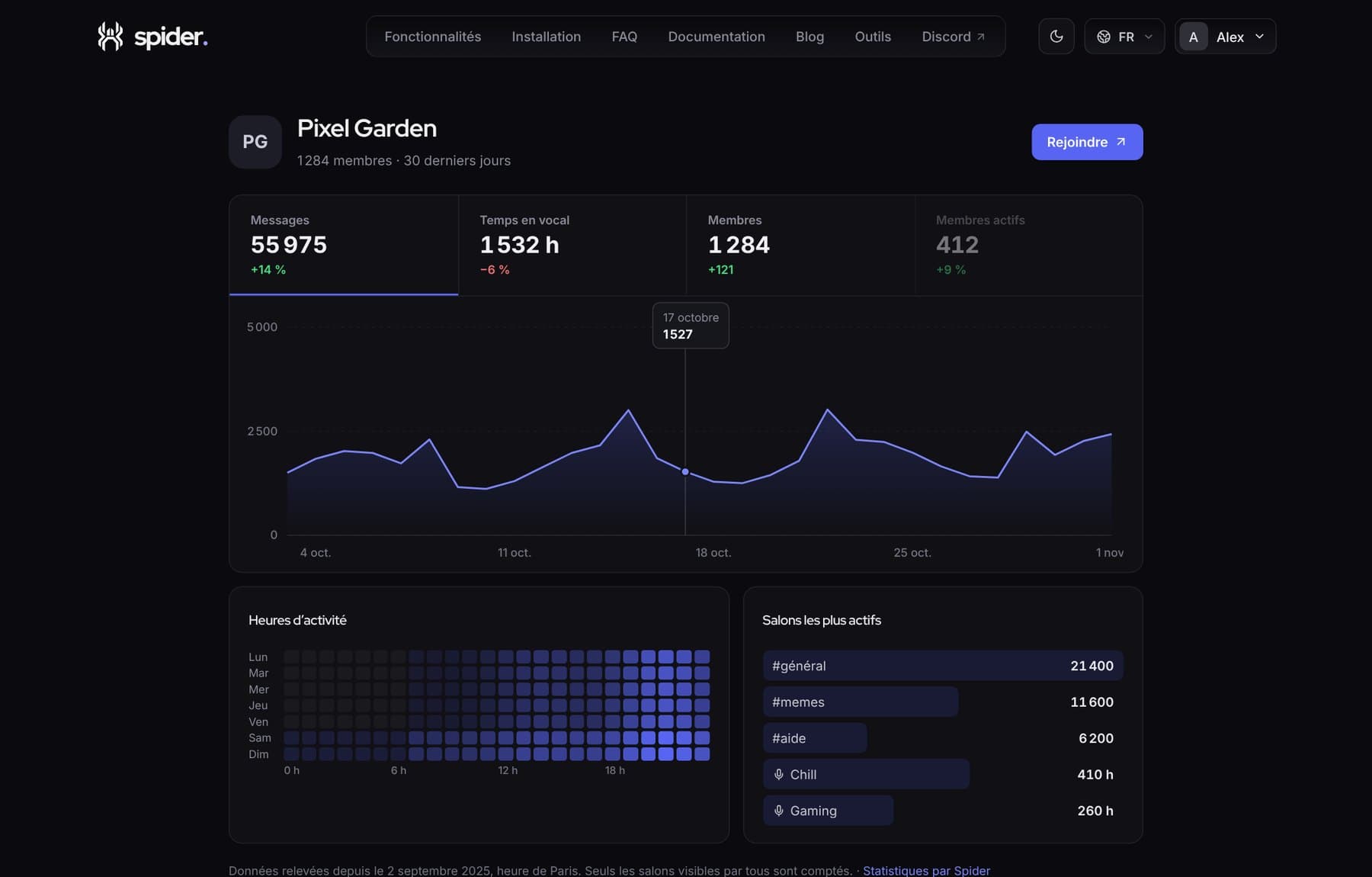 CommunityShow your server is alive with a public pageA getspider.app page with your server’s activity, to share on server lists, social media or your website.
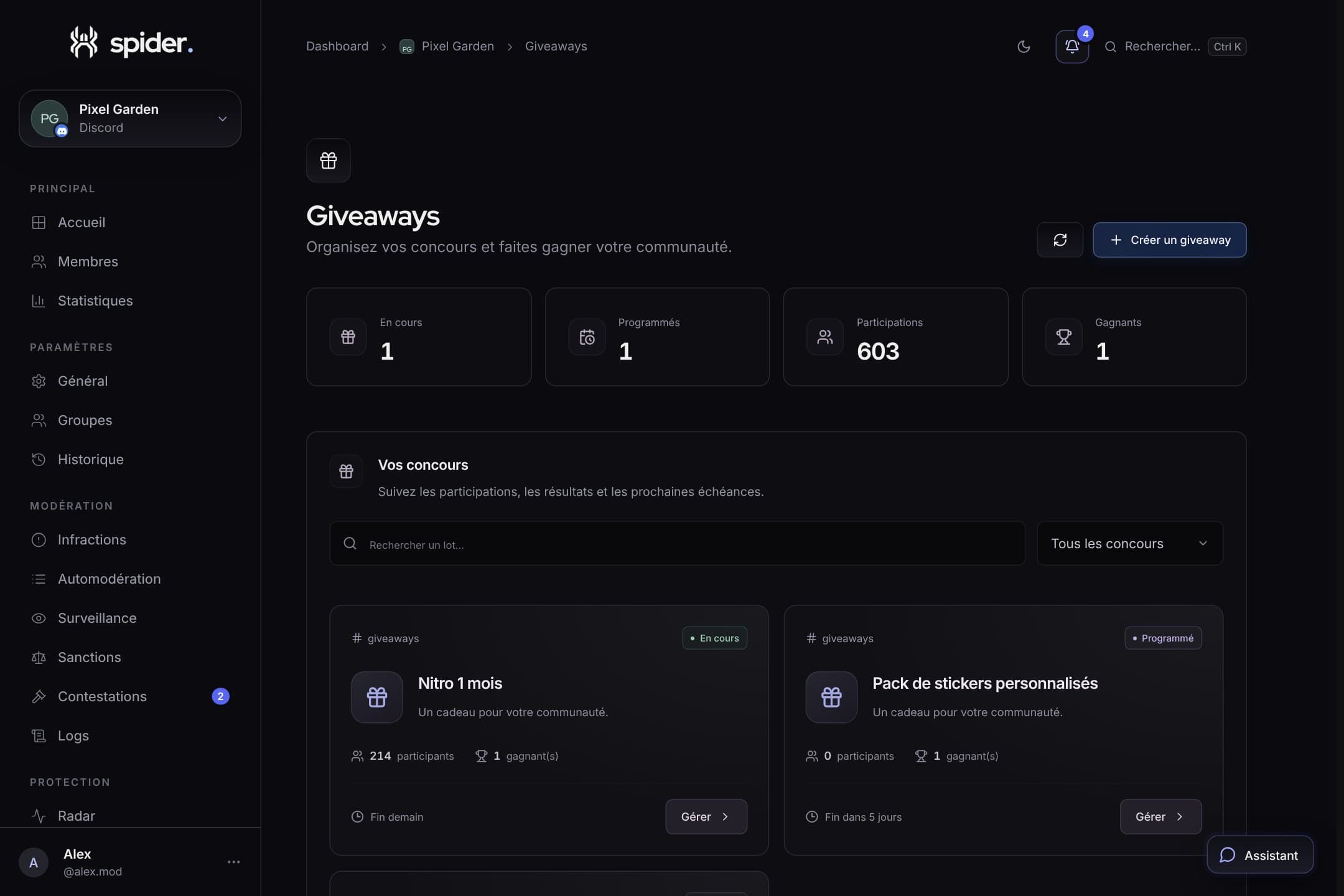 CommunityRunning fair, cheat-free giveawaysEntry conditions, verifiable draw, rerolls and prize claims via ticket: everything for a giveaway nobody disputes.