Recruit your staff without spreadsheets or external forms
Ready-made positions, conditional questions, applications in a Discord Activity and team follow-up through to the decision.
 Spider team2 min read
Recruiting moderators often involves an external form, a shared spreadsheet and scattered discussions. With Applications, everything stays in Discord and the dashboard.
Publish a position
In Support and team › Applications, Configuration button, the quick-start card offers templates: Moderator, Support, Host, Designer. Pick one, the panel channel and the recruiters’ roles: Spider creates the position and publishes the panel.
- Up to 10 questions, with conditions.
- Minimum seniority, required or excluded roles.
- A “Applications open” switch to close a position without deleting it.
On the applicant’s side
The “View recruitment” button opens a Discord Activity: the member sees open positions, checks eligibility, fills in the form and follows their application.
Review as a team
Each application goes through clear states: Received, Under review, Interview, then Accepted, Rejected or Withdrawn. Take ownership, add notes visible only to recruiters, schedule an interview, then reply with an optional message sent to the applicant.
Full guide in the documentationPositions and applications
Try it on your server
Spider is free to add. Set it up in a few minutes from the dashboard.
Keep reading
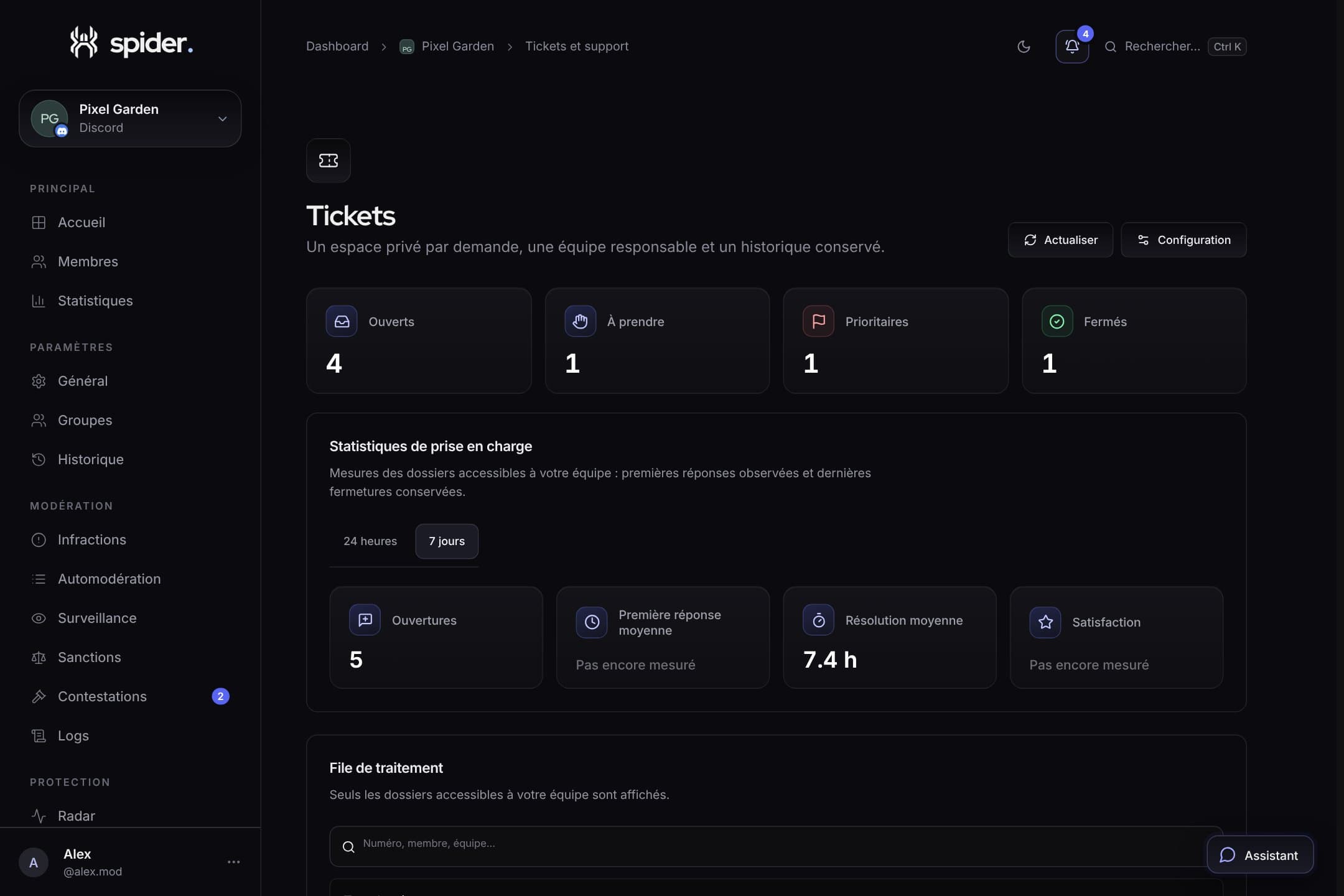 Team and supportTicket support ready in one minuteThe setup wizard, multi-choice panels and the handling queue: everything to answer quickly without forgetting anything.
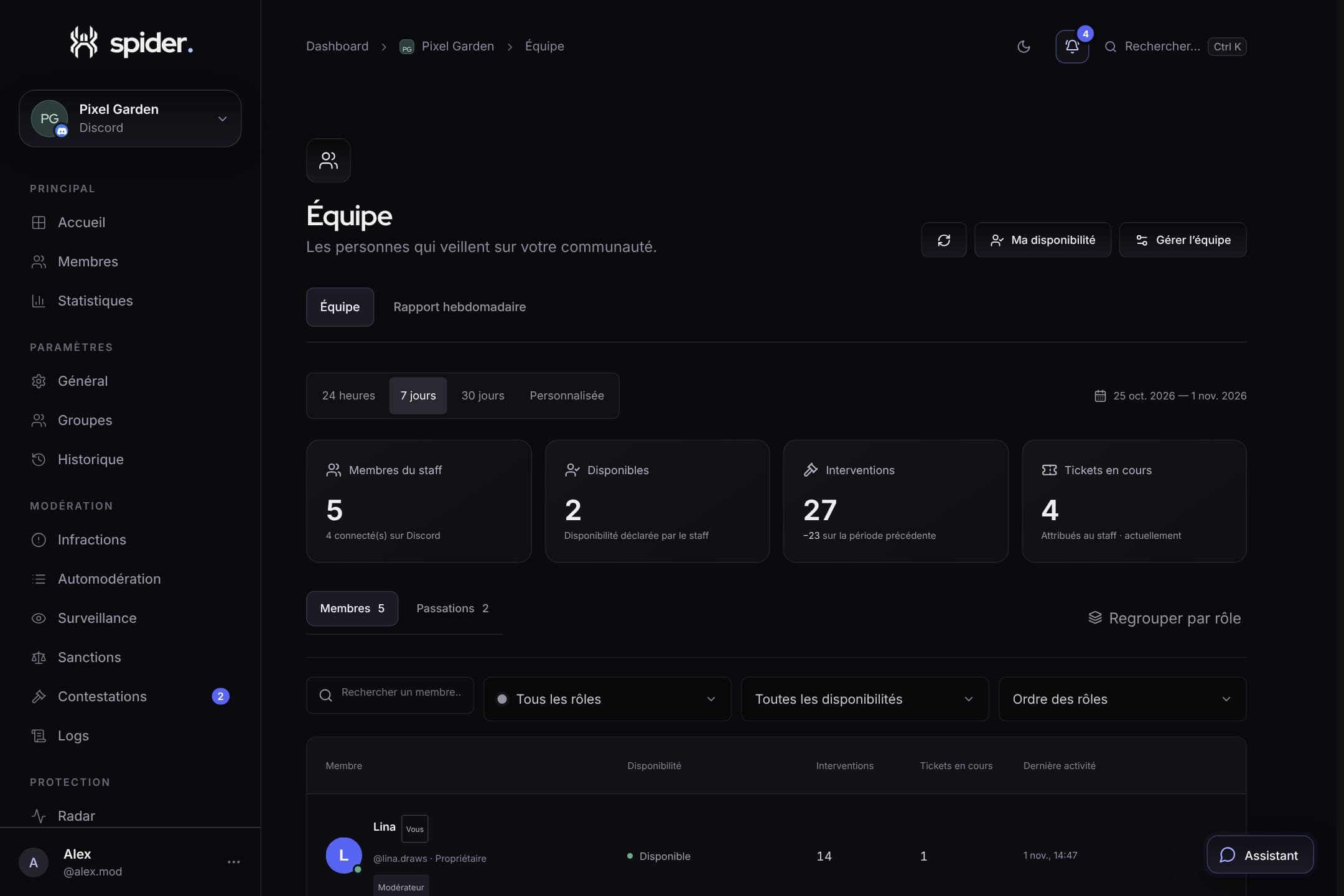 Team and supportFollow your team and get a weekly reportAvailability, handovers, everyone’s activity and an automatic weekly report: the Team page helps share the load, not monitor people.
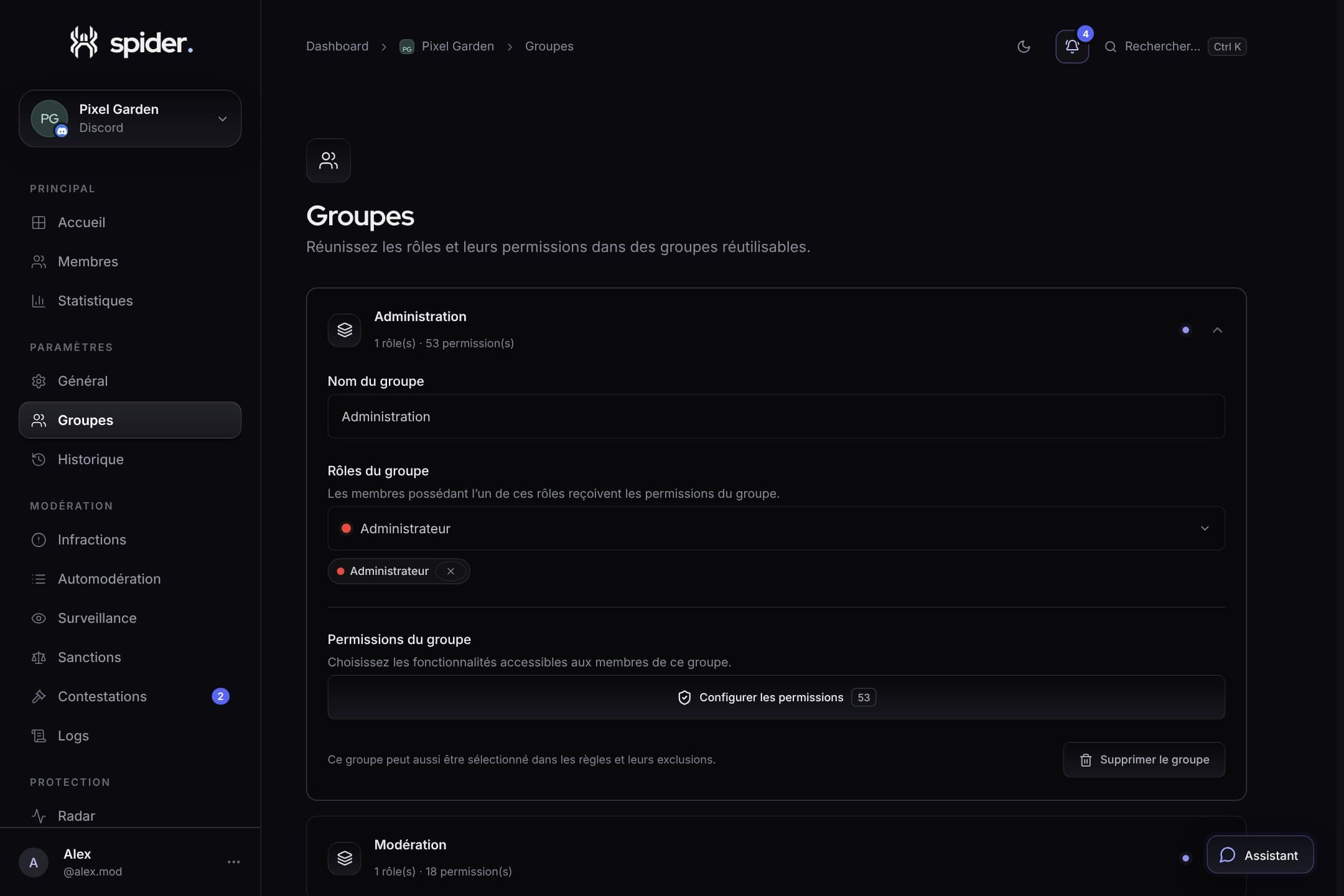 Team and supportGiving everyone the right access with groupsAdministration, Moderation, Support: how to split dashboard permissions so everyone sees what they need, and nothing more.