Counters and personal voice channels: channels that run themselves
Show member count in a channel name and let everyone create their own voice channel, without staff involvement.
 Spider team2 min read
Two modules on the Automatic channels page make a big difference to a server’s atmosphere for very little setup.
Counters
A counter shows a value in a channel name: “Members: 1,284”. Choose the measure (members, humans, bots, online, boosts, members in voice, members of a role, open tickets) and write the format with {count}. Use a locked voice channel: it shows at the top without anyone being able to join.
Personal voice channels
Create a “➕ Create a voice channel” channel: when a member joins it, Spider creates their own channel and moves them in. The channel disappears when empty. A control panel lets the owner rename it, limit slots, make it private, invite or kick members, or transfer ownership.
- Default name: “{member}’s channel”.
- An optional waiting room for private channels.
- The owner has no rights over the rest of the server.

Try it on your server
Spider is free to add. Set it up in a few minutes from the dashboard.
Keep reading
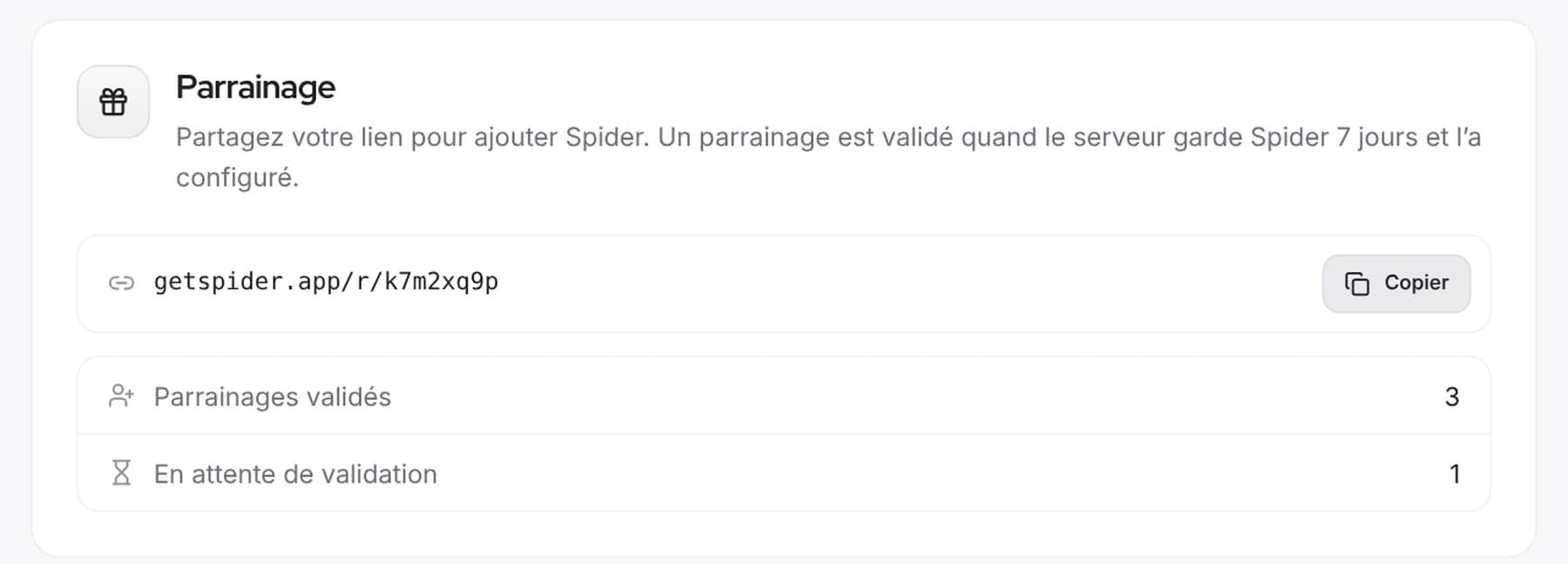 CommunityReferrals and votes: help Spider growA personal link to introduce Spider, top.gg votes announced on our Discord and a Supporter role to thank those who vote.
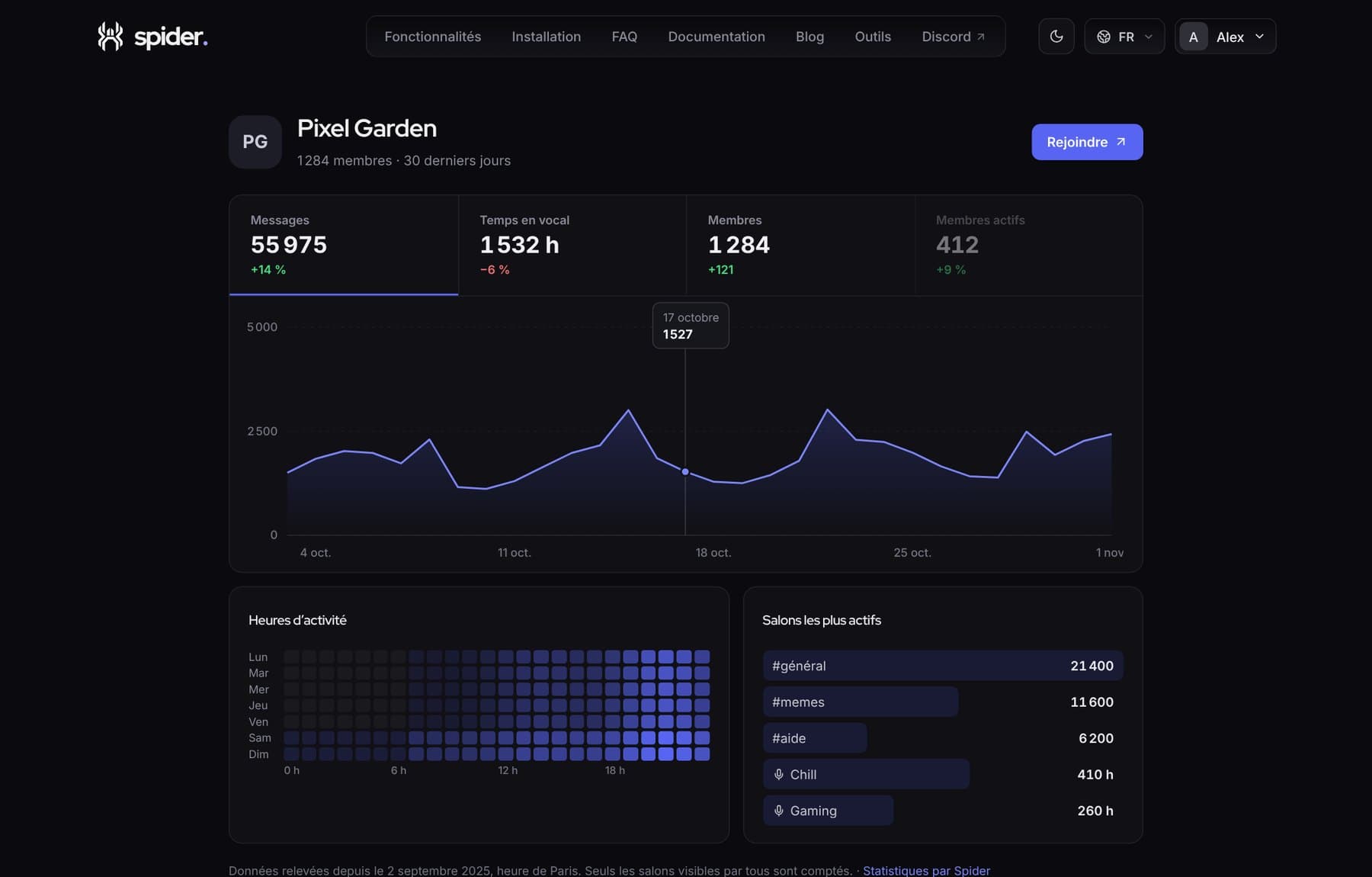 CommunityShow your server is alive with a public pageA getspider.app page with your server’s activity, to share on server lists, social media or your website.
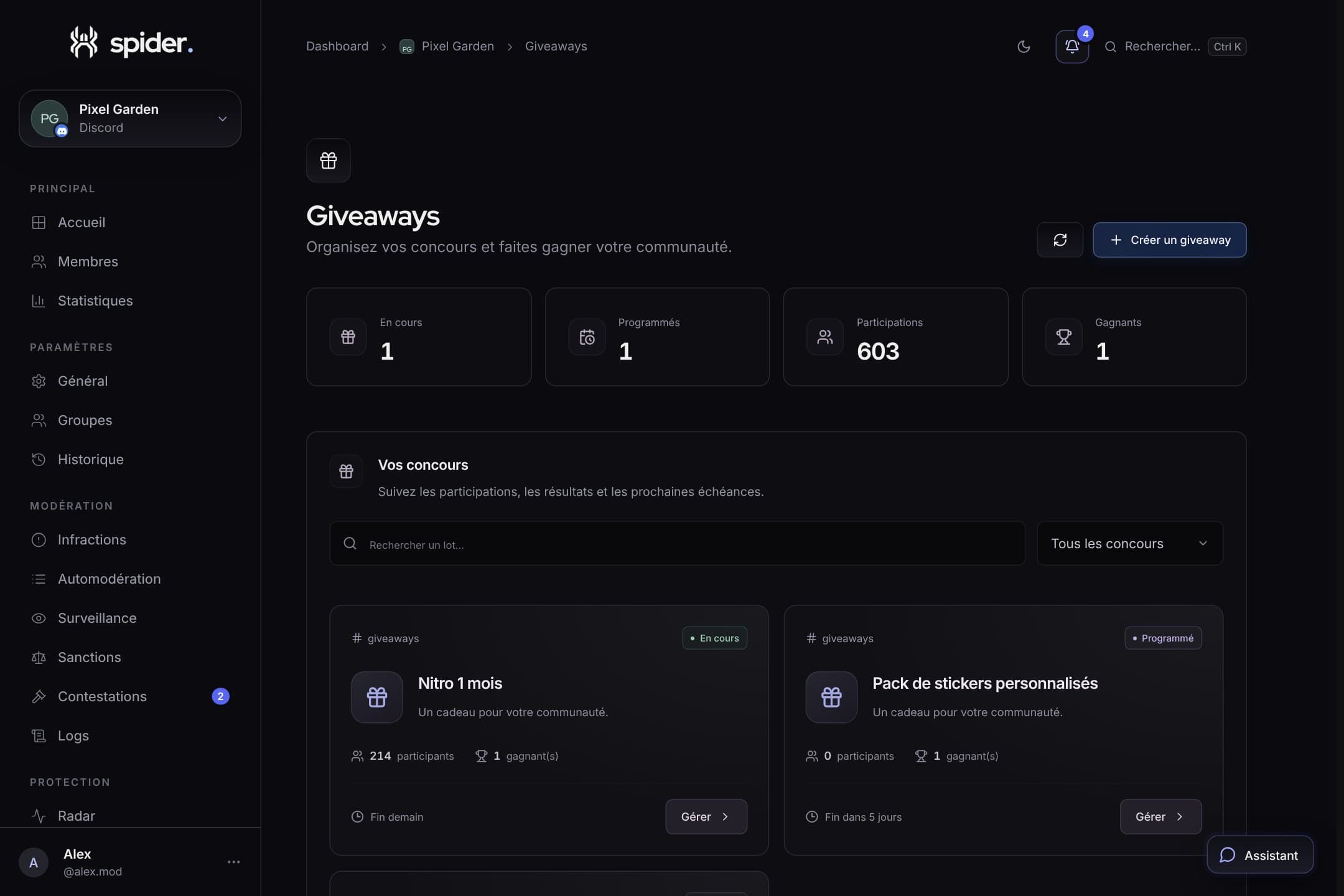 CommunityRunning fair, cheat-free giveawaysEntry conditions, verifiable draw, rerolls and prize claims via ticket: everything for a giveaway nobody disputes.