Reading your server statistics
Messages, voice minutes, active members and peak hours: what statistics really say about your community.
 Spider team2 min read
Member count doesn’t say much: a 10,000-member server can be silent, a 300-member one very lively. The Statistics page shows what matters: who talks, when and where.
The indicators
- Messages and characters: the volume of conversation. Message content is not stored for these figures.
- Voice minutes: time spent in voice, excluding bots and the AFK channel.
- Active members: people with at least one message or voice presence in the period.
Three questions to ask
- When is your server active? Hourly activity shows the best times for an announcement or an event, and the hours your team should be around.
- Which channels are alive? The per-channel breakdown shows those that could be merged or archived.
- Is activity growing? Compare 7, 14 or 30 days, with the same time zone.

Try it on your server
Spider is free to add. Set it up in a few minutes from the dashboard.
Keep reading
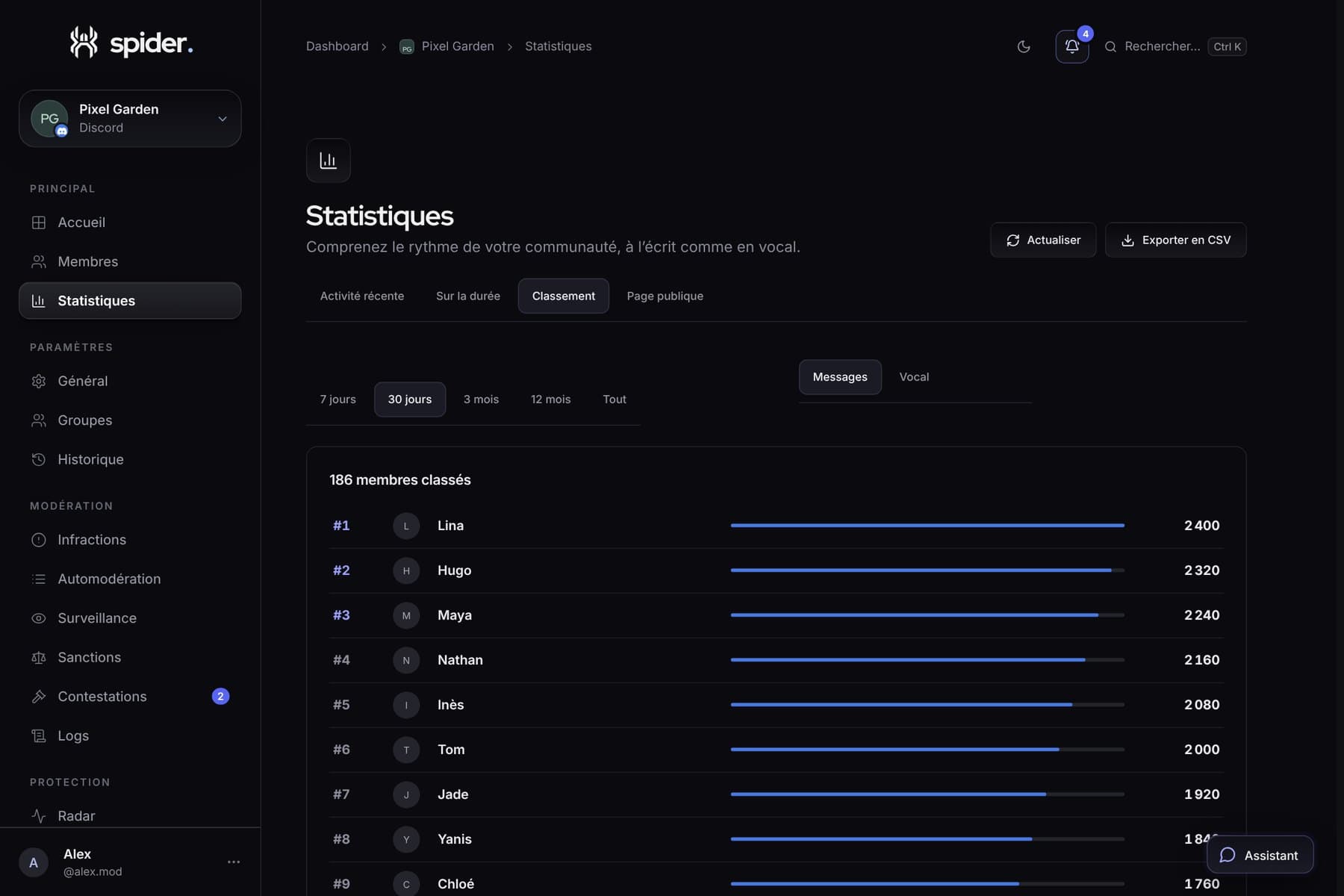 GuidesBringing your server to life with its statisticsWhen to run an event, which channel to close, who to thank: five concrete decisions to make with Spider’s numbers.
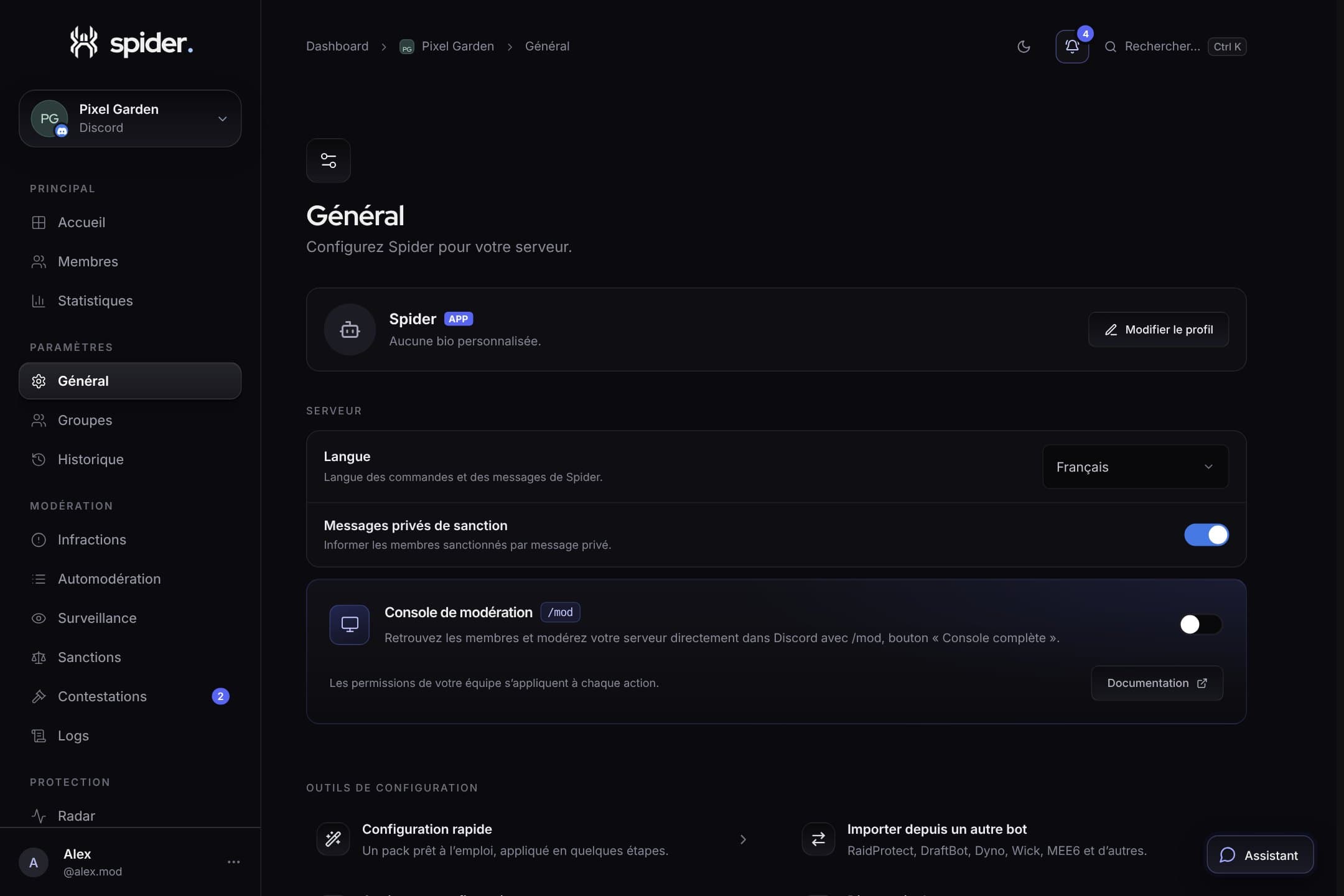 GuidesSet up Spider in 10 minutesThe recommended order to go from a freshly invited bot to a protected, organised server, without missing anything.
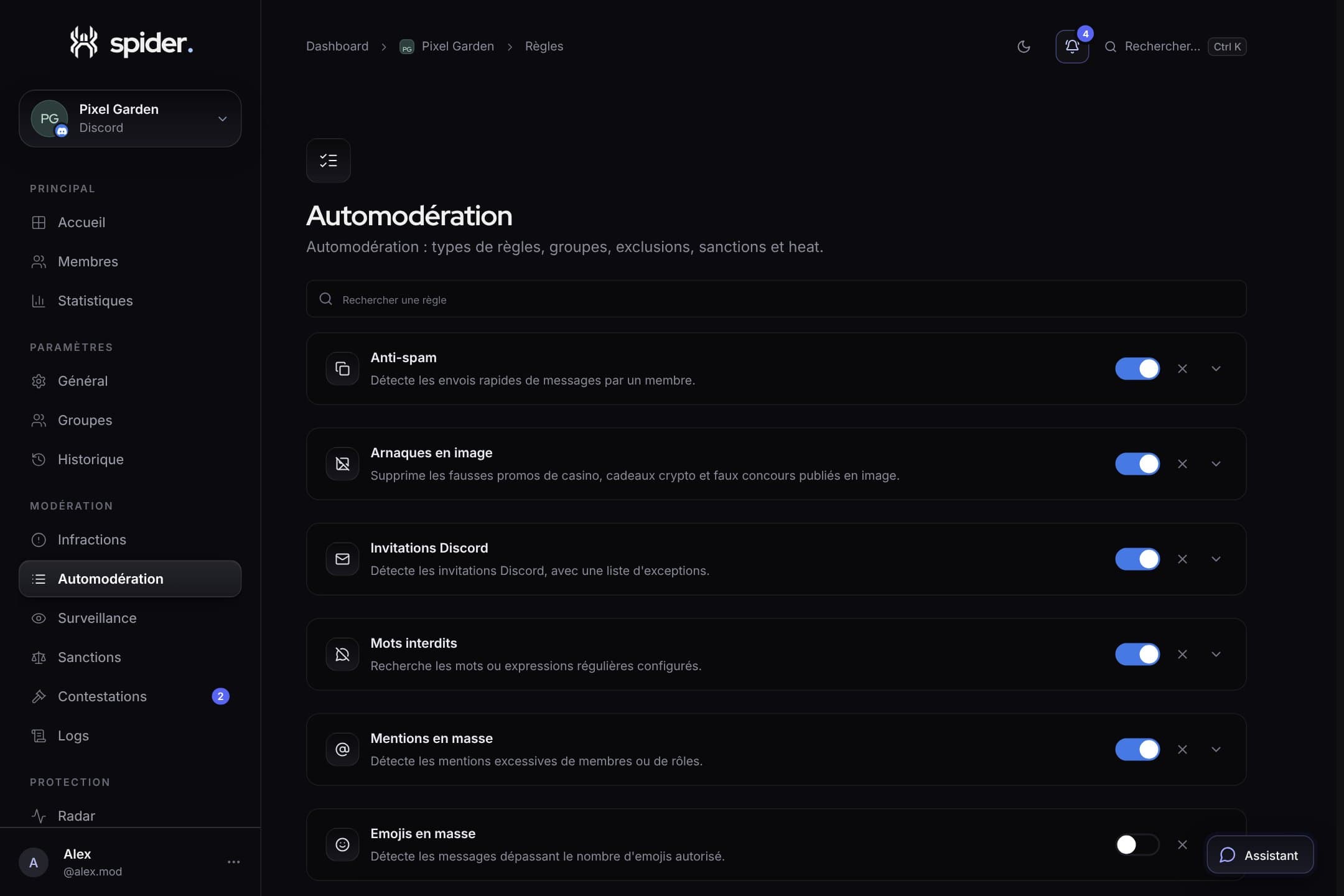 GuidesStrict automoderation without false positivesThresholds, exclusions, heat mode and alerts: the settings that make the difference between a bot that protects and a bot that annoys.