/mod, /settings, /profile: run Spider straight from Discord
A complete moderation console, every setting in one command, profile and server cards, a settings history with undo and more flexible permissions.
 Spider team3 min read
This update brings Spider closer to Discord. Moderation and setup now happen without leaving your server, with clear menus, buttons and emojis everywhere. The dashboard also gains tools to keep an eye on what is going on.
/mod: all of moderation in one command
/mod replaces the old sanction commands (warn, timeout, kick, ban, clear, lock…) and the /console command. It opens a console with several spaces:
- Member file: summary, cases, notes and history, with every action (warn, timeout, kick, ban, rename, roles, voice) and a confirmation before each heavy action.
- Queues: reports and appeals to handle, straight from Discord.
- Channel: lock, unlock, slowmode and message cleanup.
- Emergency: emergency mode and anti-raid protection in one click.
- My actions: your latest cases, which you can edit or withdraw.
- A Full console button opens the dashboard page when you need more.
Two shortcuts complete the console: right-click a member › Apps › Moderation file, and quick action buttons right under auto-moderation and anti-raid alerts.
Full guide in the documentationModeration console inside Discord/settings: set up Spider without opening the dashboard
/settings gathers Spider’s setup in a tabbed panel: logs, auto-moderation, anti-raid, verification, welcome, levels, nicknames and much more. Turn a module on, pick a channel or a role, change a value: everything can be edited from Discord. Only the richest modules, like tickets or the message builder, stay on the dashboard.
New cards for everyone
- /profile: banner, identity, dates, roles and a My cases tab, from which every member can appeal a case.
- /server: the server’s information, roles and emojis.
- /channel, /role, /avatar and /banner: clean cards for a channel, a role, an avatar or a banner.
- If your Discord is in English, commands, their options and their descriptions show in English.
More flexible permissions
Spider now accepts either the Discord permission or your Spider group permission. A moderator without the Discord “Ban members” permission can ban if their Spider group allows it, and the other way round. No need to have both anymore.
To go faster, creating a group now offers ready-made templates: Administrator, Moderator, Junior moderator, Support, Events, Recruitment and Observer.
New on the dashboard
- Settings history: every change is saved with its author, and one click is enough to undo it.
- Server health: a score out of 100 on the home page, with the three most useful settings to fix.
- Notifications: a bell shows waiting reports, appeals, applications and tickets.
- Watchlist: keep an eye on risky members, with their cases, latest events and name changes.
- Recruitment: 8 new ready-made positions, including Sales, Partnerships, Developer, Community manager and Video editor.
- Nicer, clearer dialogs, and a fixed mobile layout.

Try it on your server
Spider is free to add. Set it up in a few minutes from the dashboard.
Keep reading
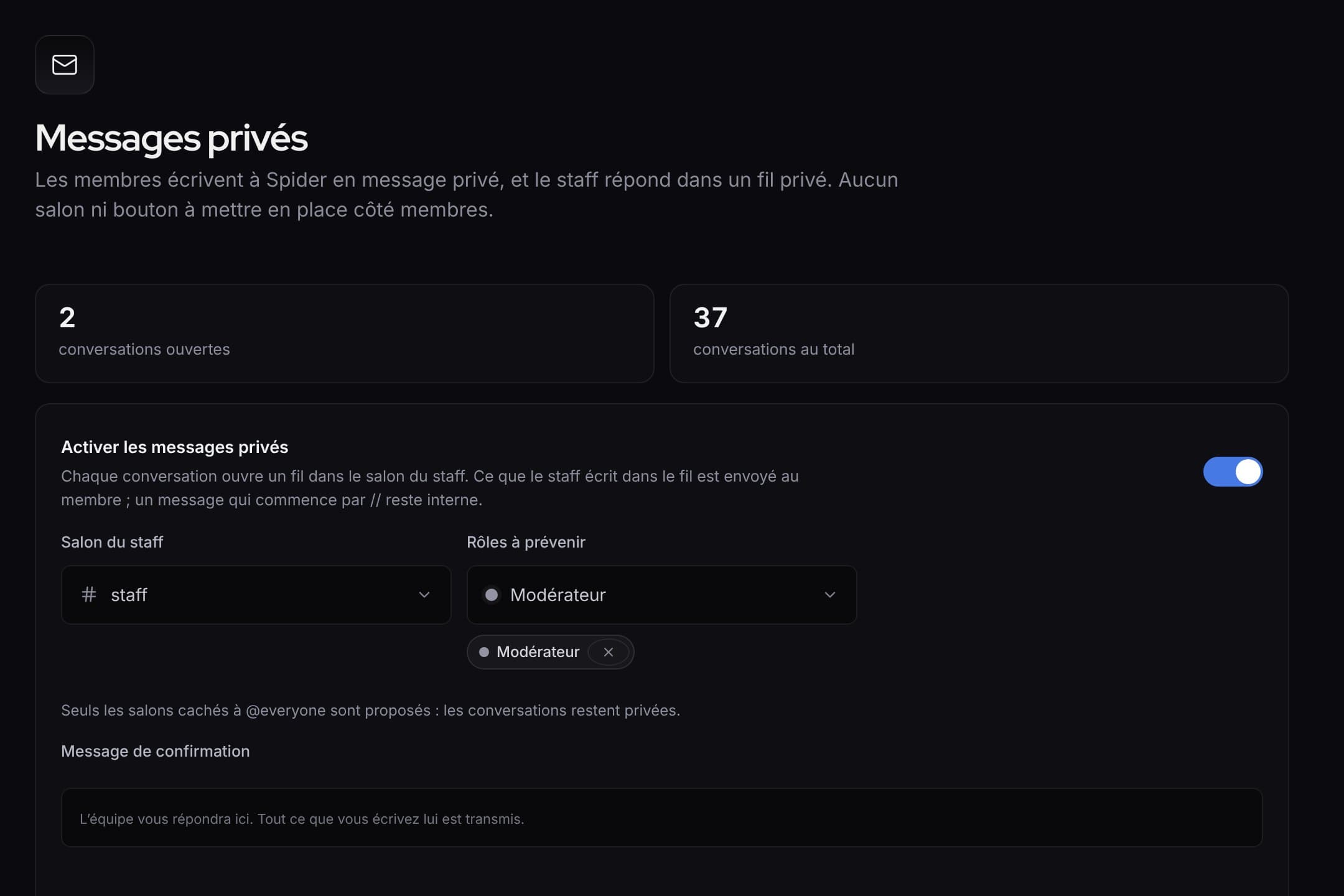 What’s newWhat’s new: faster tools for the staff, and a clearer dashboardQuick replies and blocking in private messages, ready-made alert rules, activity of each rule, a new menu and an always visible save bar.
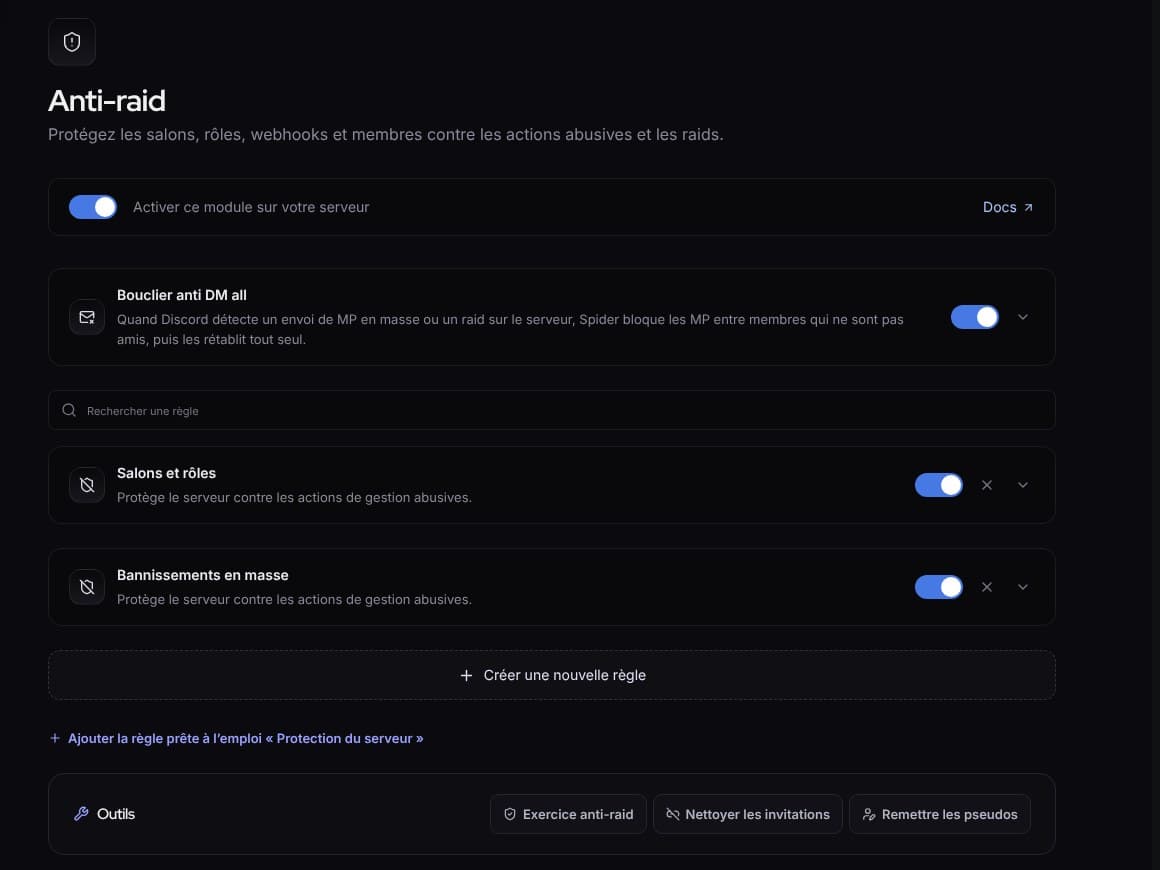 What’s newWhat’s new: fuller protection, and a livelier SpidyDM all shield, “Check link”, hacked accounts, leaked keys, server protection, anti-raid drill, milestone parties and spectator mode.
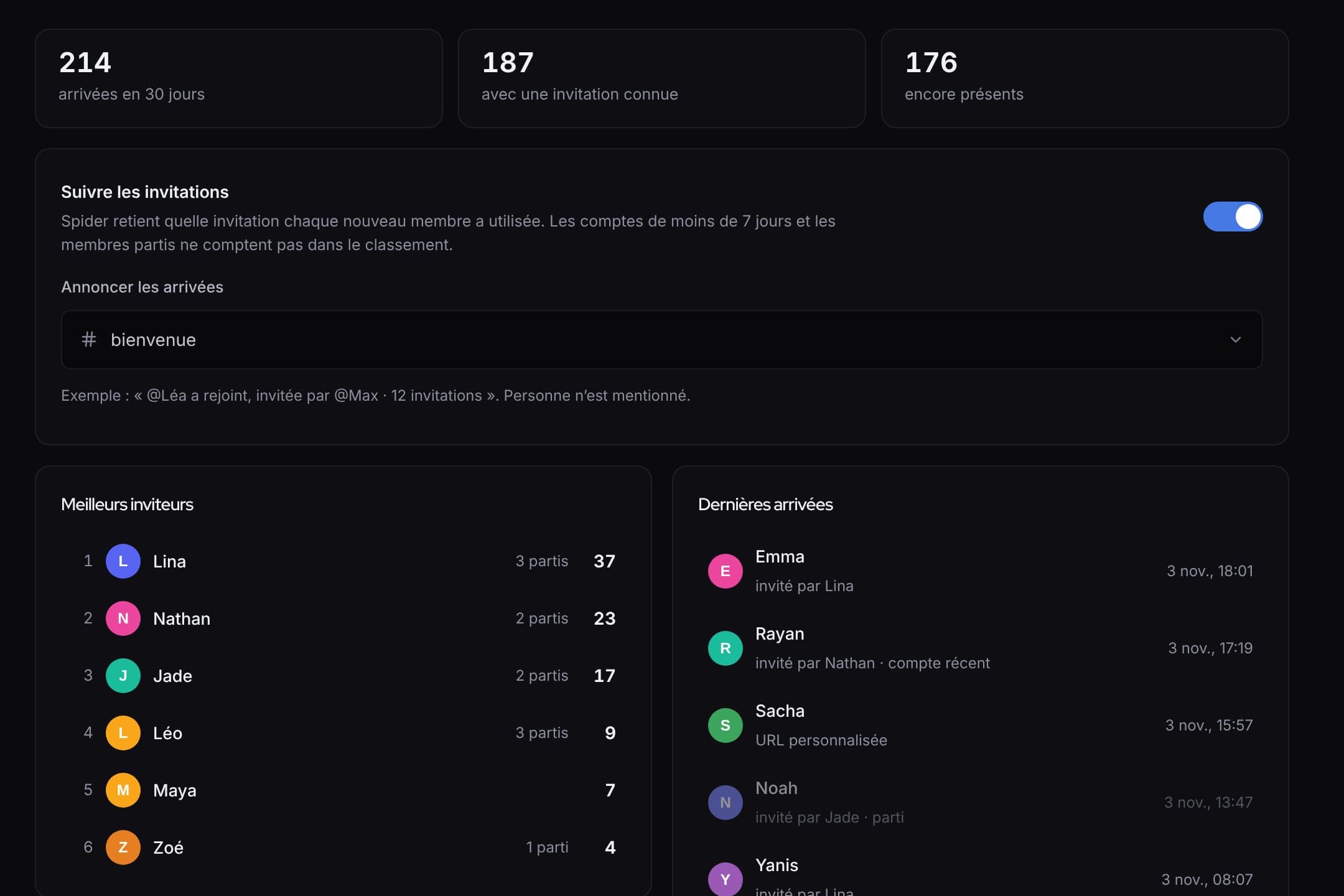 What’s newWhat’s new: invites, automatic answers, counting game and automatic setupWho invited whom and rewards, answers that even read screenshots, a counting game, and a server set up in one click.