Appeals: letting members challenge a sanction
A sanctioned member can now appeal from Spider’s direct message. Another moderator reviews the decision, and the answer is sent back to them.
 Spider team2 min read
Even the best team gets it wrong sometimes: a misunderstood message, an automoderation rule that is too strict, a fake account that looks like a real one. Until now, a member who wanted to appeal had to find a moderator in DMs. With Appeals, the request lands straight in the dashboard, with all the context.
How it works
- The member receives Spider’s sanction DM, with a “Challenge this sanction” button. It works even if they left the server or were banned.
- They explain their request. It appears in Moderation › Appeals, and a badge shows up in the menu.
- A moderator opens the request: they see the appeal, the original sanction and who issued it. They take ownership, then uphold, remove or reduce the sanction with a message.
- The member receives the answer by direct message.
Rules that keep it fair
The moderator who issued the sanction cannot review it themselves (except the server owner). Only one active appeal is allowed per case, and a new request on the same case requires a seven-day wait. You also choose the appeal window: from 1 to 90 days after the sanction.
An appeal is not a challenge to your team: it is a second look, and proof to your members that decisions are taken seriously.
What each decision does
- Uphold: the sanction stays, the member receives your explanation.
- Remove: the warning is cancelled, the ongoing timeout or ban is lifted. A removed kick does not re-invite the member.
- Reduce: an active timeout or ban is shortened.

Try it on your server
Spider is free to add. Set it up in a few minutes from the dashboard.
Keep reading
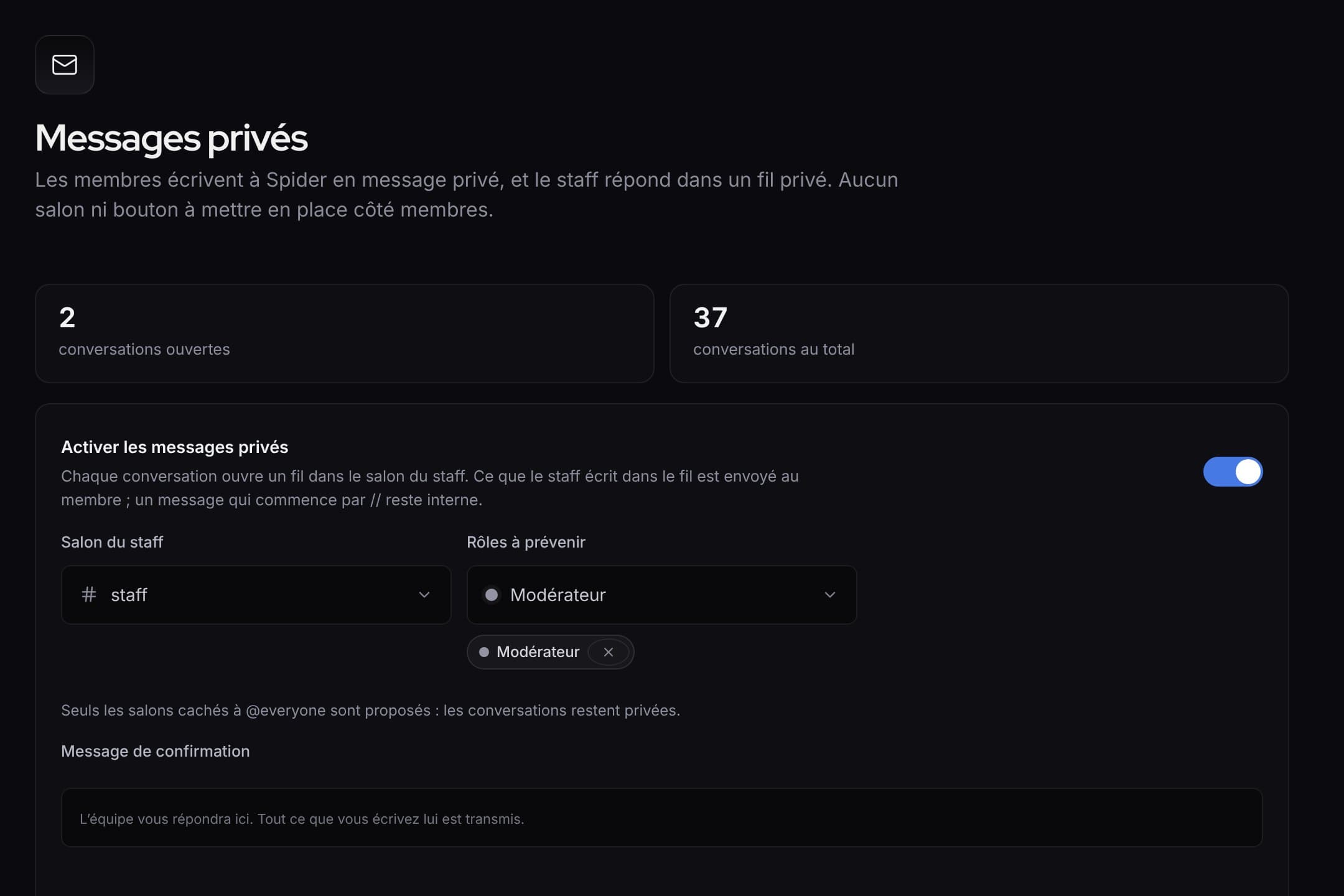 What’s newWhat’s new: faster tools for the staff, and a clearer dashboardQuick replies and blocking in private messages, ready-made alert rules, activity of each rule, a new menu and an always visible save bar.
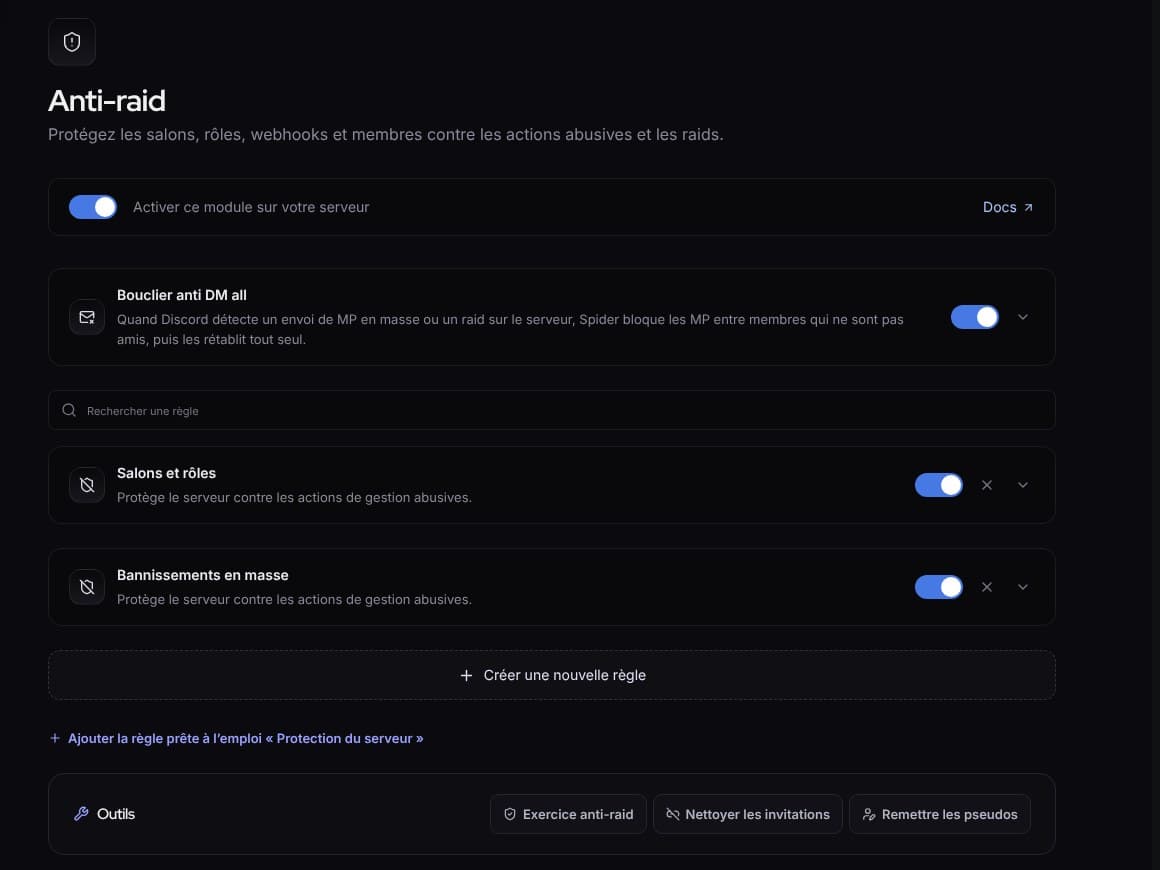 What’s newWhat’s new: fuller protection, and a livelier SpidyDM all shield, “Check link”, hacked accounts, leaked keys, server protection, anti-raid drill, milestone parties and spectator mode.
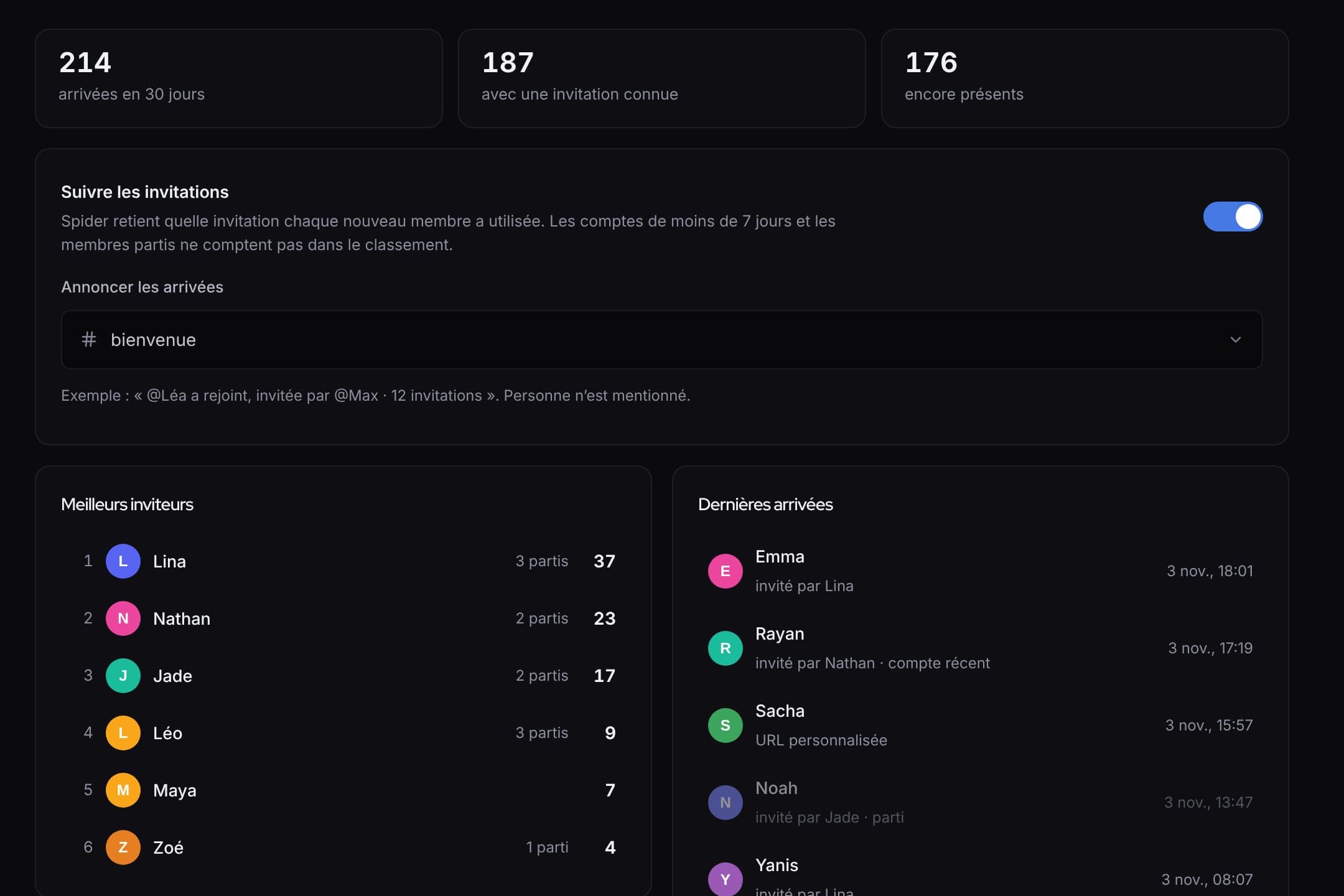 What’s newWhat’s new: invites, automatic answers, counting game and automatic setupWho invited whom and rewards, answers that even read screenshots, a counting game, and a server set up in one click.