Find a log, undo a mistake: history to the rescue
Grouped logs when things get busy, a history to search any event, and rollback one setting at a time.
 Spider team2 min read
Two questions keep coming up in a moderation team: “who deleted this message?” and “who changed this setting?”. Spider now keeps the answer to both, even when the log channel was flooded or a setting was broken by mistake.
Logs that no longer drown the channel
A bulk deletion or a wave of joins used to produce dozens of identical logs. Spider now groups them into a single message summarising the number of events and the members involved. Your channel stays readable, and nothing is lost: every event is kept in the history.
Log history
In Moderation › Logs, the History tab keeps the last 500 events, including grouped ones and those you do not send to Discord. To find what you are looking for:
- type a word, a name or a reason in the search;
- filter by member, channel and type (messages, members, moderation, roles, voice…);
- pick the period: 24 hours, 7 days, 30 days or all;
- click a line to see the member, the actor, the channel, the reason and whether the log was actually sent.
Settings history
In Settings › History, every module change appears with its author, the time and the list of changed settings, before and after. Changes made by a quick setup, an import or a restore are listed too.
Two ways to go back:
- Restore the previous version puts the whole module back as it was before this change.
- Restore only this setting, when hovering a line, undoes just that point: the rest of the module keeps its current values.
A restore is recorded too: if you make a mistake while undoing, you can undo the undo.
A real example
A moderator turns off the Anti-spam rule by mistake while lowering its threshold. That evening, spam gets through. In the log history, Automoderation filter: no detection since 3 pm. In the settings history: “Anti-spam · Enabled: Yes → No”, by Hugo, at 2:58 pm. One click on “Restore only this setting”, and the rule is back on with the new threshold kept.Full guide in the documentationServer and moderation logsFull guide in the documentationSettings history

Try it on your server
Spider is free to add. Set it up in a few minutes from the dashboard.
Keep reading
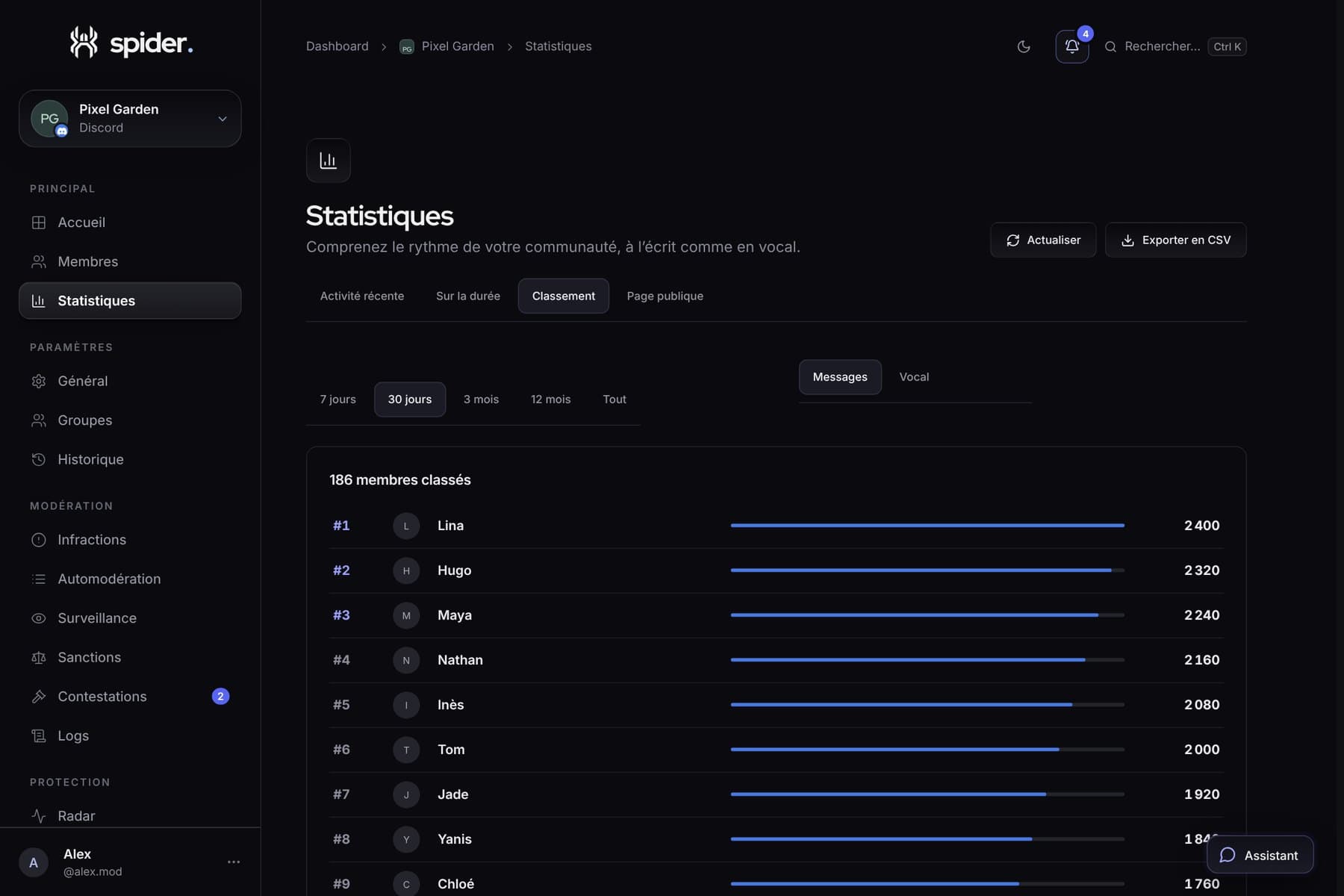 GuidesBringing your server to life with its statisticsWhen to run an event, which channel to close, who to thank: five concrete decisions to make with Spider’s numbers.
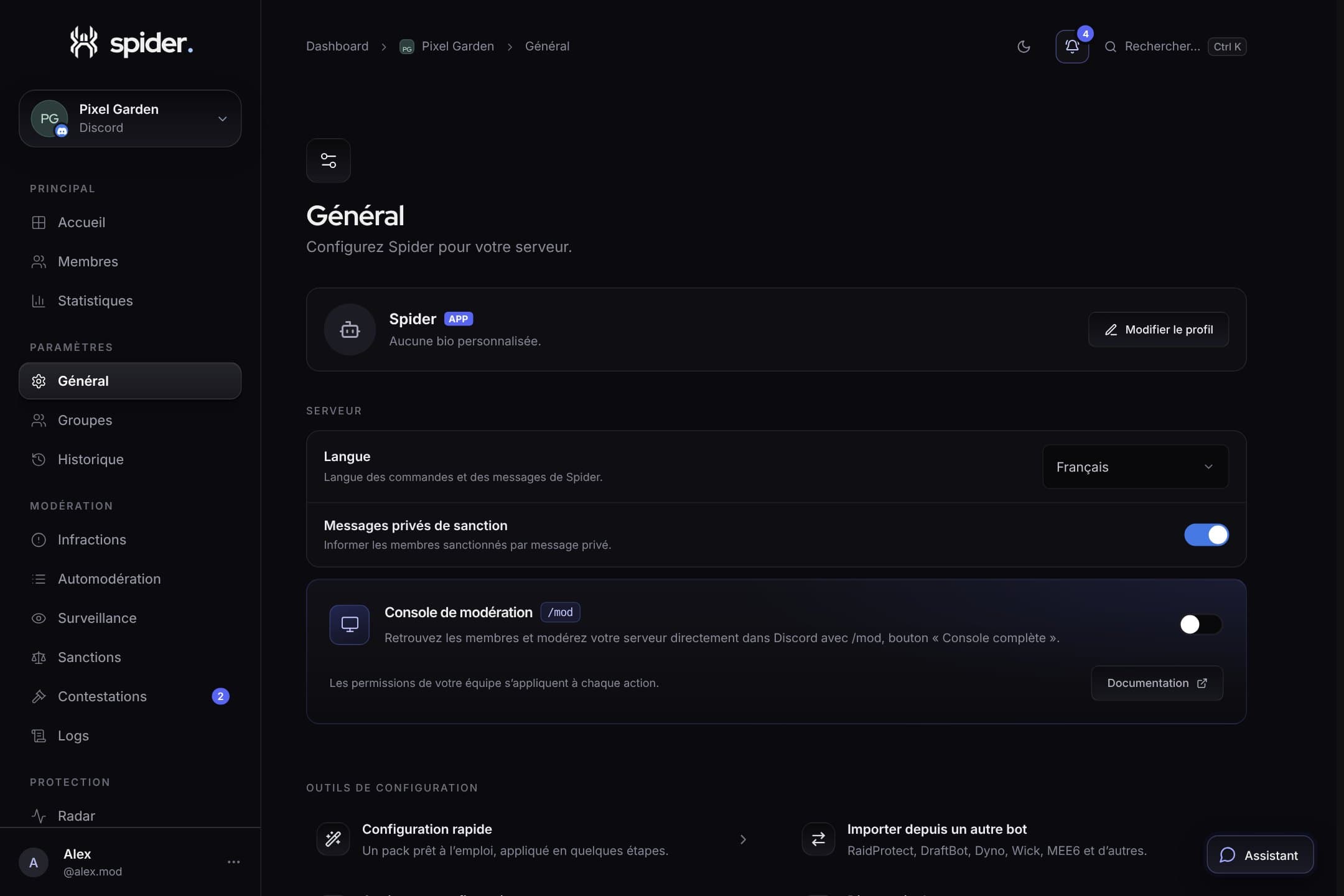 GuidesSet up Spider in 10 minutesThe recommended order to go from a freshly invited bot to a protected, organised server, without missing anything.
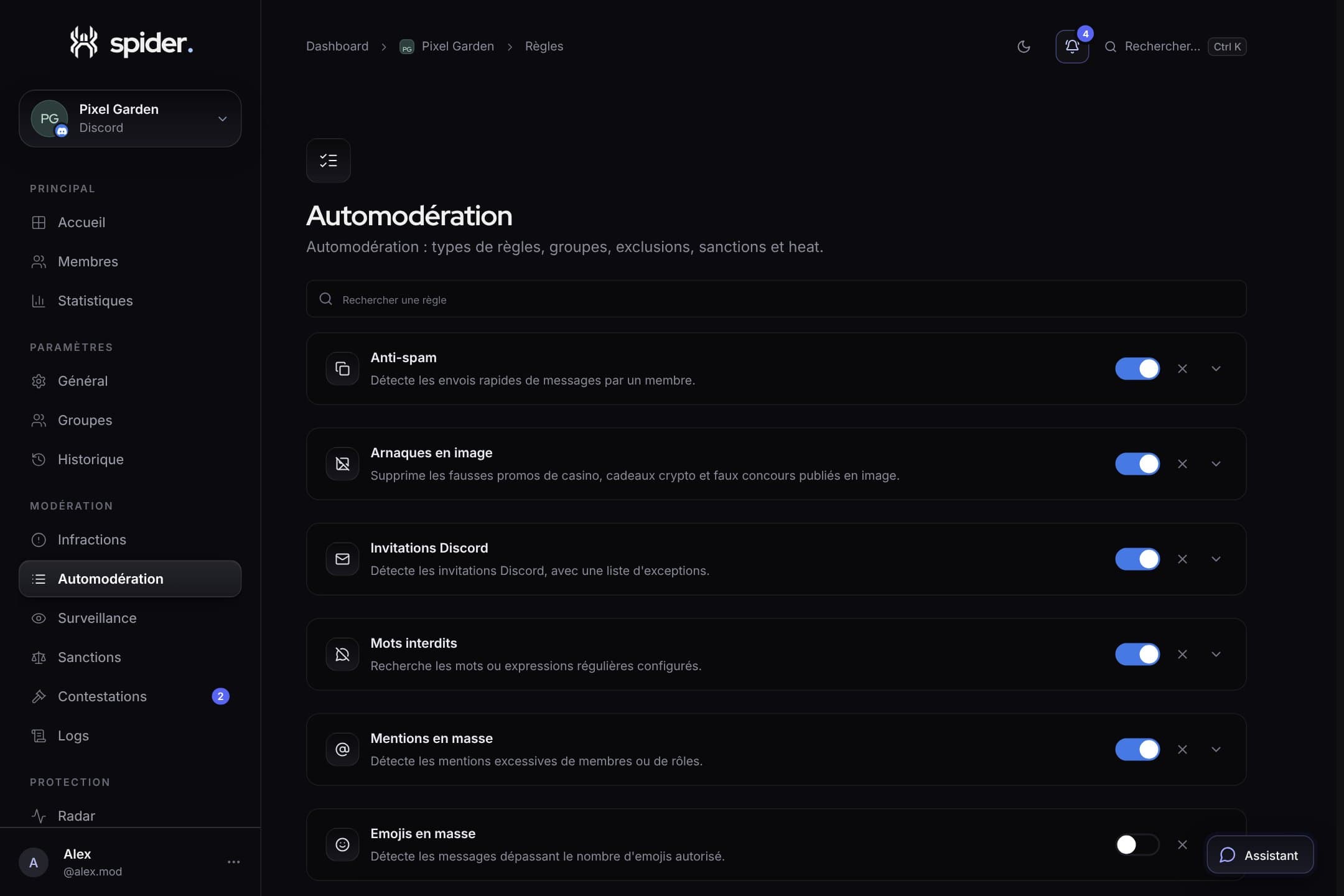 GuidesStrict automoderation without false positivesThresholds, exclusions, heat mode and alerts: the settings that make the difference between a bot that protects and a bot that annoys.